6-7
Okuma America Corporation
DIAGNOSTICSDIAGNOSTICS
DIAGNOSTICSDIAGNOSTICS
DIAGNOSTICS
Rev. 8-21-01
Lathe
EC I/O’s
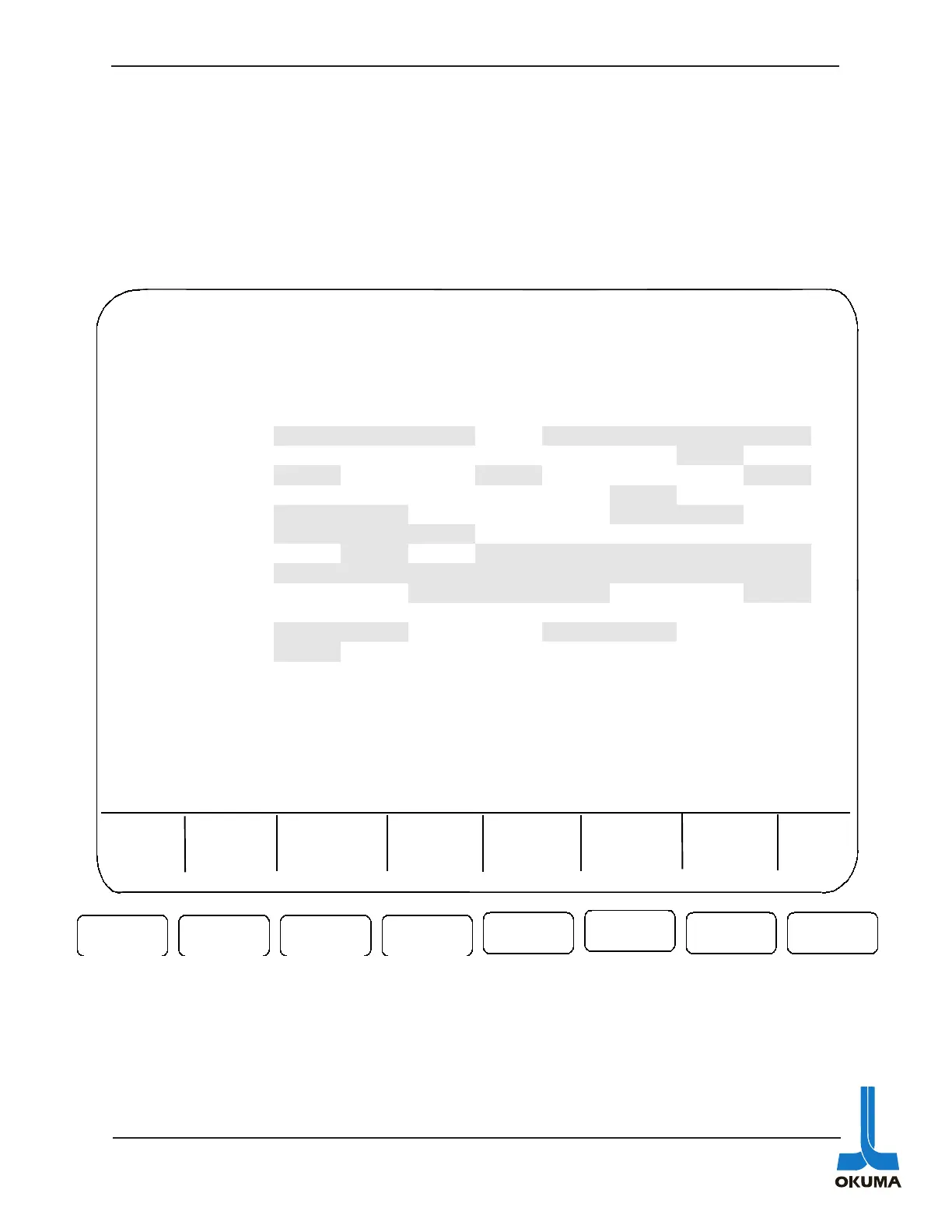
The EC input and output screens show the status of the machine related electrical devices. An
example of an EC input would be a signal from a proximity switch or a pressure switch. A
confirmation signal is usually an EC input that the control is looking for before it moves on to its
next operation. An example of an EC output is a signal coming out of the control to turn on a
light or energize a solenoid.
EC Extend I/O’s
If a machine needs extra I/O’s, an additional EC board is added to the control rack and these
I/O’s can be viewed in the Extended EC I/O menus.
MDI OPERATION N 0
F3
F7 F8
F1 F2
F6
F5
F4
CHECK DATA UNIT 1 INCH
EC INPUT 01:
no. data bit7 bit6 bit5 bit4 bit3 bit2 bit1 bit0
1 11101111
TCLA CPA/ OPA/ OFA TLAC TLAB TLAA TLA9
2 00000010 TLA8 TLA7 TLA6 TLA5 TLA4 TLA3
TLA2 TLA1
3 10010001
TCLB CHP2 CHP1 SPL5 SPL4 SPL3 SPL2 SPL1
4 00000100 TLB8 TLB7 TLB6 TLB5 TLB4
TLB3 TLB2 TLB1
5 11000110
SSP/ TSP/ STR RST DROP SOA/ BOF BOL
6 11100000
CCC2 CCC1 TSRT TSLM TSOA TSRF TSA2 TSA1
7 01011111 IN24
EOF/ SCSF ALM/ APA/ SEA/ LOA/ LA/
8 11111111
SBA/ SLA/ SA/ TMA/ OHA/ OLA/ CBA/ ECON
9 00111001 OIL/ IILC
TLXF TLZF SPZ SPC CHOP CHCL
10 11111111
11 11001100
IDC/ TSP/ DROP DRCL CDA/ CDM MANS ESIN
12 10000000
MIN EXOR CTIM TRST LOTC ESUE
=
BLOCK
DATA
DATA
INPUT
ACTUAL
POSIT
CHECK
DATA
Part
Program
EXTEND



 To Next Page