EasyManua.ls Logo

Okuma OSP 5000 - MDI and Manual Modes

Okuma OSP 5000
286 pages
Print Icon
To Next Page IconTo Next Page
To Previous Page IconTo Previous Page
Loading...
4-4
Okuma America Corporation
LatheLathe
LatheLathe
Lathe
Rev. 8-21-01
MDI
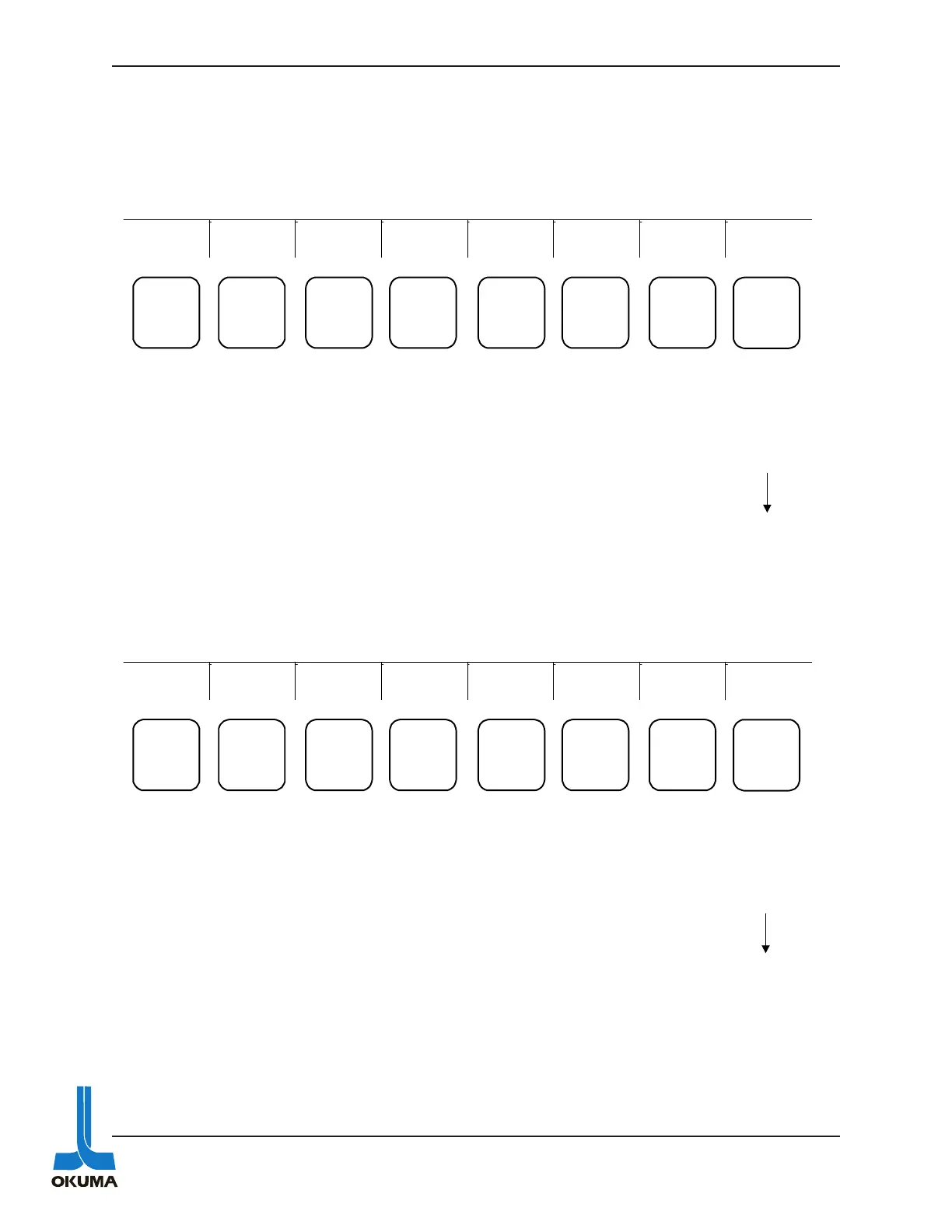
The following shows the functions available when the MDI mode key is pressed. All the func-
tions are the same as in AUTO except for the PROGRAM SELECT (F1) is DATA INPUT and
function F6 is blank.
DATA
INPUT
ACTUAL
POSIT
PART
PROGRAM
BLOCK
DATA
CHECK
DATA EXTEND
F1 F2 F3 F4 F5 F6 F7 F8
Press this key
and then
enter desired
codes to
perform MDI
functions
Used to
display
coordinates
of the actual
position of
the axes in
relation to the
zero offset
Used to
display a
part
program
Used to
display the
data in one
BLOCK
DATA
Used to
display
I/O signals
and
various
other data
Used to
access
other
menus
A
MANUAL
The following shows the functions available when the MANUAL mode key is pressed.
All the functions are the same as in DATA INPUT except F1 is blank.
ACTUAL
POSIT
PART
PROGRAM
BLOCK
DATA
CHECK
DATA EXTEND
F1 F2 F3 F4 F5 F6 F7 F8
Used to
display
coordinates
of the actual
position of
the axes in
relation to the
zero offset
Used to
display a
part
program
Used to
display the
data in one
BLOCK
DATA
Used to
display
I/O signals
and
various
other data
Used to
access
other
menus
A

Table of Contents

Related product manuals