4-17
Okuma America Corporation
Machining CenterMachining Center
Machining CenterMachining Center
Machining Center
Rev. 8-21-01
Data Setting Mode Keys (Tool Data, Edit Aux, Zero Set and Parameter)
TOOL DATA
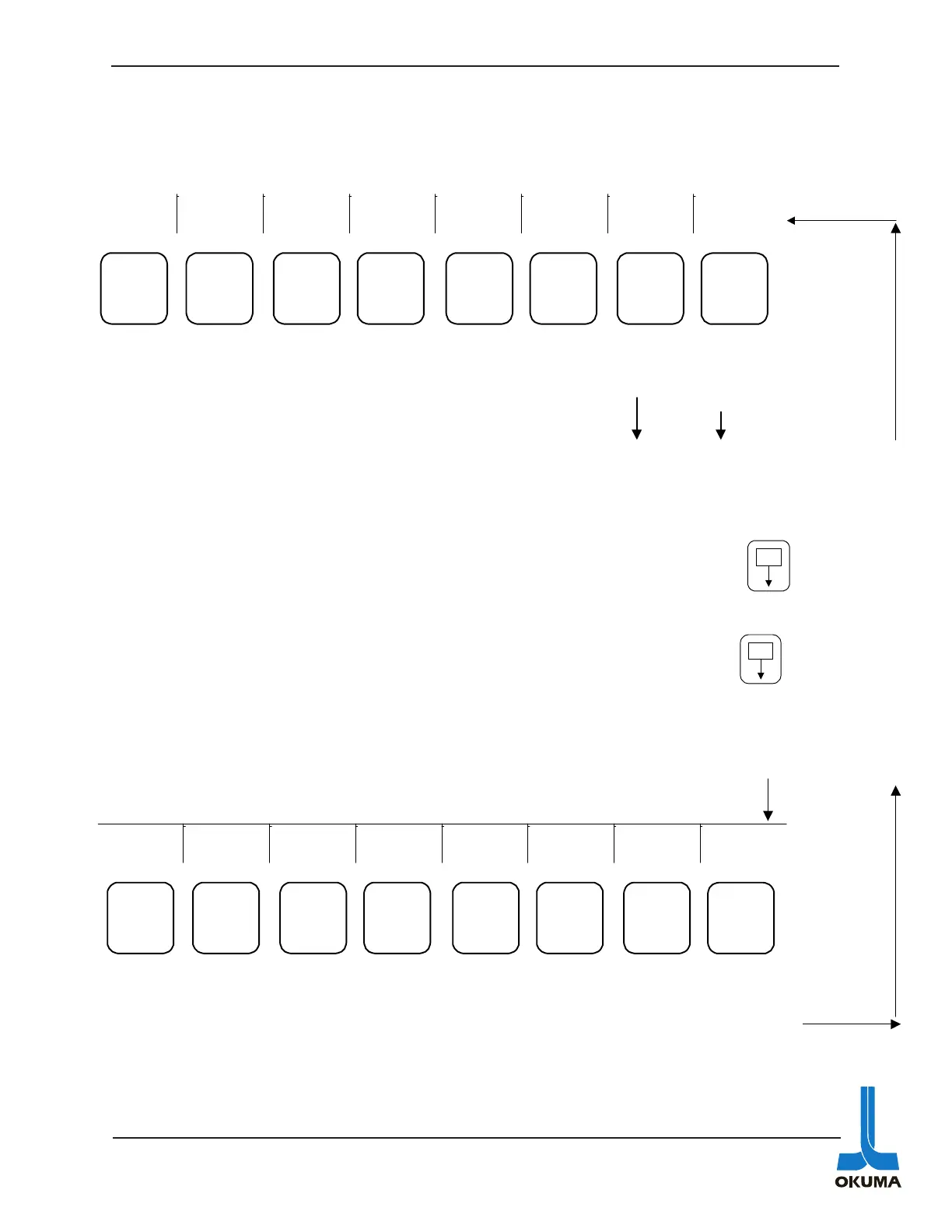
By using the ITEM ↑ or ITEM ↓ key, various screens can be accessed after the TOOL DATA
mode key has been pressed. The following bullets describe what the different screens show:
• The tool offsets are displayed and can also be changed in this menu. Use the
key to access tools # 13 to 32 if applicable.
• Displays tool interference data.
• The tool interference data (TOOL FORM SELECT) are displayed and can also be
changed in this menu. (not available for the graphics specification) Use the
key to access tools # 13 to
32 if applicable.
• Displays tool group data
• Displays post process gauging results.
• Setting and displaying of ATC tool data (if applicable).
BACK
UP ADD
CONST.
ADD
CONST.
SUB
GUIDE
ON/OFF
ITEM
↑
ITEM
↓
EXTEND
F1 F2 F3 F4 F5 F6 F7 F8
Used to
add to
currently
stored data
Used to
add
parameter
set data
Used to
subtract
parameter
set data
Used to
turn on
and off
graphic
guide
display
Used to select displays
related to tool data
Used to
access
other
menus
E
P
P
E
SET CAL
GUIDE
ON/OFF
ITEM
↑
ITEM
↓
EXTEND
F1 F2 F3 F4 F5 F6 F7 F8
Used to
add
parameter
set data
Used to
turn on
and off
graphic
guide
display
Used to select displays
related to tool data
Returns to
main
menu in
Tool Data



 To Next Page