4-16
Okuma America Corporation
Machining CenterMachining Center
Machining CenterMachining Center
Machining Center
Rev. 8-21-01
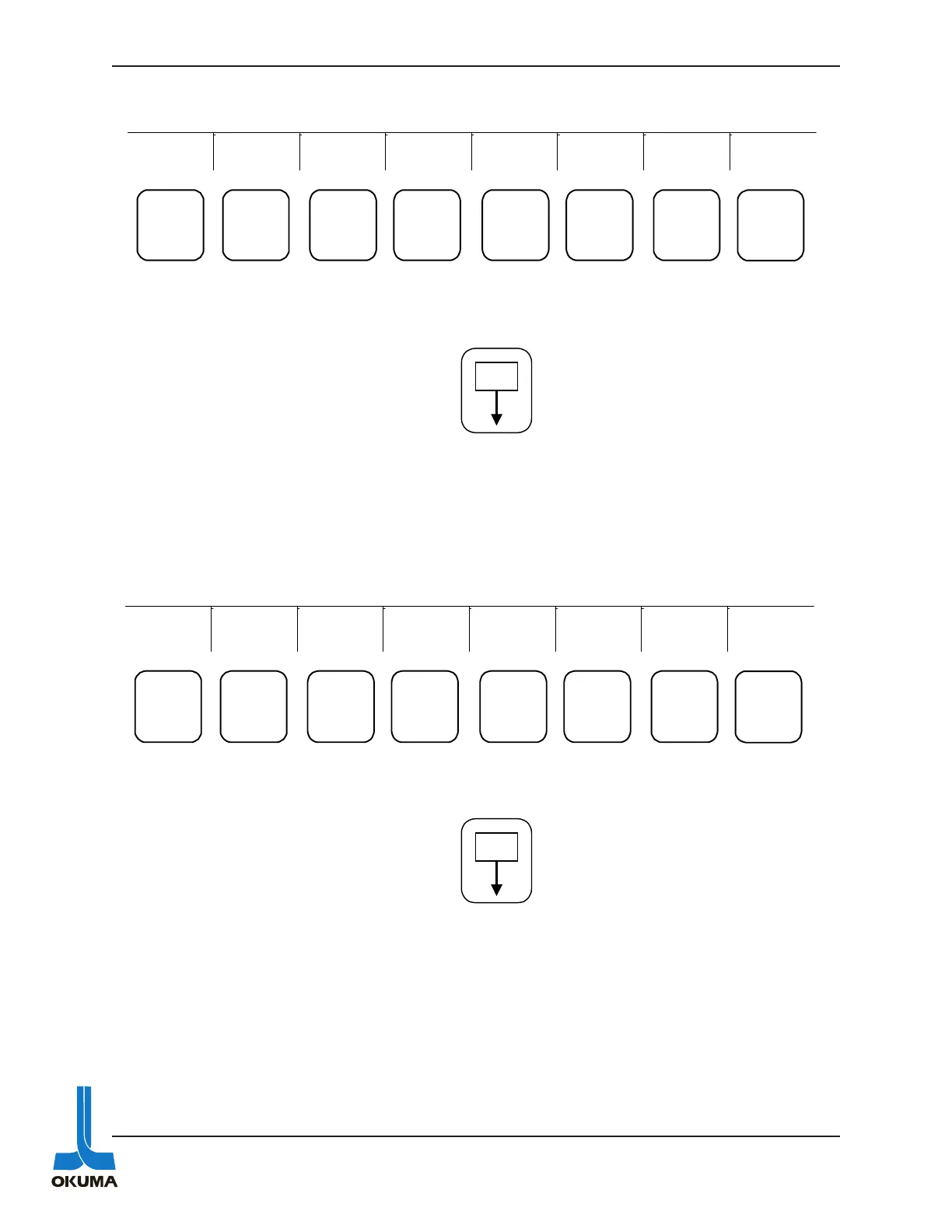
BLOCK DATA
By using the PAGE key on the NC operation Panel, various screens can be accessed
after the BLOCK DATA function key has been pressed. The following bullets describe what the
different screens show:
• Displays the data in the block currently being executed.
• Displays the data in the NEXT block to be executed.
• Displays the data in the block succeeding (QUEUED) the next block.
• Displays the data last stored in the buffer (READ) register.
CHECK DATA
By using the PAGE key on the NC operation Panel, various screens can be accessed after the
CHECK DATA function key has been pressed. The following bullets describe what the different
screens show:
PROGRAM
SELECT
ACTUAL
POSIT
PART
PROGRAM
BLOCK
DATA
TOOL
LAYOUT
CHECK
DATA EXTEND
F1 F2 F3
F4
F5 F6 F7 F8
P
DATA
INPUT
ACTUAL
POSIT
PART
PROGRAM
BLOCK
DATA
TOOL
LAYOUT
CHECK
DATA
EXTEND
F1 F2 F3 F4 F5 F6 F7 F8
P
• Displays servo data related to individual
axes.
• Displays EC inputs (machine side inputs).
• Displays EC outputs
• Displays Machine Operation Panel inputs.
• Displays Machine Operation Panel outputs.
• Displays machine’s specification codes.
• Displays machine’s machine specification
codes.
• Displays history of alarms
(last 12 alarms).
• Displays ATC I/O’s (if applicable).
• Displays post process gauging data
(if applicable).
• Displays in process gauging data
(if applicable).



 To Next Page