4-15
Okuma America Corporation
Machining CenterMachining Center
Machining CenterMachining Center
Machining Center
Rev. 8-21-01
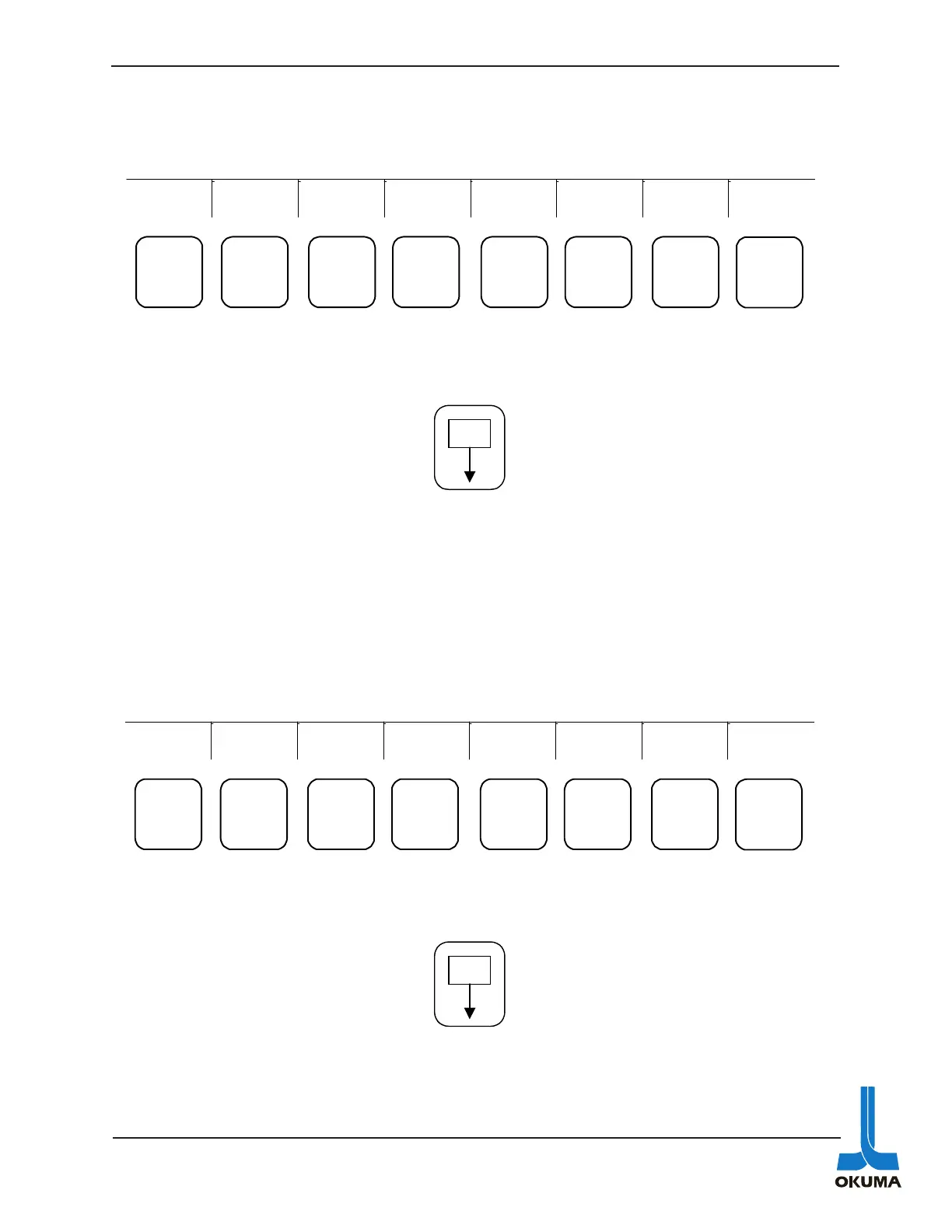
The following describes what is shown in the Actual Posit, Part Program, Block Data and Check
Data menus.
Actual Position
By using the PAGE key on the NC operation Panel, various screens can be accessed after the
ACTUAL POSIT function key has been pressed. The following bullets describe what the differ-
ent screens show:
• Displays the actual position data of the individual axes in enlarged characters. This
actual position is in relation to the zero offset.
• Simultaneous display of actual position data and the NC program being executed.
• Simultaneous display of actual position data, machine status (i.e. chuck clamped) and
load conditions.
• Simultaneous display of actual position data, distance remaining to target point, actual
data from absolute position encoder, tool offset and shift data.
PART PROGRAM
By using the PAGE key on the NC operation Panel, various screens can be accessed after the
PART PROGRAM function key has been pressed. The following bullets describe what the
different screens show:
• Displays the NC program for the currently selected turret, A or B.
• Simultaneous display of NC program for both turrets, A and B.
• Display of data entered through the keyboard in MDI mode.
• Display of the scheduled programs.
ACTUAL
POSIT
PART
PROGRAM
BLOCK
DATA
CHECK
DATA EXTEND
F1
F2
F3 F4 F5 F6 F7 F8
P
PROGRAM
SELECT
ACTUAL
POSIT
PART
PROGRAM
BLOCK
DATA
TOOL
LAYOUT
CHECK
DATA EXTEND
F1 F2
F3
F4 F5 F6 F7 F8
P



 To Next Page