EasyManua.ls Logo

Okuma OSP 5000 - Machining Center Operation Modes

Okuma OSP 5000
286 pages
Print Icon
To Next Page IconTo Next Page
To Previous Page IconTo Previous Page
Loading...
4-11
Okuma America Corporation
Machining CenterMachining Center
Machining Center
Rev. 8-21-01
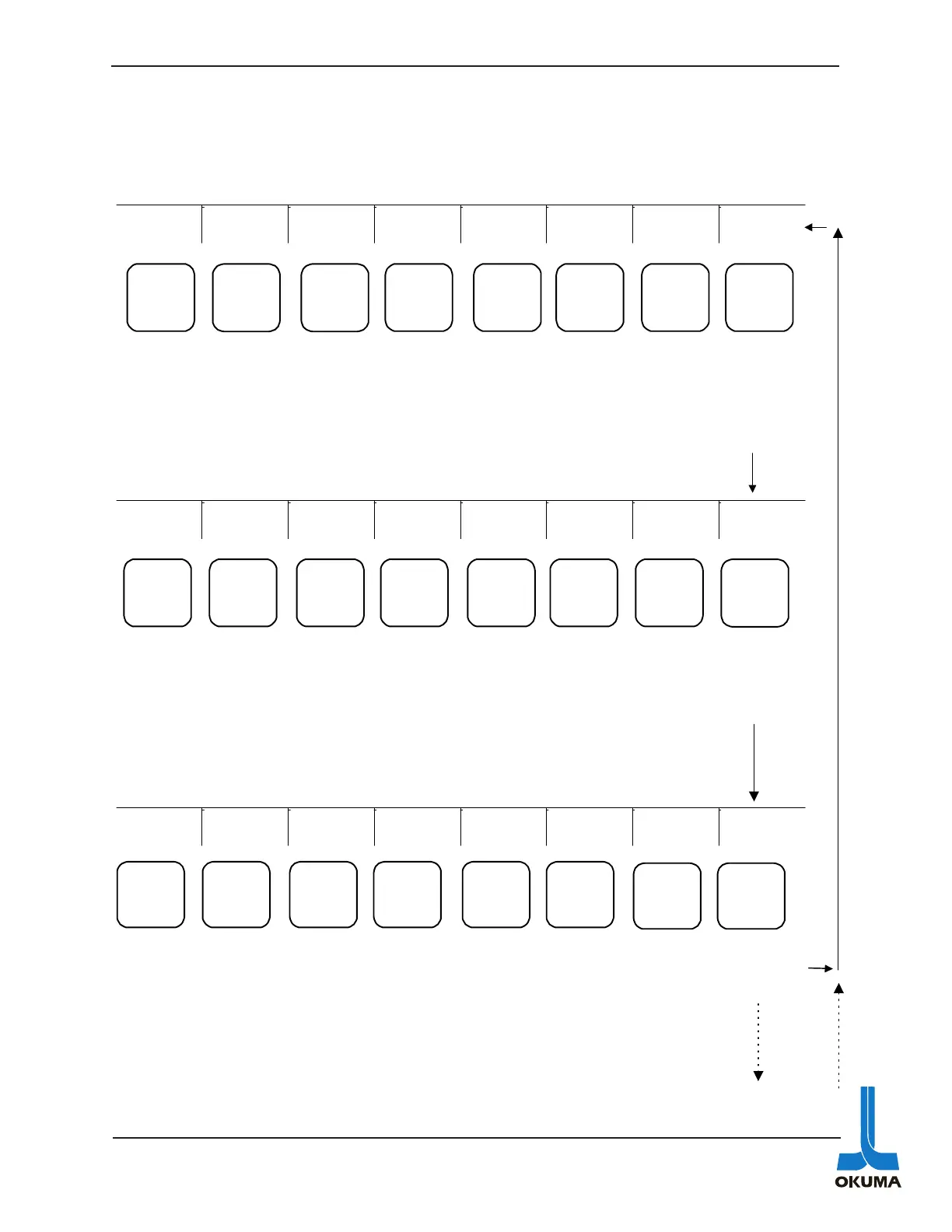
The following is an outline of the menus associated with the different operating modes on the
Machining Center (OSP 5020) control.
AUTO Mode
PROGRAM
SELECT
ACTUAL
POSIT
PART
PROGRAM
BLOCK
DATA
SEARCH
ATC/APC CHECK
DATA EXTEND
F1 F2 F3 F4 F5 F6 F7 F8
Used to
select a part
pro-gram for
a desired cut-
ting
operation
Used to
display
coordinates
of the actual
position of
the axes in
relation to the
zero offset
Used to
display a
part
program
Used to
display the
data in one
BLOCK
DATA
Used to
search for
particular
Check
Data
screen
Used to
display the
status of
the ATC
or APC
Used to
display
I/O signals
and
various
other data
Used to
access
other
menus
LIBRARY
P. SET
TOOL
DISPLAY
PERSONAL DIAGNOSIS
AXIS
CHANGE
MESSAGE
EXTEND
F1 F2 F3 F4 F5
F6 F7 F8
Used to
store
library
programs
which are
basically
sub-
routines.
Used to
display the
tool data
page.
Used to
display
print data.
Used to
display
any
messages
pertaining
to the
ATC or
APC.
Used to
display
data the
individual
axes.
Used to
display
any
messages.
Used to
access
other
menus
NUMBER
SEARCH
RESTART NUMBER
STOP
SP
SELECT
SP - NO.
SEARCH EXTEND
F1 F2 F3 F4 F5 F6 F7 F8
Searches
for a
sequence
number
Prepares
for a
sequence
restart
Stops at a
number
sequence
Selects a
scheduled
program.
Searches
for a
scheduled
program
number
Used to
return to
first menu
Gra
p
hics o
p
tion
G

Table of Contents

Related product manuals