4-40
Okuma America Corporation
MACHINE OPERAMACHINE OPERA
MACHINE OPERAMACHINE OPERA
MACHINE OPERA
TIONTION
TIONTION
TION
Rev. 8-21-01
MDI Operation
MDI is an abbreviation for Manual Data Input. One block (line) of data is entered at a time.
Each block of data entered is executed once the CYCLE START key is pressed. To execute a
block of commands in MDI, do the following:
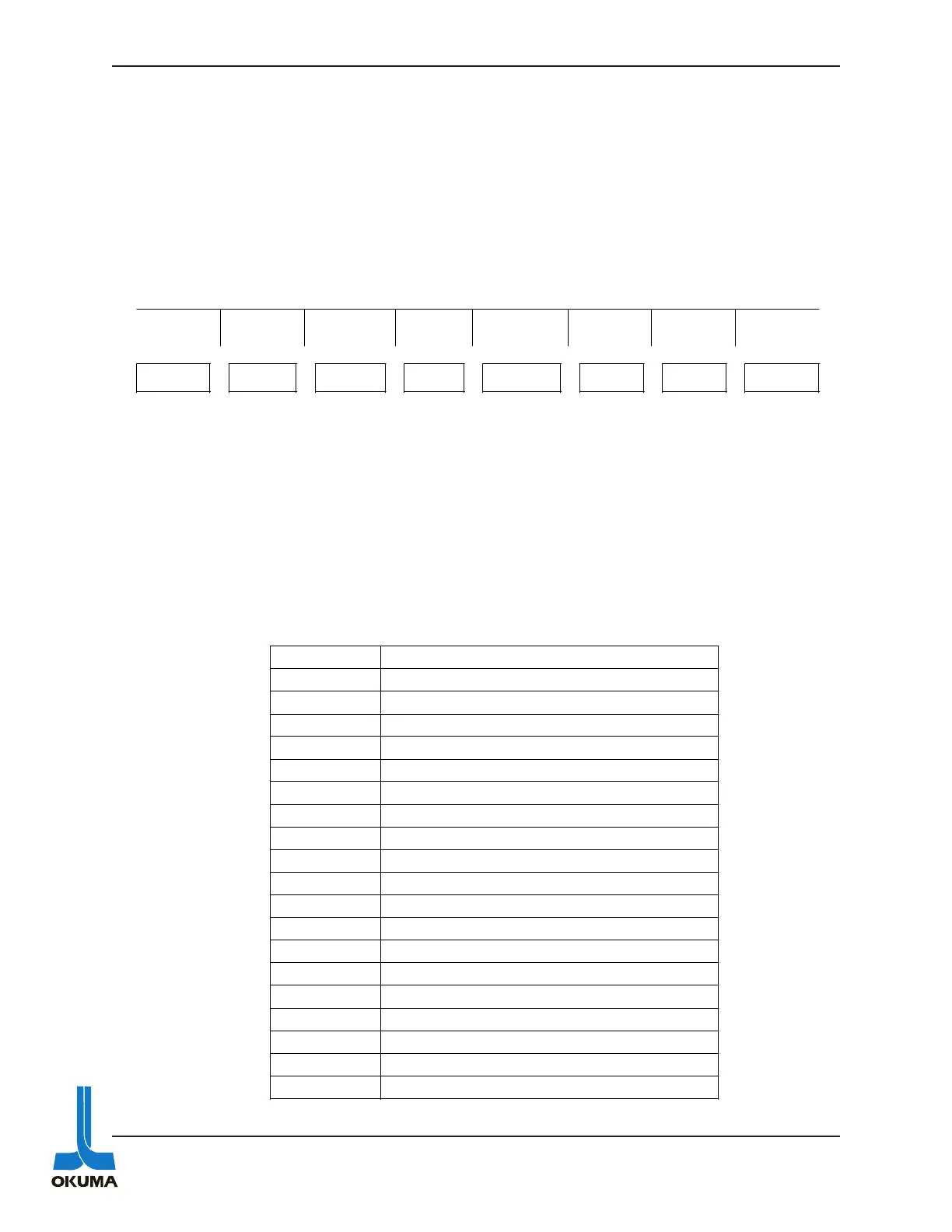
1. Press the MDI mode key. The following functions are displayed:
2. “IN” is displayed on the lower left side of the screen (21st line). Enter the desired com-
mands. On lathes with the OSP 5020 series control, the F1 key has to be pressed to get
the “IN” cursor.
3. Press the WRITE key.
4. Press the CYCLE START button. At this time the commands are executed.
The following is a list of some of the codes that are useful to know when troubleshooting a
machine side problem.
DATA
INPUT
ACTUAL
POSIT
PART
PROGRAM
BLOCK
DATA
CHECK
DATA
[EXTEND]
F1 F2 F3 F4 F5 F6 F7 F8
Code Description
M03 Spindle rotation (CW)
M04 Spindle rotation (CCW)
M05 Spindle stop
M40 Spindle gear range neutral for Lathe
M41 1st gear
M42 2nd gear
M55 Tailstock quill retract
M56 Tailstock quill advance
M83 Chuck clamp
M84 Chuck unclamp
M86 Turret indexing direction (CW)
M87 Turret indexing direction (CCW)
G00 rapid positioning
X X axis positioning
Y Y axis positioning
Z
Z axis positioning
S Spindle rotation speed in RPM.



 To Next Page