5-11
Operation on the Machine > Printing Documents Stored in Removable USB Drive
Printing Documents Stored in Removable
USB Drive
Plugging USB drive directly into the machine enables you to quickly and easily print the files stored in the USB drive
without having to use a computer.
The following file types can be printed:
PDF file (Version 1.7 or older)
TIFF file (TIFF V6/TTN2 format)
JPEG file
XPS file
OpenXPS file
Encrypted PDF file
• PDF files you wish to print should h
ave an e
xtension (.pdf).
• Files to be printed should be saved no further down than the top 3 fo
lder levels, including the root folder.
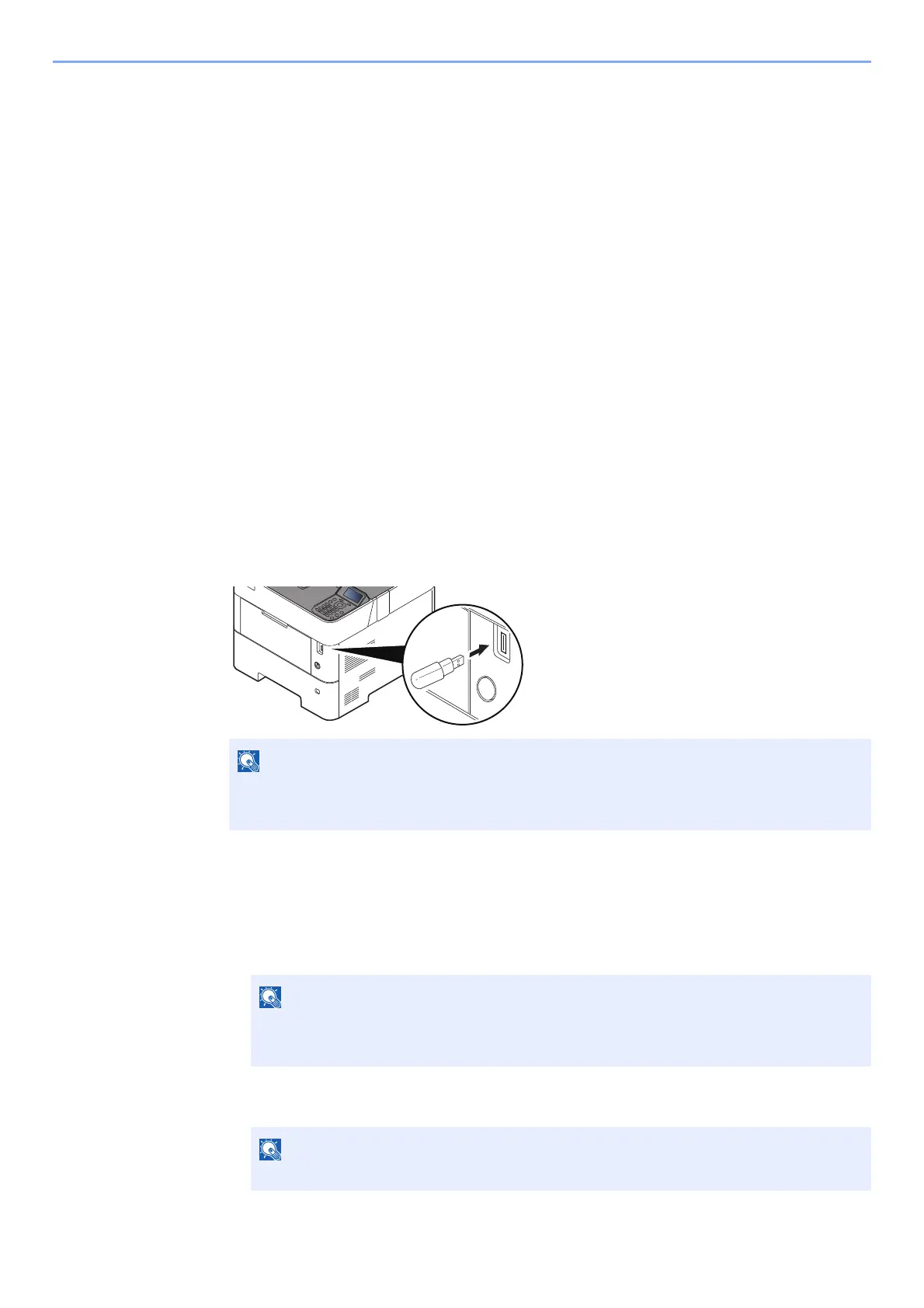
• Plug the USB drive directly into the USB Drive Slot.
1
Plug the USB drive.
Plug the USB drive into the USB Drive Slot.
2
Print the document.
1 [▲] [] key > [Print File] > [OK] key
2 Select the folder containing the file to be pr
inted, and select the [OK] key.
The machine will display documents in the top 3 folder levels, including the root folder.
3 Select the document, and select the [OK] key.
If the USB drive screen does not appear, display the screen for USB drive.
[Menu] key > [▲] [▼] key > [USB Drive] > [OK] key
• 1,000 documents can be displayed.
• To return to a higher level folder, select the [Back] key.
Select [Detail] to show the details of the selected folder or document.













 To Next Page