4-5
Printing from PC > Printing from PC
Banner printing
When a document length from 470.1 mm (18.51") to a maximum of 915.0 mm (36.03") is specified for printing, the print
job is treated as banner printing.
Follow the steps below to set banner paper in the Printing System Driver.
1
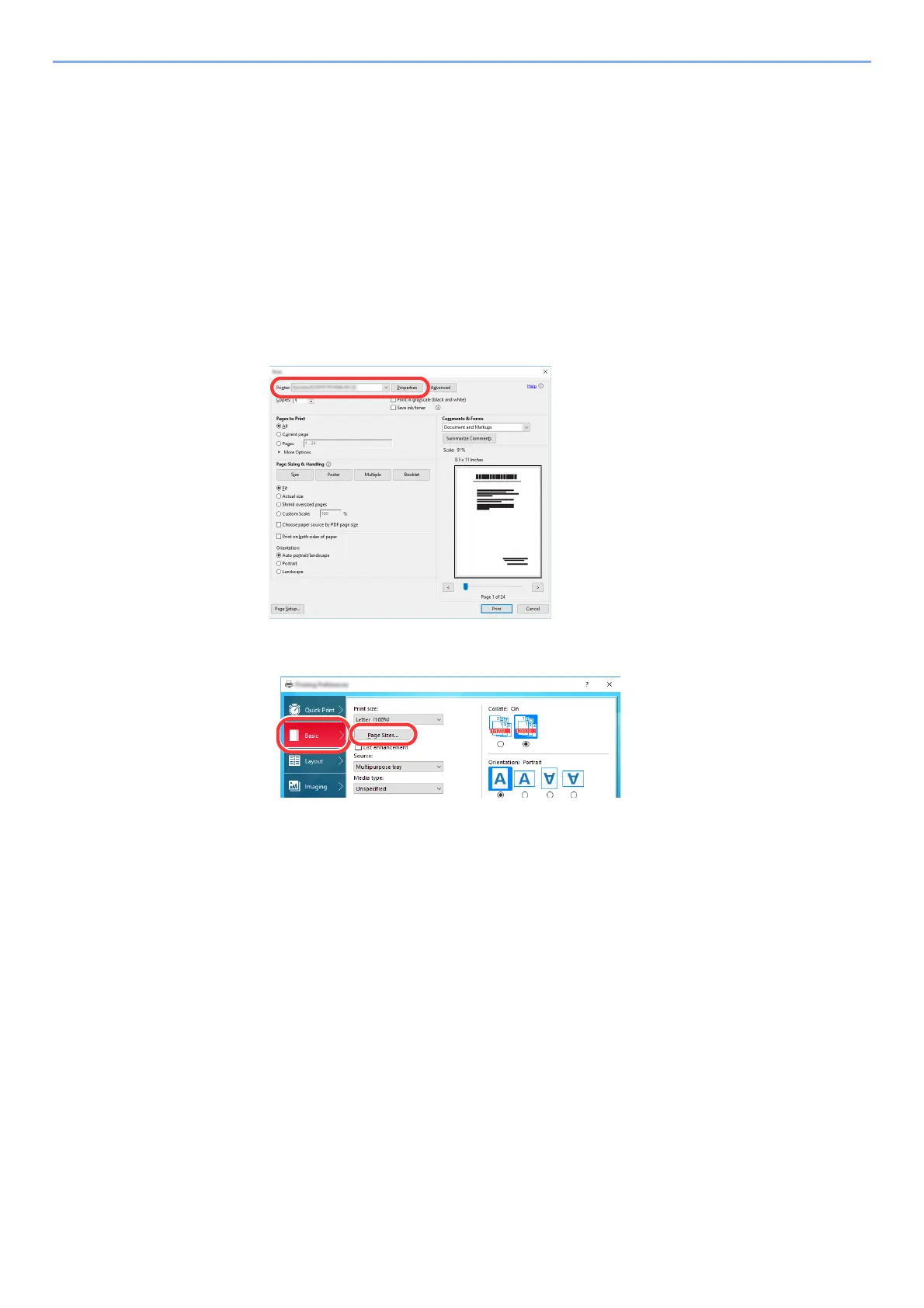
Display the screen.
Click [File] and select [Print] in the application.
2
Configure the settings.
1 Select the machine from the "Name" menu and click the [Properties] button.
2 Select the [Basic] tab.
3 Click the [Page Siz
es...] button.













 To Next Page