3-3
Preparation before Use > Loading Paper
Precaution for Loading Paper
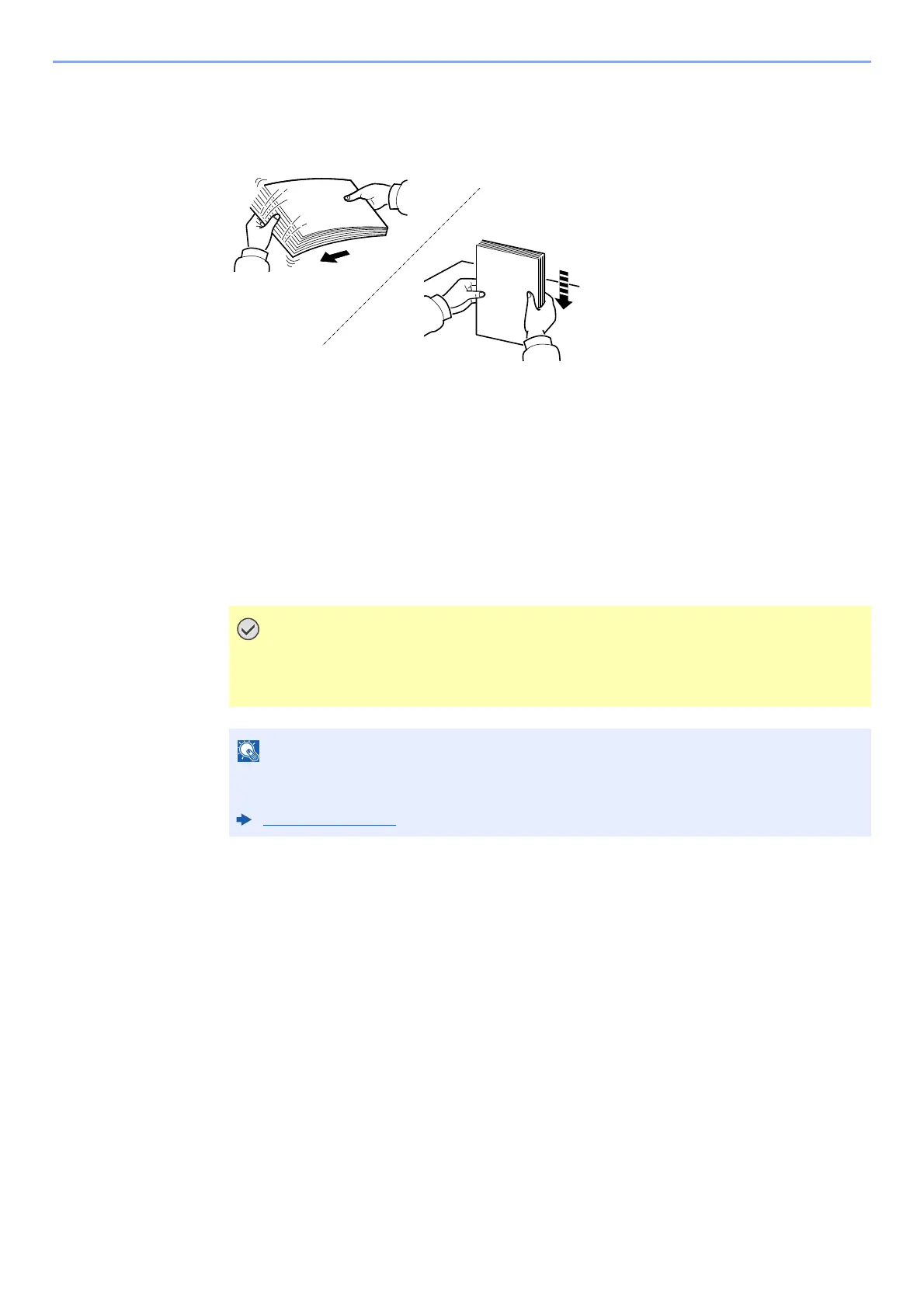
When you open a new package of paper, fan the sheets to separate them slightly prior to loading in the following steps.
Fan the paper, then tap it on a level surface.
In addition, note the following points.
• If the paper is curled or folded, straighten it before loading. Paper that is
curled
or folded
may cause a jam.
• Avoid exposing opened paper to high temperatures and high humidity as
dampness can be
a cause of problems. Seal any remaining paper after loading in the multi purpose tray
or
cassettes back in the paper storage bag.
• If the machine will not be used for a prolonged period, protect all pa
per from humidity by
removing it from the cassettes and sealing it in the paper storage bag.
If you print onto used paper (paper already used for printing), do not use paper that is
stapled or clipped together. This may damage the machine or cause poor image
quality.
If you use special paper such as letterhead, paper with holes or paper with pre-prints like
logo or company name, refer to the following:
Paper (page 11-13)













 To Next Page