3-4
Preparation before Use > Loading Paper
Loading in the Cassettes
The cassettes can hold plain paper, recycled paper or color paper.
The number of sheets that can be loaded in each casse
tte is shown below.
For details of the supported paper sizes, refer to t
he following:
Choosing the Appropriate Paper (page 11-14)
For the paper type setting, refer to the following:
Media Type Setting (page 8-9)
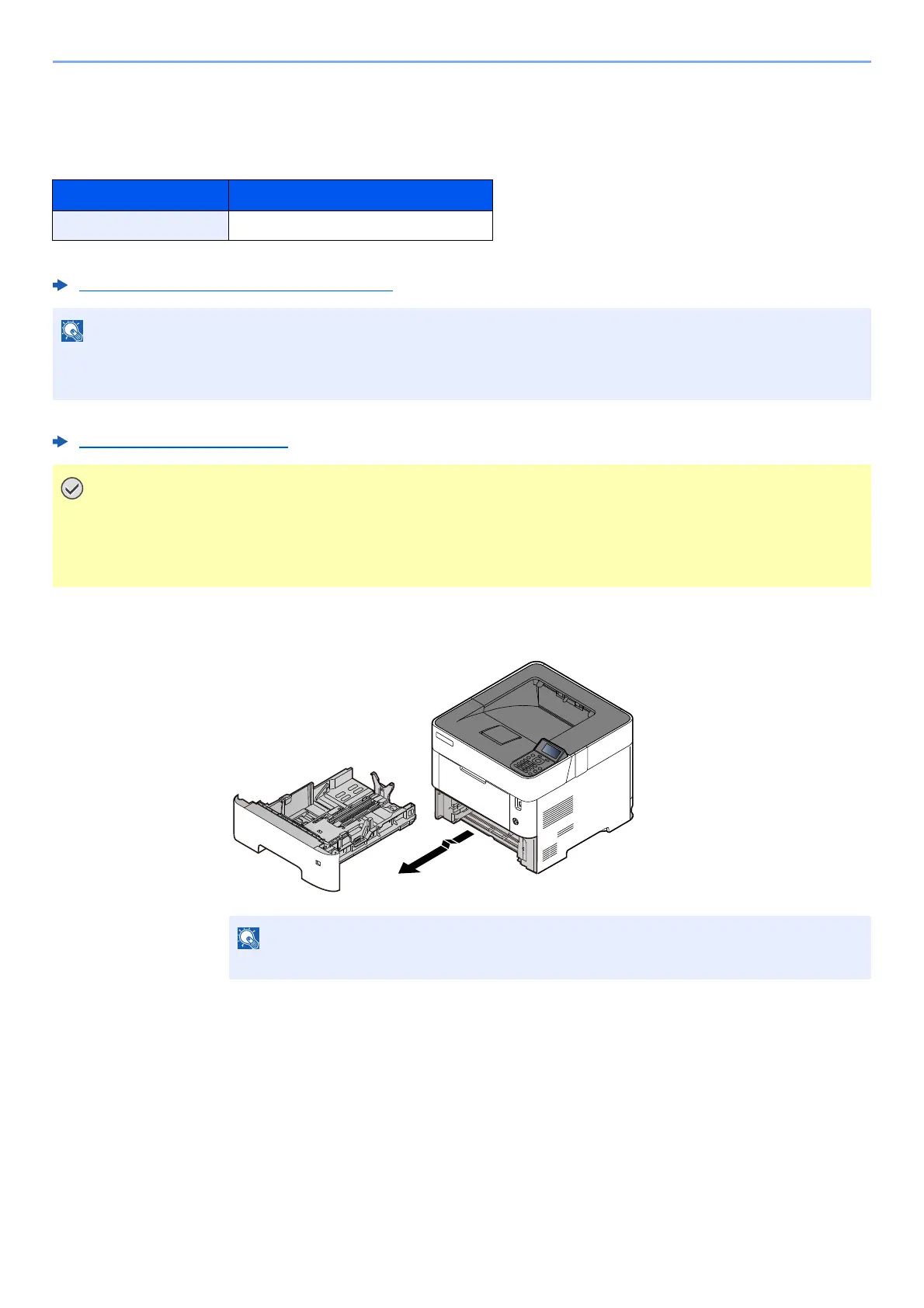
1
Pull the cassette completely out of the machine.
Cassette No. Sheets
Cassettes 1 to 5 500 sheets (Plain paper: 80 g/m
2
)
NOTE
A6 can only be used in Cassette 1 of the PG L2650/PG L2655. B6 and Postcard
cannot be used in Cassette 1 of the PG L2645.
• The cassettes can hold paper with weight between 60 - 120 g/m
2
.
• Do not load thick paper that is heavier than 120 g/m
2
in the cassettes. Use the multi purpose tray for paper
that is heavier than 120 g/m
2
.
When pulling the cassette out of the machine, ensure it is supported and does not fall out.













 To Next Page