2-12
Installing and Setting up the Machine > Using the Operation Panel
Help Screen
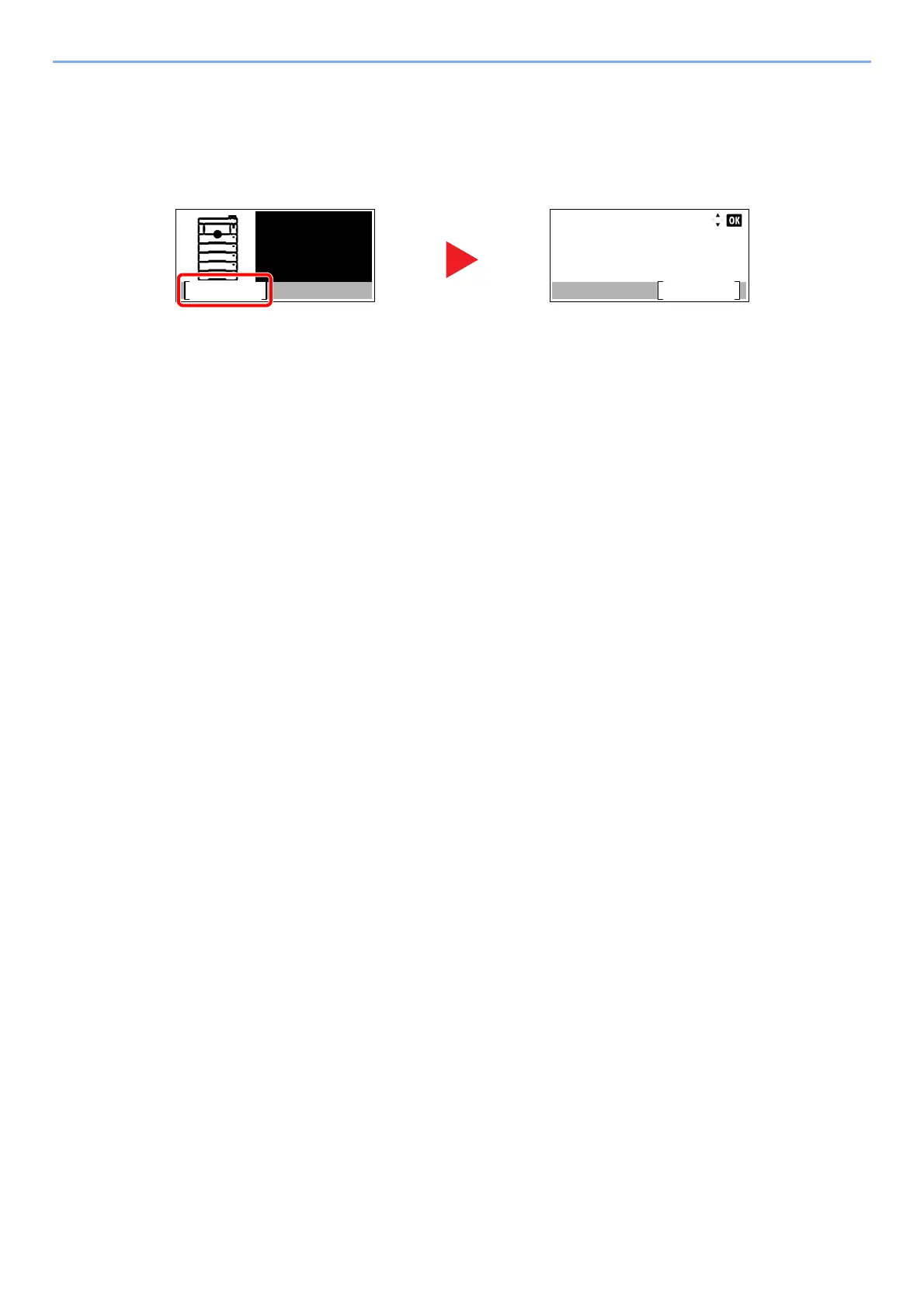
If you have difficulty operating the machine, you can check how to operate it using the operation panel.
When [Help] is disp
layed on the message display, select [Help] to display the Help screen. The Help screen shows
machine operation.
Select the [▼] key to display the next step or
select the [▲] key to display the previous step.
Select the [OK] key to exit the
Help screen.
Paper
jammed in
Cassette 1.
Help
CorrectiveAction:
Detach Cassette 1.
Remove paper jam.
Reattach Cassette 1.
OK













 To Next Page