9-10
User Authentication and Accounting (User Login, Job Accounting) > Setting User Login Administration
NW User Property (Obtain Network User Property)
Set the required information to obtain the network user property from the LDAP server.
1
Display the screen.
1 [Menu] key > [▲] [] key > [User/Job Account] > [OK] key
2 [▲] [▼] key > [User Login Set.] > [OK] key
2
Configure the settings.
[▲] [] key > [NW User Property] > [OK] key
The setting items are as follows.
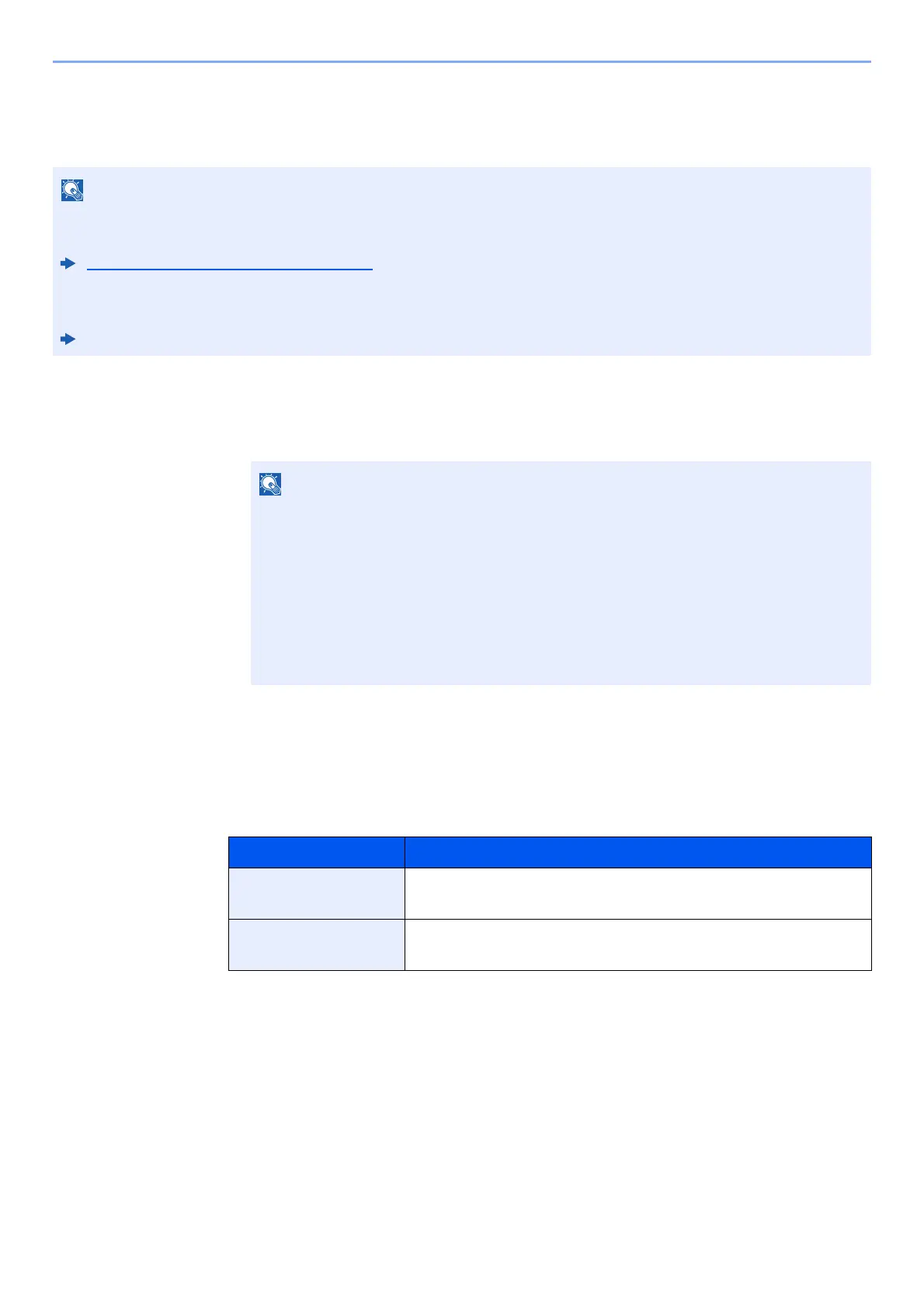
• This setting only appears when the "Login Type" of "User Login" is set to [Netwk Authentic.] and the "Server Type"
is set to [NTLM] or [Kerberos].
Enabling User Login Administration (page 9-3)
•
Setting to obtain network user information is
performed from the operation panel. The details of the information to be
obtained should be set with Embedded Web Server RX.
Embedded Web Server RX User Guide
If the login user name entry screen appears during operations, enter a login user name
and password, and select [Login]. For this, you need to login with administrator
privileges.
The factory default login user name and login password are set as shown below.
Login User Name: PG L2645: 4500 PG L2650: 5000
PG L2655: 5500
Login Password: PG L2645: 4500 PG L2650: 5000
PG L2655: 5500
Item Descriptions
Off/On Set whether or not network user information is acquired.
Value: Off, On
Authenticat Type Set the authentication method.
Value: Simple, SASL













 To Next Page