8-10
Setup and Registration (System Menu) > System Menu
Print Settings
[Menu] key > [▲] [▼] key > [Print Settings] > [OK] key
Configure settings for printing.
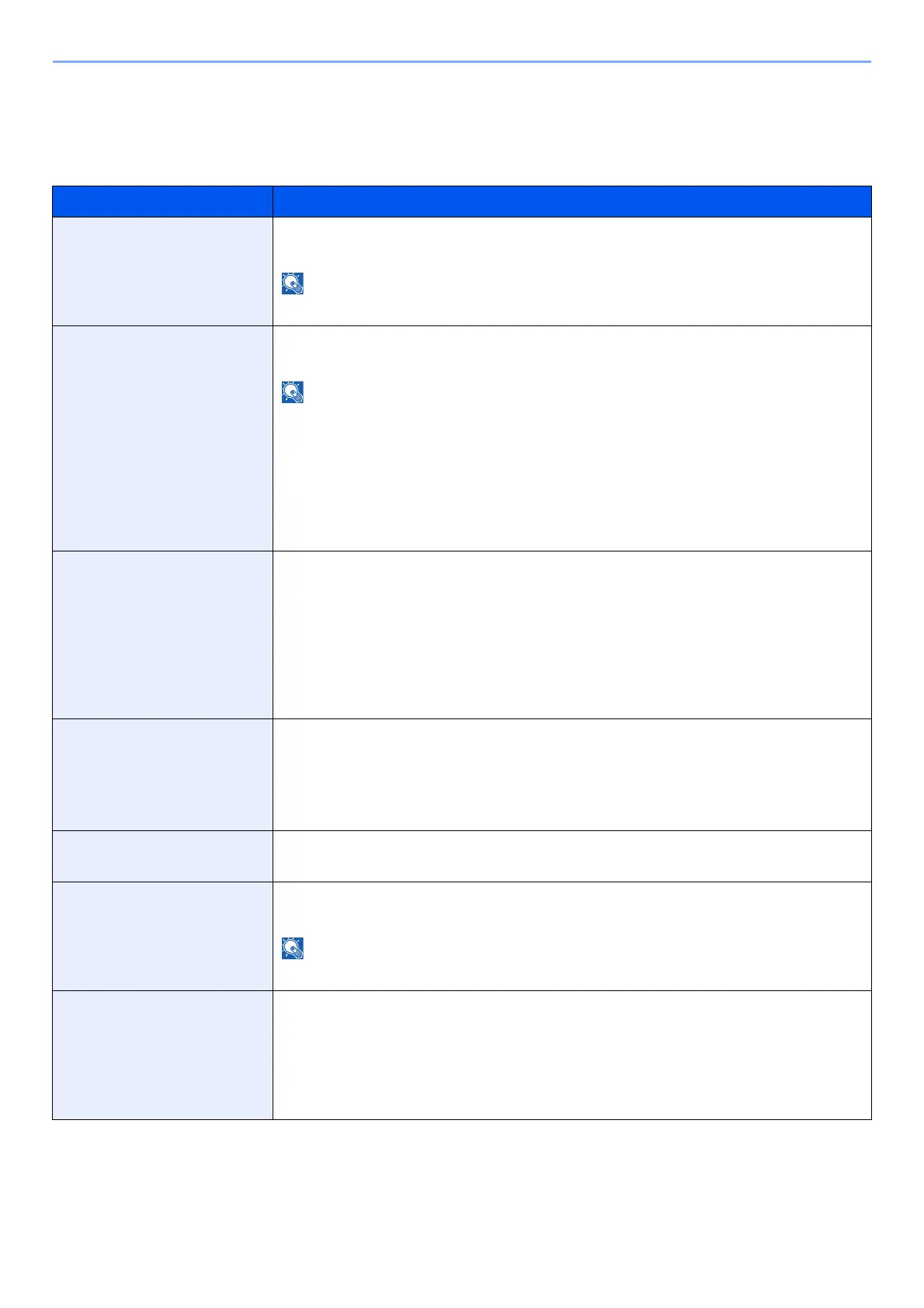
Item Description
Paper Source Select the default paper source from Cassette 1-5 and multi purpose tray.
Values: MP Tray, Cassette 1 to 5
[Cassette 2] to [Cassette 5] are shown when the optional paper feeder is installed.
Auto Cass.Change Select the following actions when the paper runs out in the paper source while printing.
Values: Off, On
When selecting [Off], the machine displays "Add the following paper in cassette #." (# is a
cassette number), or "Load paper in MP tray." and stops printing.
Load the paper according to the pape
r source displayed to resume printing.
To print from the other paper cassette,
select [Alt.]. Select the desired paper source, and then
select the [OK] key.
When selecting [On], the machine continues printing automatically when the other cassette
contains the same paper as the currently-used cassette.
MP Tray Priority If paper is set in the MP Tray then it is possible for priority to be given to that MP tray in the
paper feed.
Values
Off: The Printing System Driver settings are followed.
Auto Feed: If Auto is selected in the Printing System Driver and there is paper in the MP
tray then the paper feed will be from the MP tray.
Always: If there is paper in the MP tray then the paper f
eed will be from the MP
tray regardless of what is set in the Printing System Driver.
Paper Feed Mode While printing from the computer, select how to feed paper when the paper source and type are
specified.
Values
Auto: Search the paper source that matches the
selected paper size and type.
Fixed: Print on paper loaded in the specified paper source.
Duplex Select binding orientation for duplex mode.
Values: Off, Bind Long Edge, Bind Short Edge
Paper Output Select either the inner tray or the optional Rear Tray for the output stack.
Values: TopTray FaceDown, RearTray FaceUp
NOTE
This function can be used for PG L2655.
Override A4/LTR Select whether to treat A4 size and Letter, which are similar in size, as the same size when
printing.
Values
Off: A4 and Letter are not regarded as the same in size.
On: A4 and
Letter are regarded as the same in size. The machine will use
whichever size
is in the paper source.













 To Next Page