8-13
Setup and Registration (System Menu) > System Menu
Network
Configures network settings.
Host Name
[
Menu
] key > [
▲
] [
▼
] key > [
Network
] > [
OK
] key > [
▲
] [
▼
] key > [
Host Name
] > [
OK
] key
Wi-Fi Direct Set
[
Menu
] key > [
▲
] [
▼
] key > [
Network
] > [
OK
] key > [
▲
] [
▼
] key > [
Wi-Fi Direct Set
] > [
OK
] key
Set Wi-Fi Direct.
User Name
Set whether the user name set in the Printing System Driver
is displayed.
Value: Off, On
Job Name
Set whether the job name set in the Printing System Driver is displayed.
Value: Off, Job Name, Job No.+Job Name, Job Name+Job No.
Job Terminator You can select the condition which regarded as a job termination if the print job could not be
processed until the end due to your environment and the other reason.
Value
EOJ: Up to the detection of a command ind
icating the end of job data is regarded as one job.
End of Session: The da
ta included in a network session at network connection is regarded as
one job.
UEL: The UEL included in the termination of the job data is regarded as one job until it is
detected.
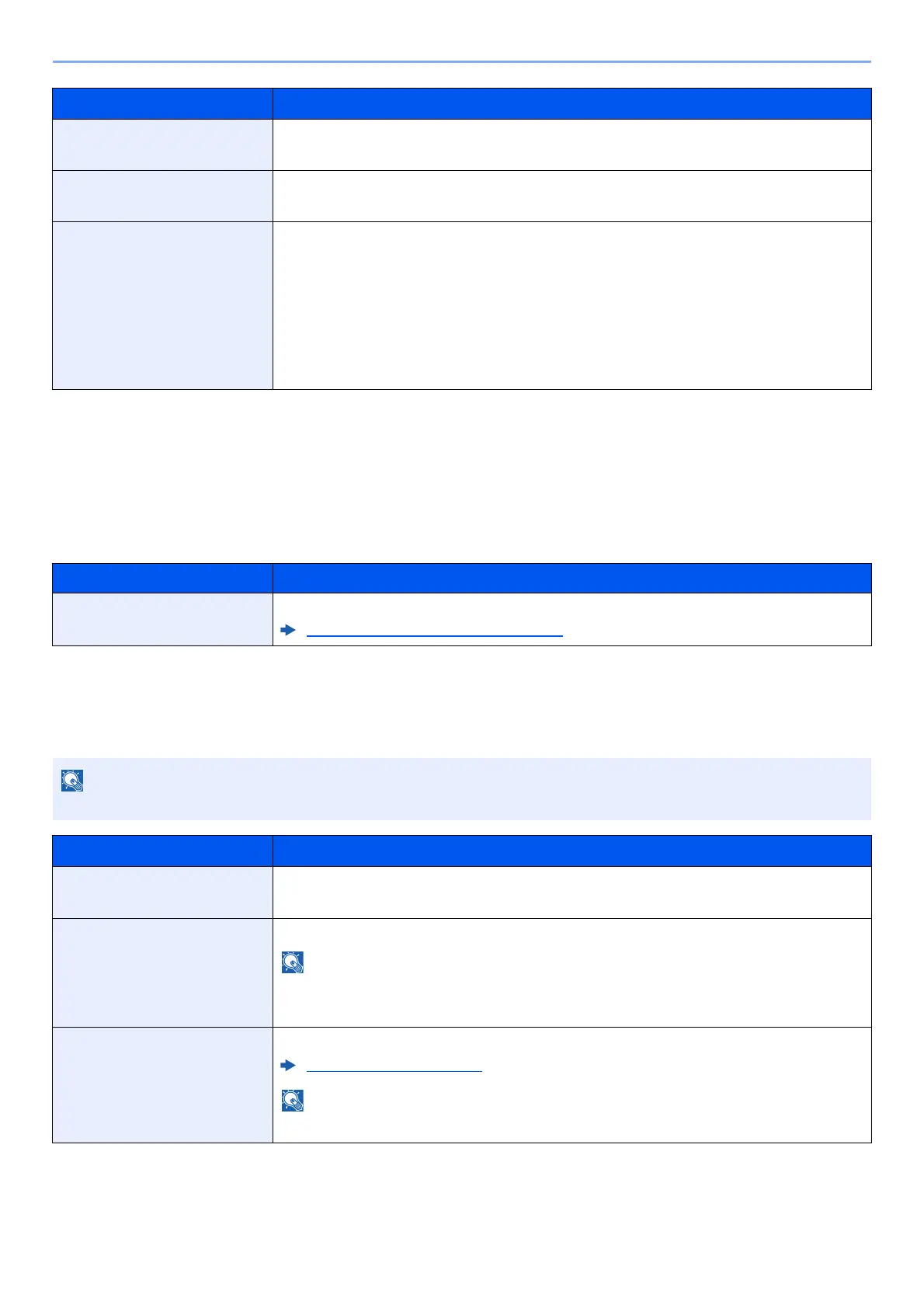
Item Description
Host Name
Check the host name of the machine. Host name can be changed from Embedded Web Server RX.
Changing Device Information (page 2-43)
This function is displayed when the optional Wireless Network Interface Kit is installed.
Item Description
Wi-Fi Direct Select whether to use Wi-Fi Direct.
Value: Off, On
Device Name Specify the device name.
• Up to 32 characters can be entered.
• This function is displayed when [Wi-Fi Direct] is set to [On].
IP Address Check the IP address of the machine.
TCP/IP Settings (page 8-16)
This function is displayed when [Wi-Fi Direct] is set to [On].
Item Description













 To Next Page