2-45
Installing and Setting up the Machine > Embedded Web Server RX
E-mail Settings
By configuring the SMTP settings, it is possible to send E-mail notices when jobs have been completed.
To use this function, this machine must
be connected to a mail server using the SMTP protocol.
In addition, configure the following.
•SMTP settings
Item: "SMTP Protocol" and "SMTP Server
Name" in "SMTP"
•
The sender address when the machine sends E-mails
Item: "Sender Address" in "E-mail Send Settings"
• The setting to limit the size of E-mails
Item:
"E-mail Size Limit" in "E-mail Send Settings"
The proced
ure for specifying the SMTP
settings is explained below.
1
Display the screen.
Display the SMTP Protocol screen.
1 Launch your Web browser.
2 In the address or location bar, enter the machine's IP address
or the host name.
Print the status page to check the machine's IP address and the host name.
[Menu] key > [▲] [▼] key > [Report] > [OK] key > [▲] [▼]
key > [Report Print] > [OK] key >
[▲] [▼] key > [Stat
us Page] > [OK] key > [Yes]
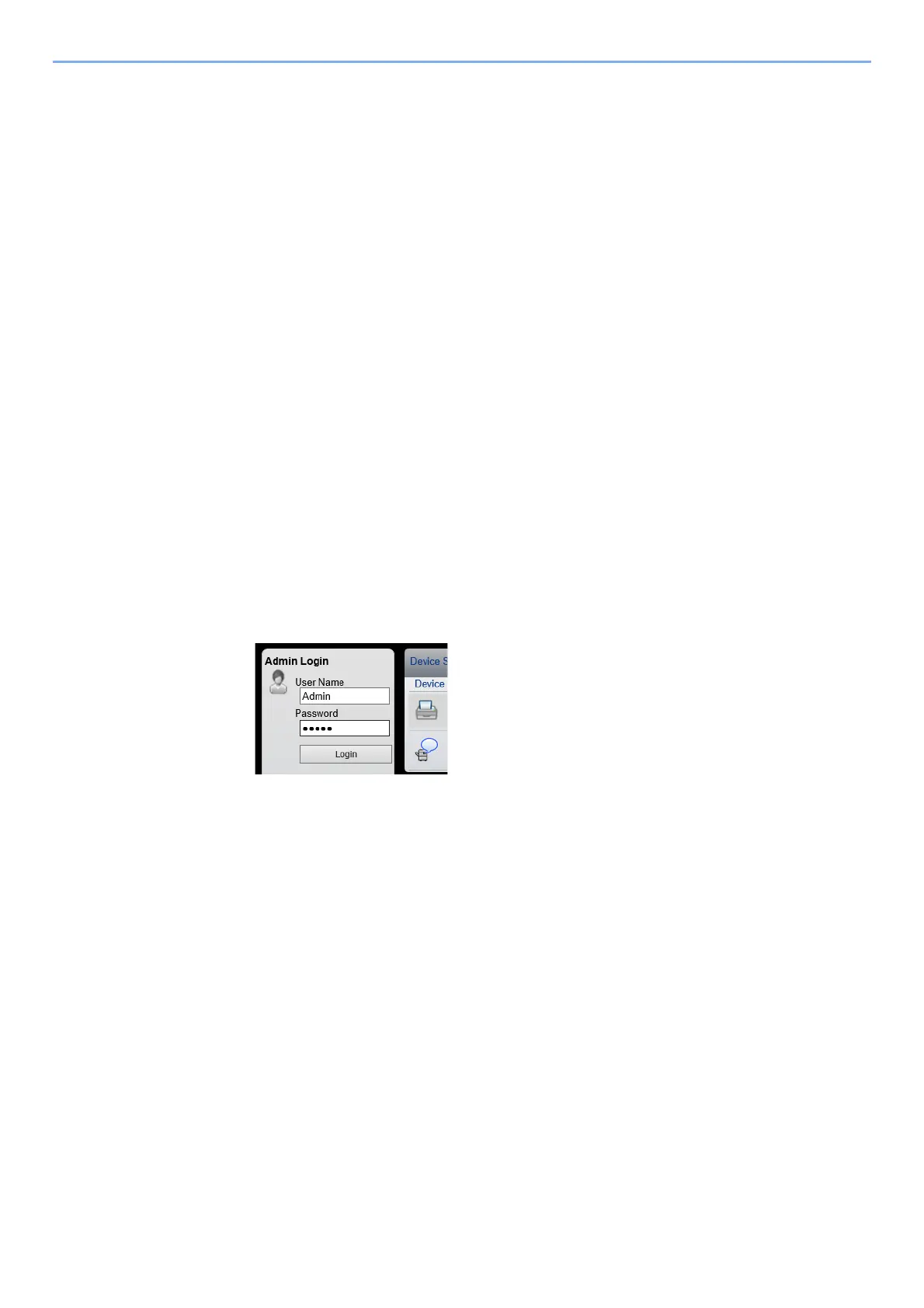
3 Log in with administrator privileges.
The factory default setting for the default user with administrator privileges is shown below. (Upper
case and lower case letters are distinguished (case sensitive).)
Login User Name: Admin
Login Password: Admin













 To Next Page