8-24
Setup and Registration (System Menu) > System Menu
Primary Network
[
Menu
] key > [
▲
] [
▼
] key > [
Network
] > [
OK
] key > [
▲
] [
▼
] key > [
Primary Network
] > [
OK
] key
Ping
[
Menu
] key > [
▲
] [
▼
] key > [
Network
] > [
OK
] key > [
▲
] [
▼
] key > [
Ping
] > [
OK
] key
Restart Network
[
Menu
] key > [
▲
] [
▼
] key > [
Network
] > [
OK
] key > [
▲
] [
▼
] key > [
Restart Network
] > [
OK
] key
Optional Network
Configure settings for the optional Network Interface Kit or Wireless Network Interface Kit.
Wireless Network
[Menu] key > [▲] [▼] key > [Optional Network] > [OK] key > [▲] [▼] key > [Wireless Network] > [OK] key
*3 Set "SSL" to [On] in SSL Setting.
SSL Setting (page 8-34)
After changing the setting, restart the network or turn the machine OFF and then ON.
This function is displayed when the optional Network Interface Kit (IB-50) or Wireless Network Interface Kit (IB-51 or
IB-36) is installed.
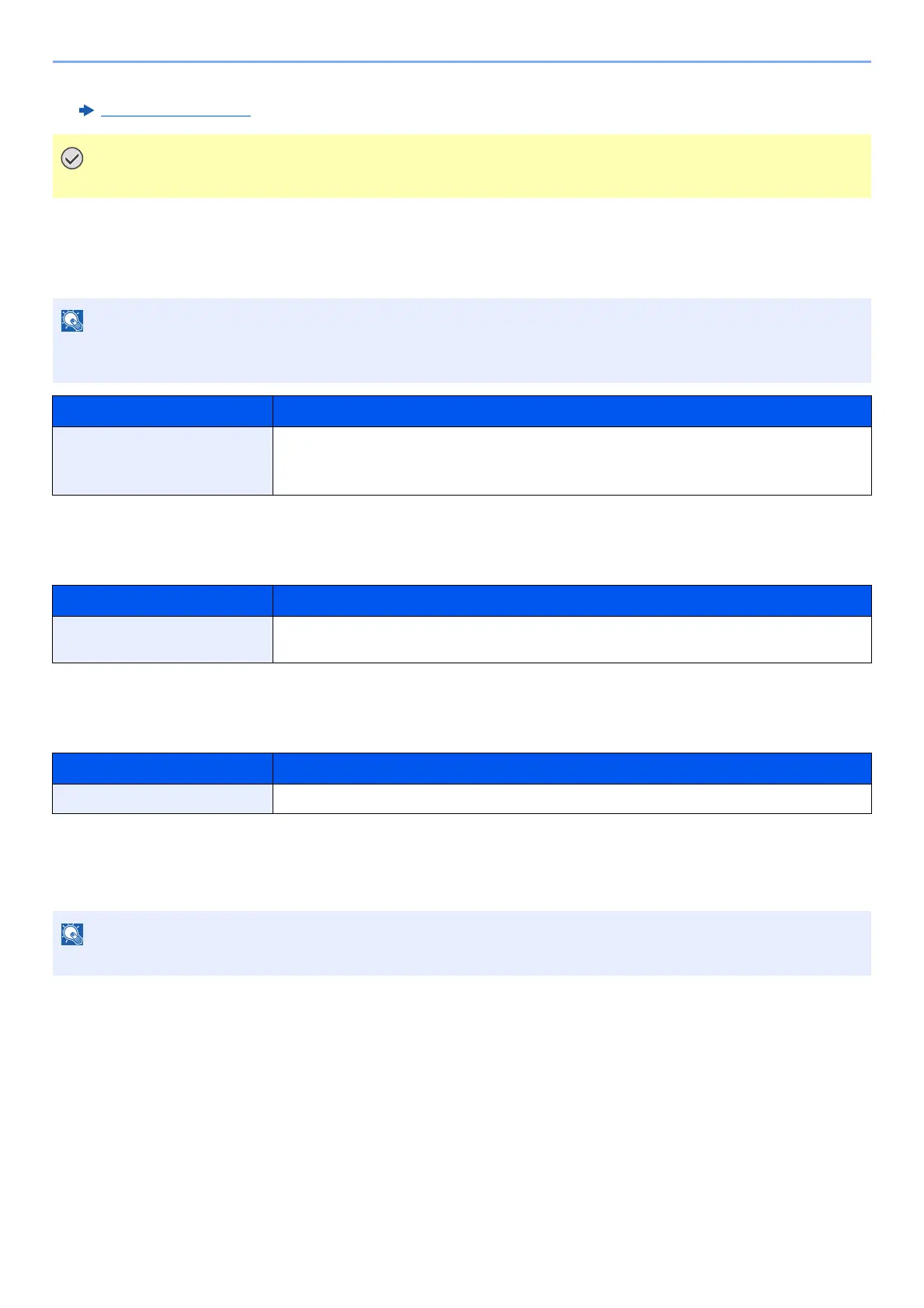
Item Description
Primary Network Specify the network to be used for the send function, the network authentication and
connecting to external address book.
Value: Wi-Fi, Wired Network, Optional Network
Item Description
Ping Checks if communication with the destination by entering the host name or IP address of the
destination is possible.
Item Description
Restart Network Restarts the network.
This menu is displayed when the optional Network Interface Kit or Wireless Network Interface Kit is installed.













 To Next Page