8-25
Setup and Registration (System Menu) > System Menu
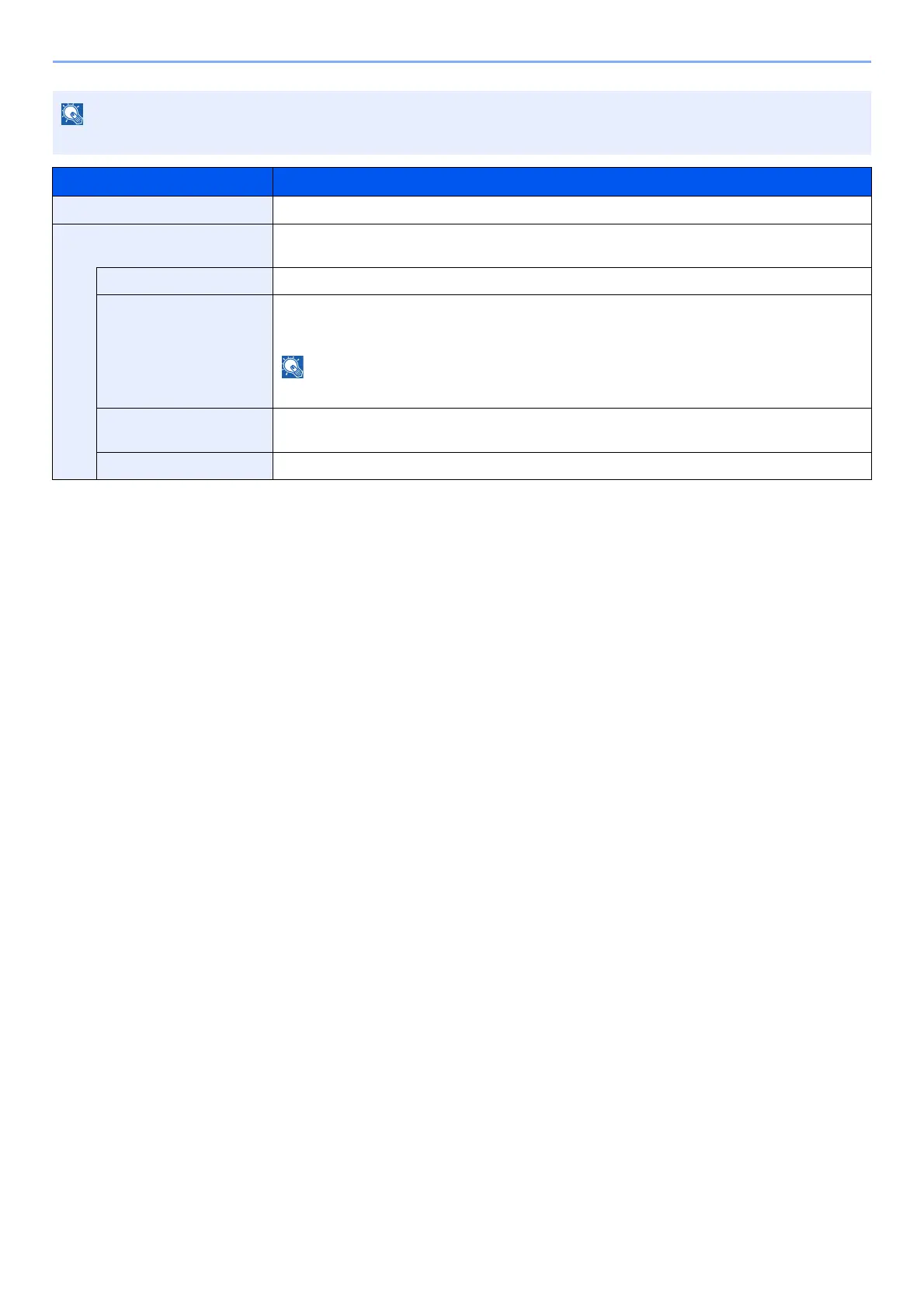
This function is displayed when the optional Wireless Network Interface Kit is installed.
Item Description
ConnectionStatus
When the optional Wireless Network Interface Kit is installed, you can check the wireless LAN status.
Quick Setup
If the machine will connect to an access point that supports the automatic wireless network setup,
connection settings can be configured by Quick Setup.
AvailableNetwork Displays access points to which the machine can connect.
Push Button If the access point supports the push button method, wireless settings can be configured using
the push button. This setting executes push button, and the connection is started by pressing
the push button on the access point.
The push button method supports only the WPS.
PIN (Device) Starts connection using the machine's PIN code. Enter the PIN code into the access point. The
PIN code of the machine is automatically generated.
PIN (Terminal)
Starts connection using the PIN code of the access point. Enter the PIN code of the access point.













 To Next Page