8-20
Setup and Registration (System Menu) > System Menu
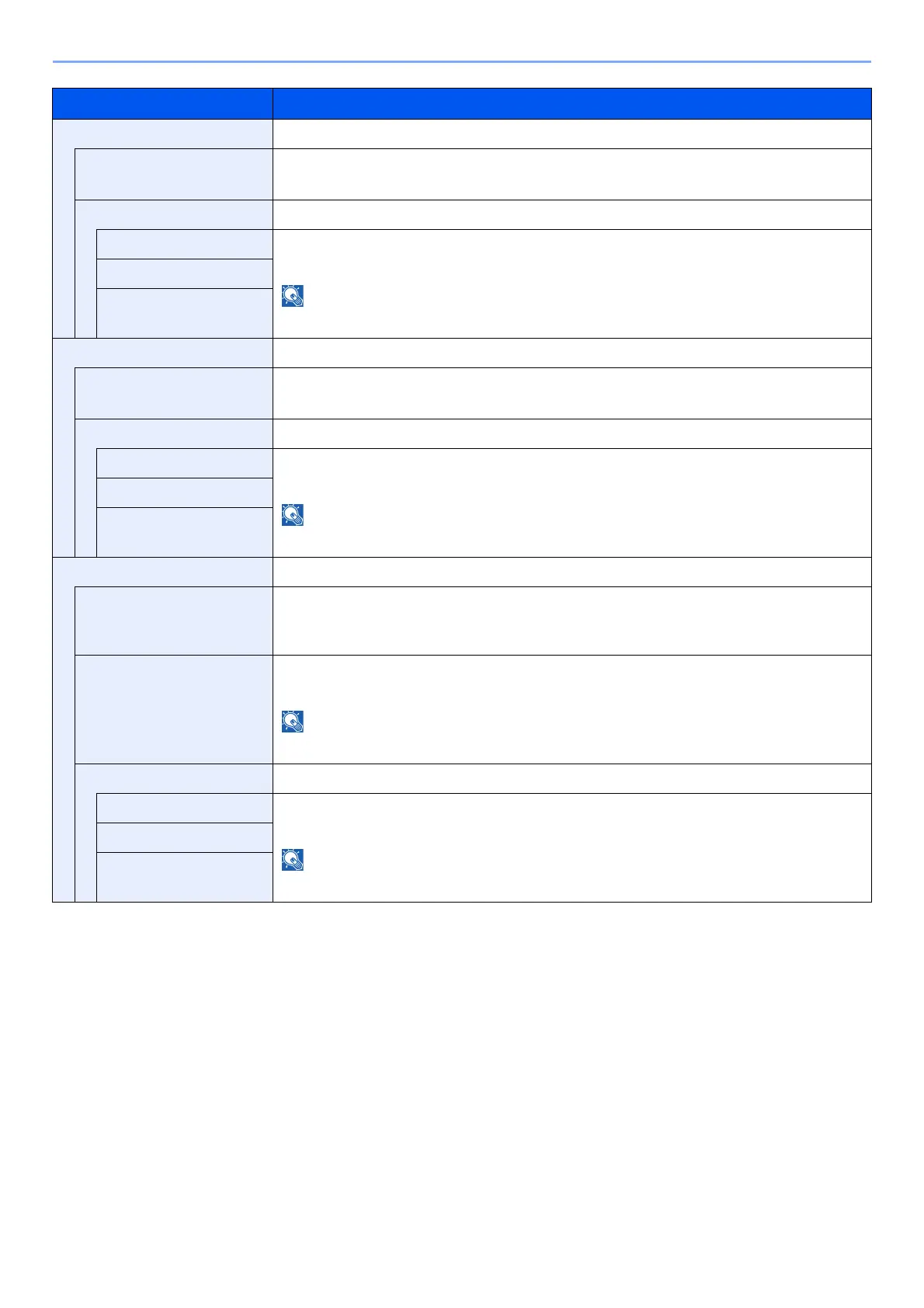
RAW Port -
Off/On Select whether to receive documents using RAW Port.
*1
Value: Off, On
Available Net. -
Wi-Fi Direct
*2
Set whether to enable this function for each network.
Value: Disable, Enable
This function is displayed when [Off/On] is set to [On].
Wi-Fi
*2
Wired Network
LPD -
Off/On Select whether to receive documents using LPD.
*1
Value: Off, On
Available Net. -
Wi-Fi Direct
*2
Set whether to enable this function for each network.
Value: Disable, Enab
le
This function is displayed when [Off/On] is set to [On].
Wi-Fi
*2
Wired Network
IPP -
Off/On
S
elects whether to receive documents using IPP. To use the IPP protocol, select [Not Secure
(IPP&IPPS)] on IPP Security under Security Settings from the Embedded Web Server RX.
*1
Value: Off, On
Port Number Specifies the port number used. The default port number is 631.
*1
Value: 1 to 32767
This function is displayed when [Off/On] is set to [On].
Available Net. -
Wi-Fi Direct
*2
Set whether to enable this function for each network.
Value: Disable, Enab
le
This function is displayed when [Off/On] is set to [On].
Wi-Fi
*2
Wired Network
Item Description













 To Next Page