11-8
Appendix > Optional Equipment
Checking Details of Application
Use the procedure below to check the details of application.
1 [Menu] > [▲] [▼] key > [Op Function
s] > [OK] key
2 Select the desired application, and select the [OK] key.
3 [▲] [▼] key
> [Detail] > [OK] key
You can view detailed information on the selected application. Select the [►] key to view the next
screen. Select the [◄] key to return to the previous screen.
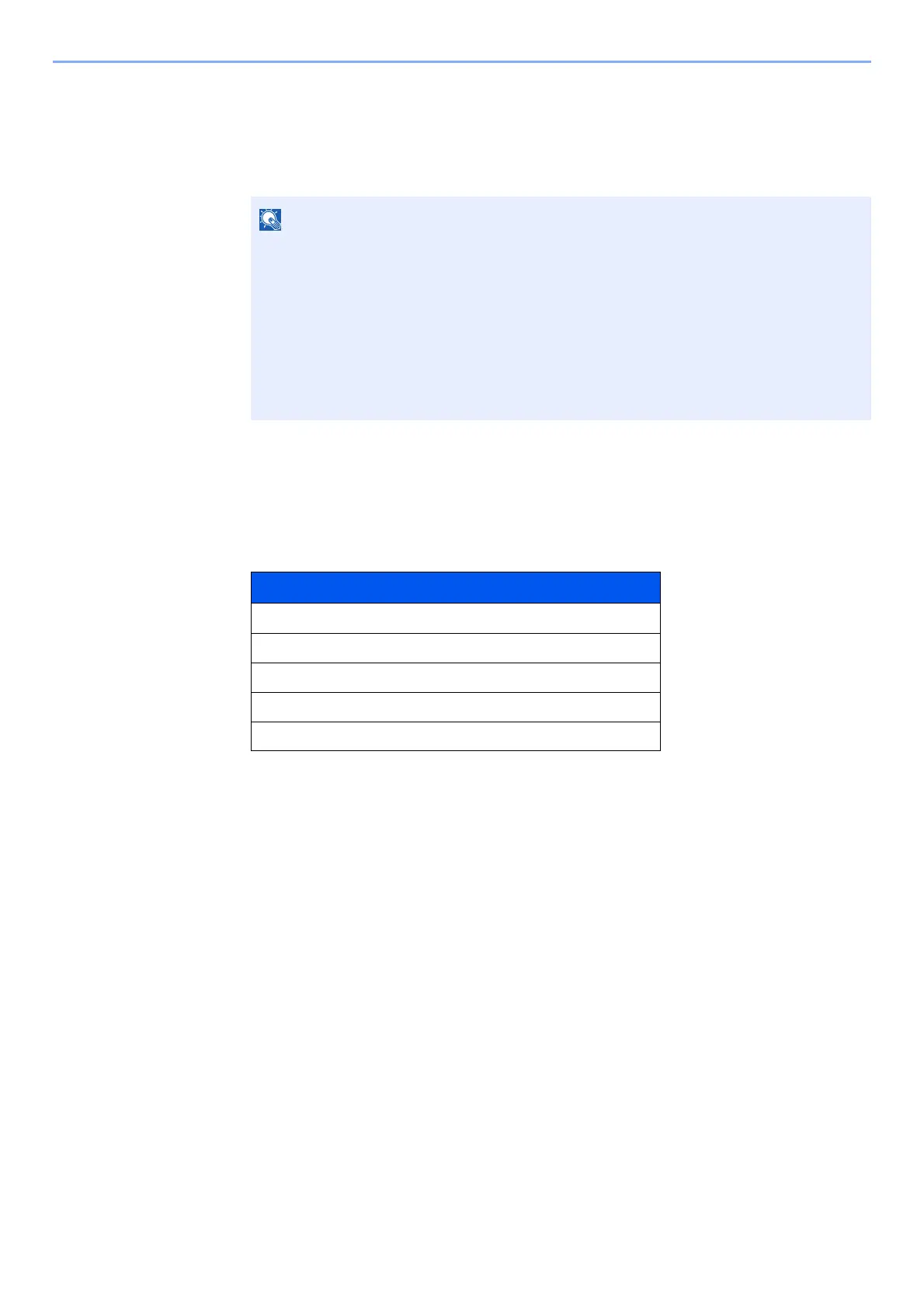
The table below lists the item you can view.
Extend the trial period.
[◄] [►] key > [Date of Trial] > [Extend] > [Yes]
The trial period is extended.
If the login user name entry screen appears during operations, enter a login user name
and password, and select [Login]. For this, you need to login with administrator
privileges.
The factory default login user name and login password are set as shown below.
Login User Name: PG L2645: 4500 PG L2650: 5000
PG L2655: 5500
Login Password: PG L2645: 4500 PG L2650: 5000
PG L2655: 5500
Item
Function Name
License On
Trial Counts
Date of Trial
Status













 To Next Page