2-30
Installing and Setting up the Machine > Installing Software
5
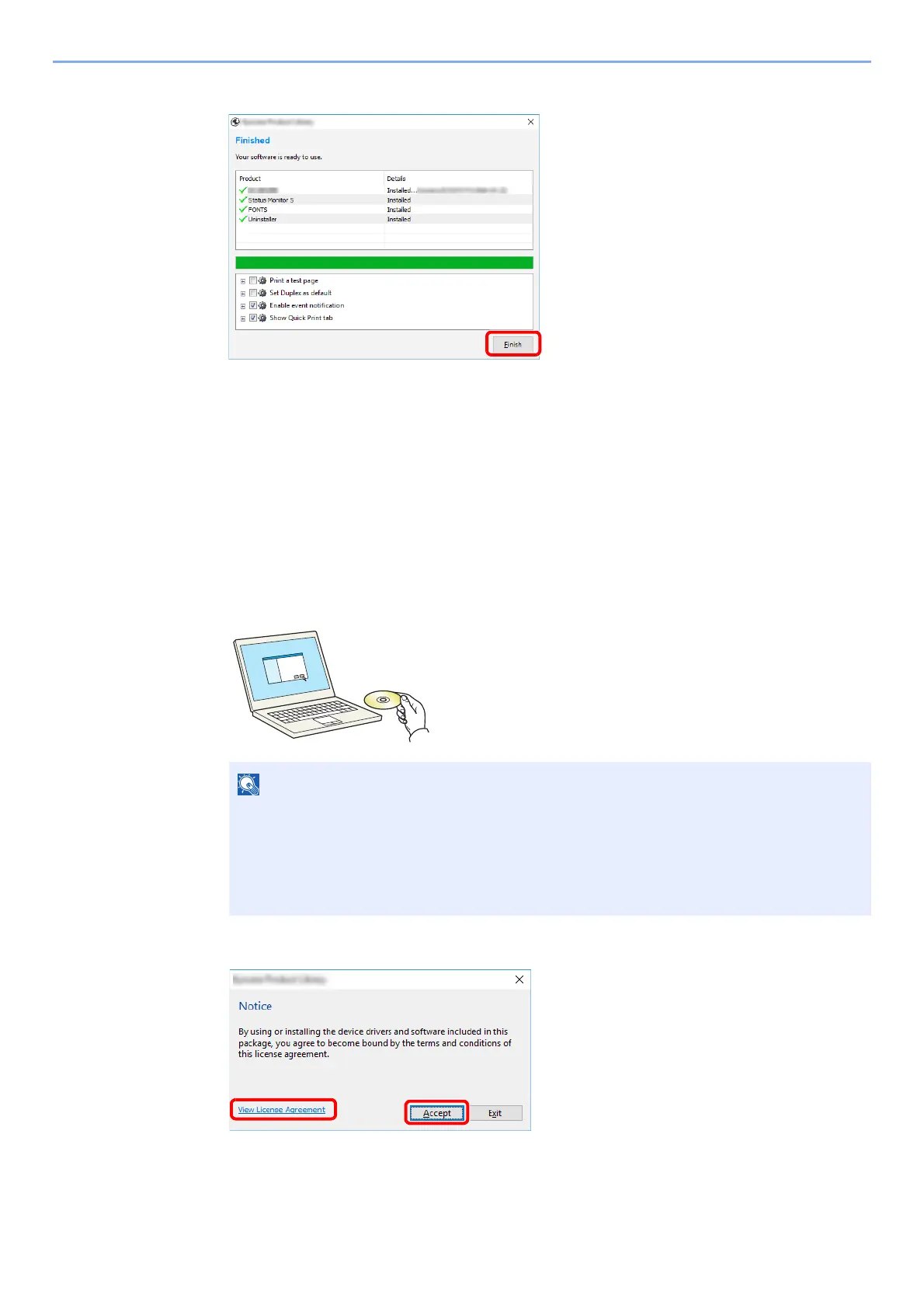
Finish the installation.
When "Your software is ready to use" appears, you can use the software. To print a test
page, click the "Print a test page" checkbox and select the machine.
Click [Finish] to exit the wizard.
If a system restart message appears, restart the computer by following the screen
prompts. This completes the Printing System Driver installation procedure.
Custom Install
The following procedure is an example for installing the software in Windows 10 using [Custom Install].
1
Insert the DVD.
2
Display the screen.
3
Select [Custom Install].
• Installation on Windows must be done by a user logged on with administrator privileges.
• If the "Welcome to the Found New Hardware Wizard" dialog box displays, select
[Cancel].
• If the autorun screen is displayed, click [Run setup.exe].
• If th
e user account management window appears, click [Yes].
1 Click [View License Agreement]
and read the License Agreement.
2 Click [Accept].
12













 To Next Page