OMEM710 Hardware Manual 2v11
24
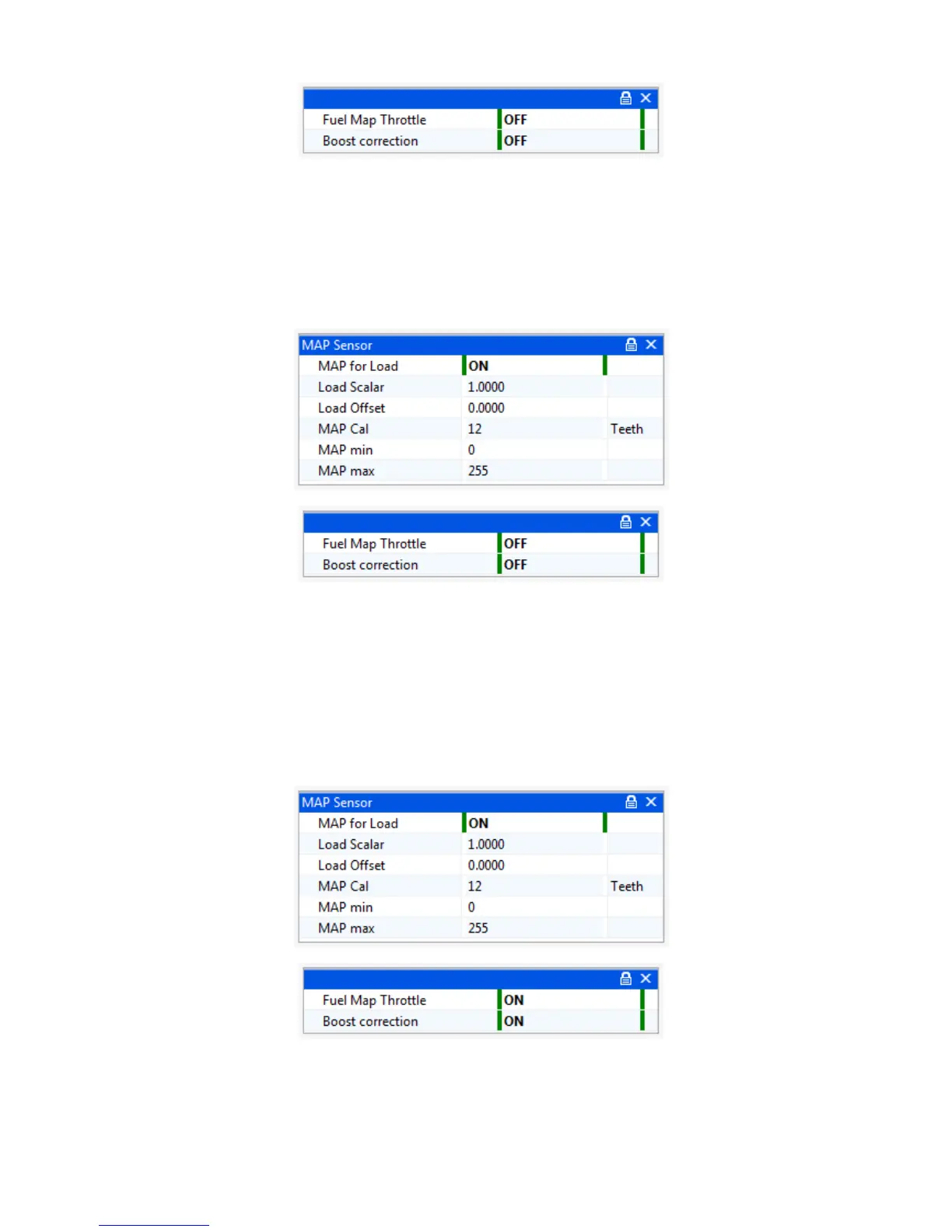
Select this mode by ensuring Standard | Sensor Setup | MAP Sensor | MAP for load = OFF. All
options found in Advanced | Boost Correction must be OFF. The load axis will read kPa but this is
actually 0-100% throttle. All maps (fuel, ignition etc) will use the same load axis. You can adjust this
axis on any of the maps and it will affect all of them. Typically, the sites would be evenly spaced
through the throttle range, maybe with closer sites at light throttles.
MAP for Load
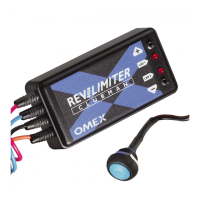
Turn on MAP for load and scale the MAP sensor as described in the earlier ‘MAP sensor for engine
load’ section of this manual. . All options found in Advanced | Boost Correction must be OFF. All
maps (fuel, ignition etc) will use the same load axis. You can adjust this axis on any of the maps and
it will affect all of them. The load axis of the map should have the lowest site as the minimum MAP
value on overrun, the next site up is the MAP value at warm idle, the top site should be set to just
above the maximum manifold pressure that will be run by the engine, then the sites in between
evenly spaced and maybe more densely placed below 100kPa than above.
Boost Correction fuel mapping with MAP for load ignition mapping
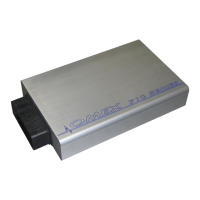
Ensure MAP for Load is ON and the MAP sensor is scaled as described in the sensor setup section
of this manual. Set Advanced | Boost Correction all options ON.
The Ignition Map load axis will be MAP for load. This should have the lowest site as the minimum
MAP value on overrun, the next site up is the MAP value at warm idle, the top site should be set to


 To Next Page