OMEM710 Hardware Manual 2v11
6
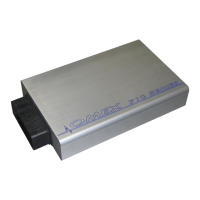
Thank you for choosing Omex Engine Management. This manual is written to help the user through
the specifics of the OMEM710 ECU. It is essential that the user reads all of the Omex manuals
before attempting to install the system and before attempting to start the engine. Incorrect use
of the Omex system could potentially lead to damage to the engine and personal injury. If you have
any doubts about fitting these parts or using the software then please contact Omex for help.
As the system is computer based, technical support is given on the assumption that the user is able
to perform simple Windows based operations. The user will also need access to email as Omex will
nearly always require a copy of the map in the ECU to give support.
Omex may not be held responsible for damage caused through following these instructions,
technical, or editorial errors or omissions. If you have any doubts about fitting these parts or using
the software then please contact Omex for help.
1.1 Notation Used in This Manual
Menu commands are signified in bold type with a pipe symbol | between each level of the menu.
For example, File | Open indicates that you should click on the Open option in the File menu.
UPPER CASE TEXT is used to indicate text that should be typed in by the user.


 To Next Page