MF 64
Author: Donato Gavino Murru donato.gavino.murru@omgitaly.com Pag. 121 a 179
Automatic Cycle
We understood that heating panels are melting the material before entering in the forming press.
For this purpose, the panel(s) come and stay on the material during the automatic cycle, and come
back only when the machine stop for end cycle or for other safety reasons. In fact, there is a
photocell(s) that control if the material is sagging too much due to overheating. Without this, the
plastic film could melt and fall in the lower heating panel and creating a risk of fire.
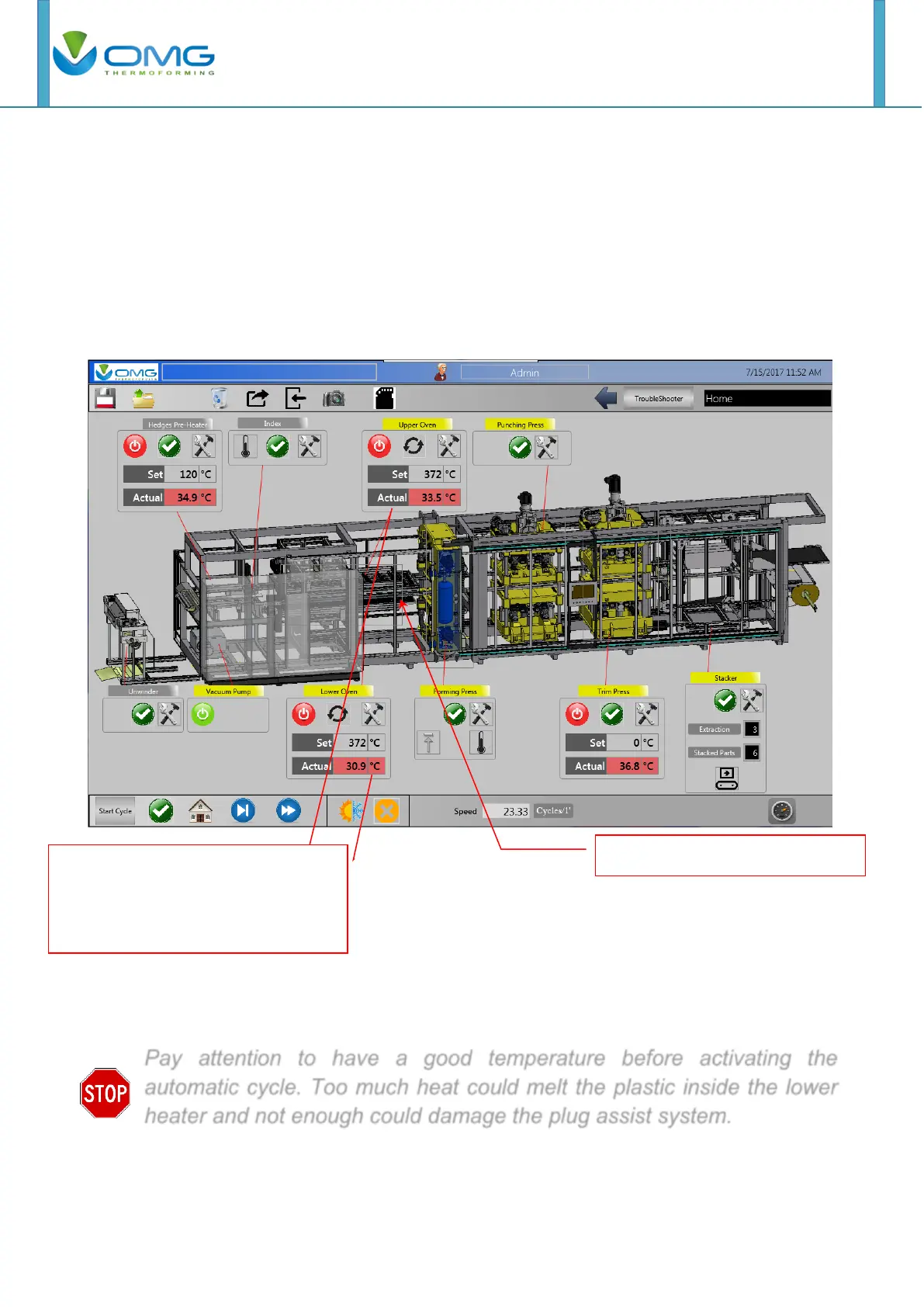
Before starting the automatic cycle, the first thing to do is to bring the heating carriage forward,
pressing on the layout’s carriage Upper, Lower or both.
Note: the heaters temperature condition the start cycle; if the temperatures aren’t correct then the
start cycle is not possible (button don’t visible) and for excluding an heaters you need put to 0°C
the set temperature.
Pay attention to have a good temperature before activating the
automatic cycle. Too much heat could melt the plastic inside the lower
heater and not enough could damage the plug assist system.
Actual temperature green appears
when heater reached set point and
machine is ready to start. Otherwise
no automatic cycle is allowed.



 To Next Page