MF 64
Author: Donato Gavino Murru donato.gavino.murru@omgitaly.com Pag. 166 a 179
Automatic Cycle
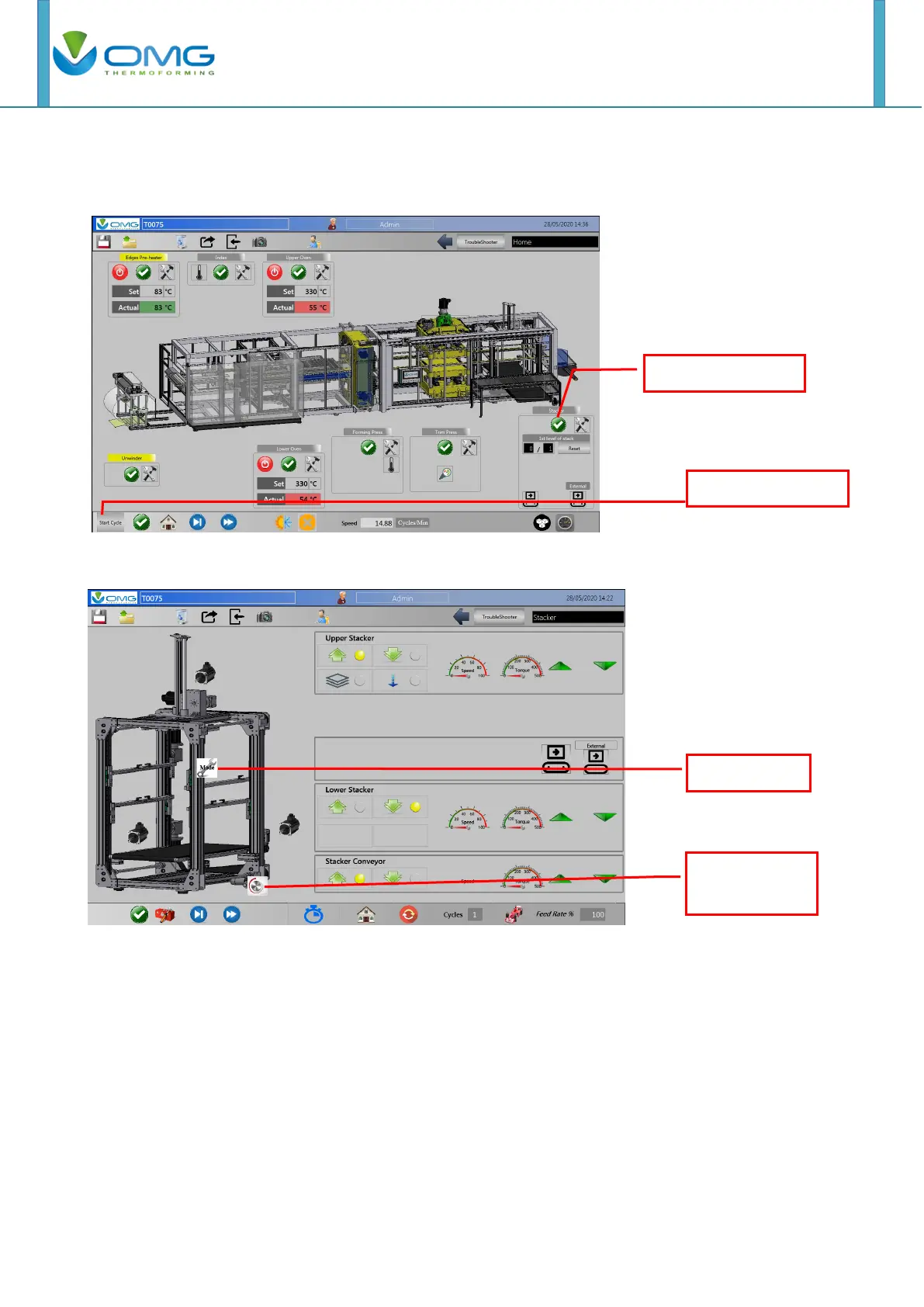
For start the automatic cycle press the under left button in this page and then enable station one at
a time, pressing on the layout (if the stations are enabled, their word will be highlighted yellow).
The starting stacker device depends on the setting of the mode page, as shown below.
The stacker device cycle start when the index start or stop.



 To Next Page