MF 64
Author: Donato Gavino Murru donato.gavino.murru@omgitaly.com Pag. 89 a 179
Automatic Cycle
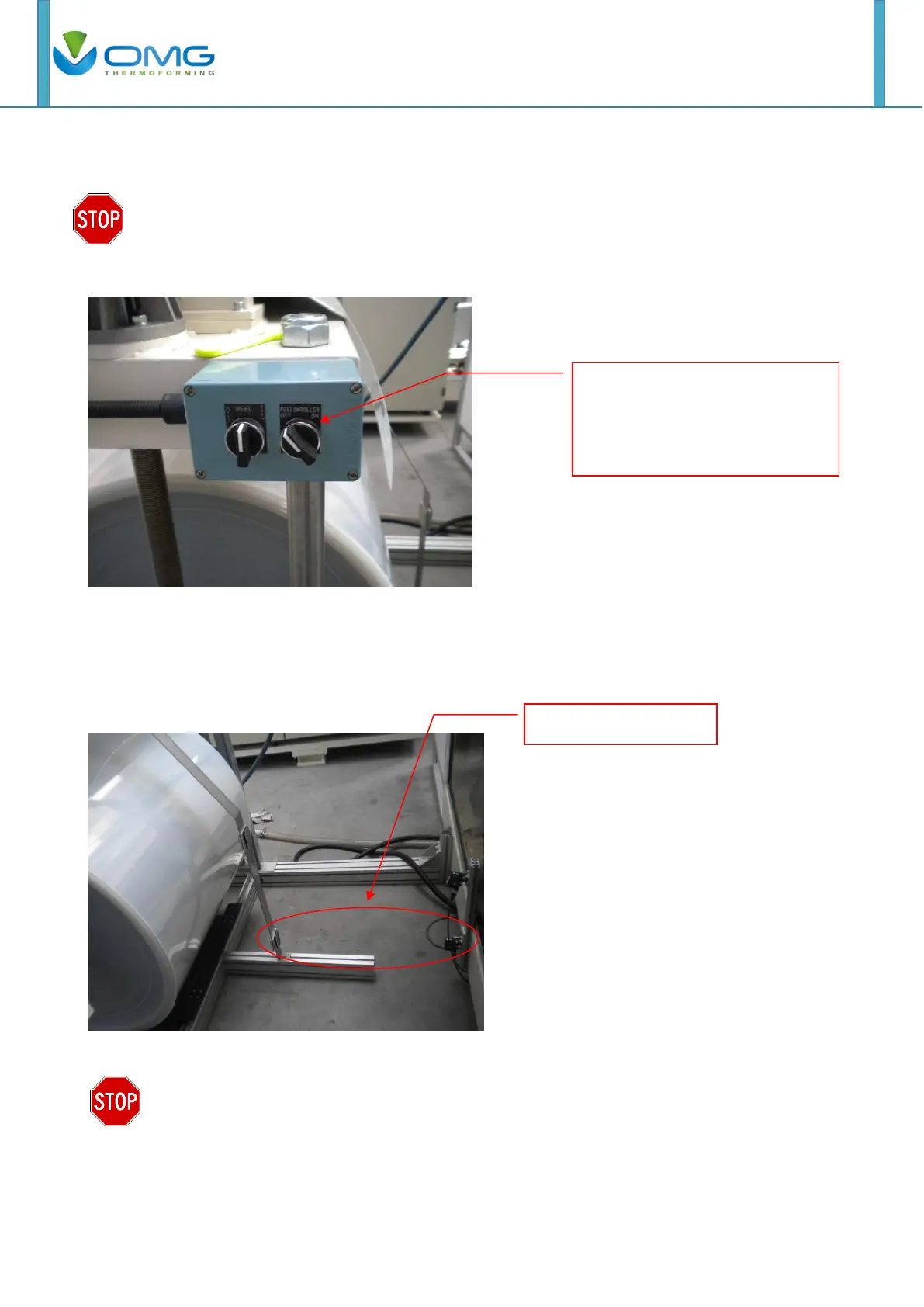
Before starting with the automatic cycle, to produce pieces, be sure to
enable the calendar function using the selector switch. No Doing so, the
material can pull excessively and damage the devices.
For automatic cycle, the unroller work undependably to the film index. Its running is decelerated
when the sagging is until first photo-eye beam.
If the second down photo-eye is covered, the unroller stops.
If the roll is big and heavy, it is possible to adjust the break force by turning the
adjustment screw. This is avoiding the inertia of the big roll to unroll excessive
length of material. No Doing so, the photo-eye will not work properly and cause
the calendar to continue to unroll film until there is no more.
Use this selector switch to
activate the calendar. Unroll a
few quantities of material before
starting the automatic cycle.



 To Next Page