MF 64
Author: Donato Gavino Murru donato.gavino.murru@omgitaly.com Pag. 79 a 179
Main Spare Parts
Troubleshooting
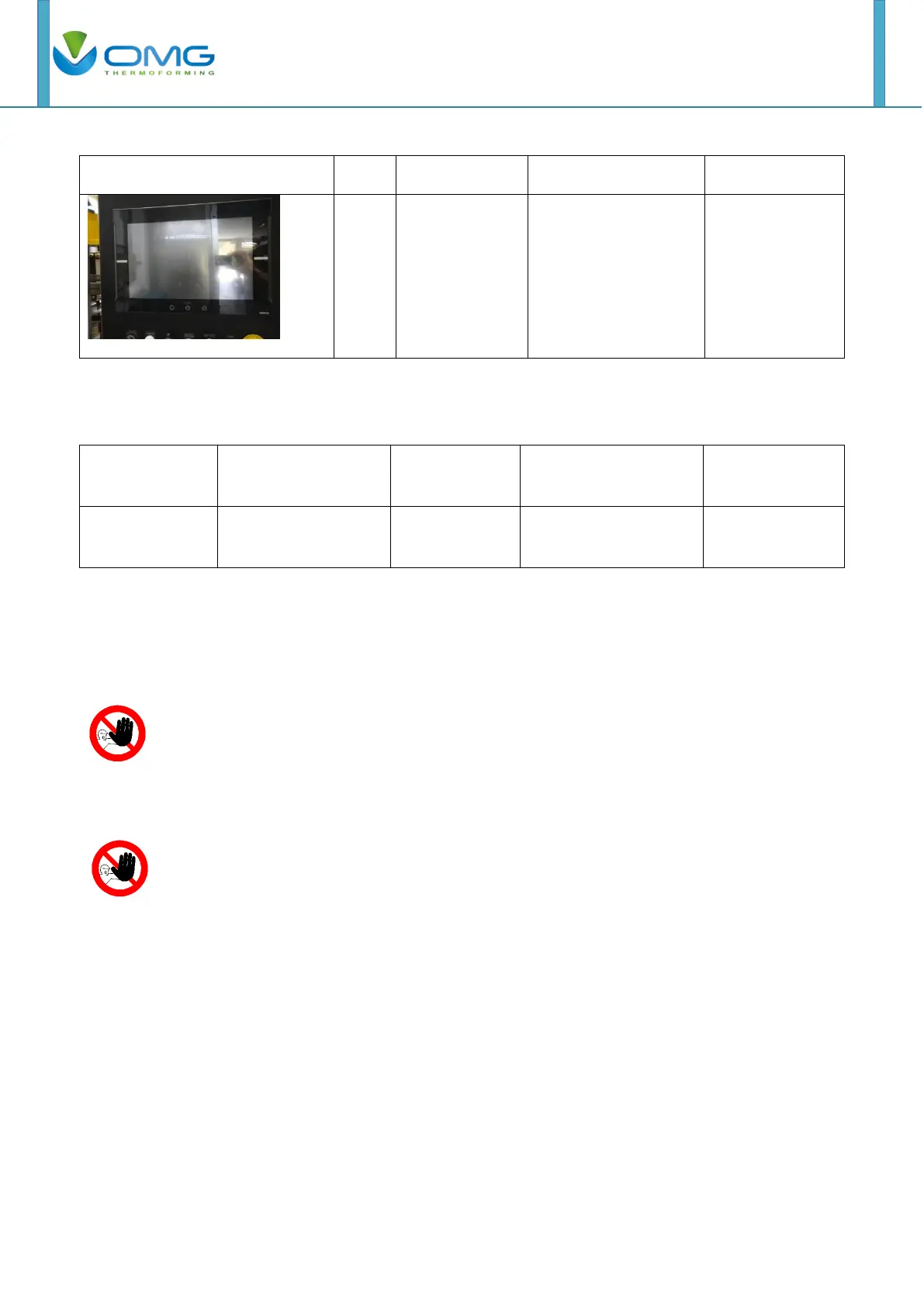
Touch screen isn’t
connected
Safety
Do not remove cover or guard without shut down the power. Before
operating machine with power, make sure to re-install guarding
system and make sure that all safety devices are working properly.
Installation, operation, maintenance, or inspection must be performed by
authorized personnel. Not doing so may result in electric shock or injuries.



 To Next Page