MF 64
Author: Donato Gavino Murru donato.gavino.murru@omgitaly.com Pag. 82 a 179
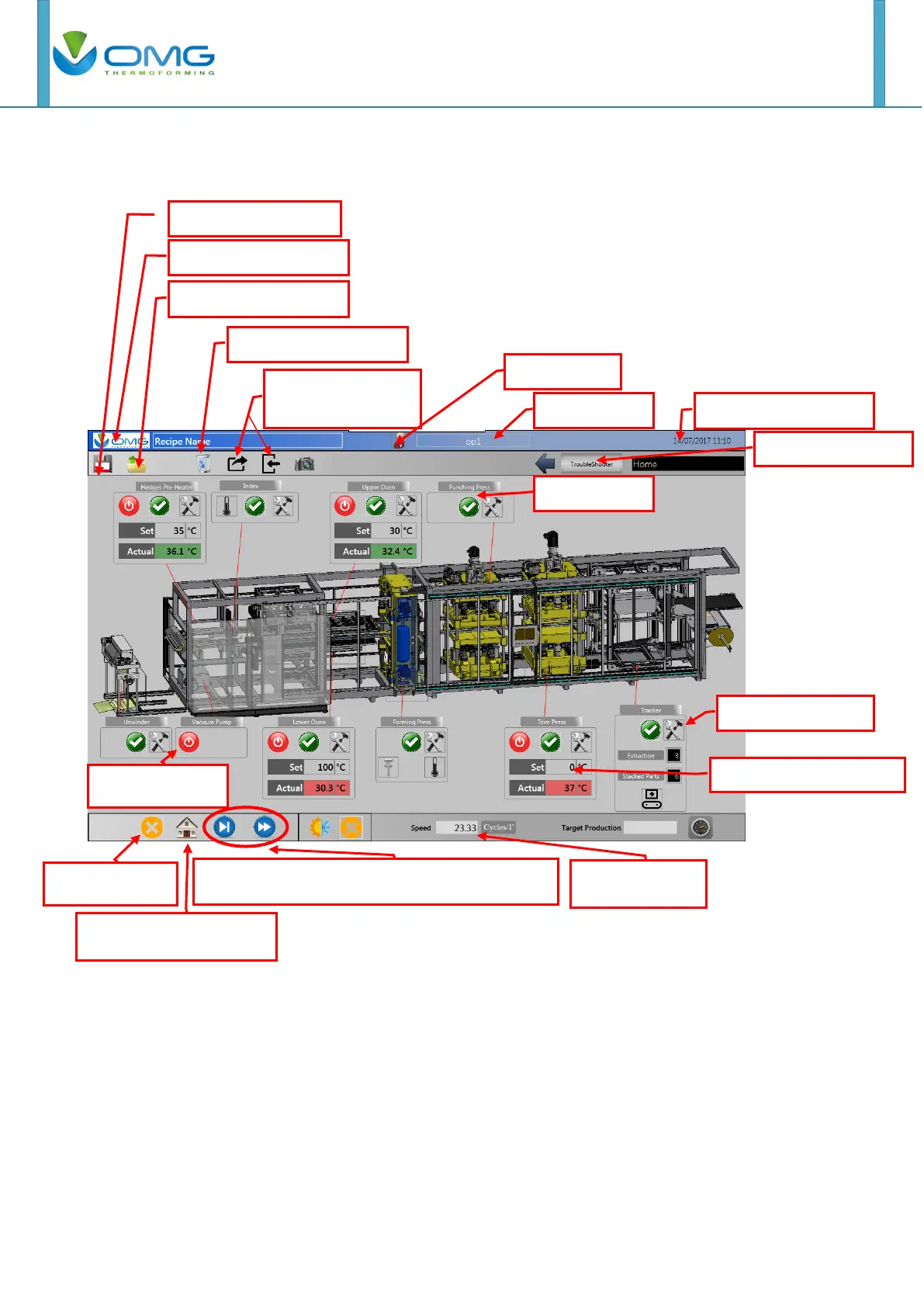
After these operations Main Menu appears in the selected leanguage.
In this page is possible entry in all stations through the hammer/key buttons, enable these by
clicking on the station’s layout and change the most important parameters.
You can return to the main page pushing “OMG” button on the top left or the first-left button on the
case video. If you want return to the previous page pushing the second button on the case video.
NOTE: On touch screen there are button and switch. If you push on a button it becomes yellow till
pushing action end while if you push a switch it becomes yellow and remain till next pushing action.
Film advance buttons for step and discharge



 To Next Page