133
Allocations to Slave Units Section 5-2
In Registration Table Enable Mode, only registered Slave Units can partici-
pate. (Other Slave Units cannot participate.)
Note 3: When SW4 (REGS) on the front of the Master Unit is turned OFF (registered
Slave Unit function disabled), this applies to all Slave Units. When SW4 is
turned ON (registered Slave Unit function enabled), it applies only to regis-
tered Slave Units.
Bits are allocated for each Slave Unit node address. The leftmost 8 bits are
allocated for Communications Error Flags, and the rightmost 8 bits are allo-
cated for Participation Flags.
With Contact I/O Units, only Input Flags for input nodes are allocated.
The portion of memory that can be used for Slave Units is allocated in I/O
memory at the CPU Unit. (For example, in communications mode 0, there are
eight nodes each for inputs and outputs, so words +0 and +1 are used.)
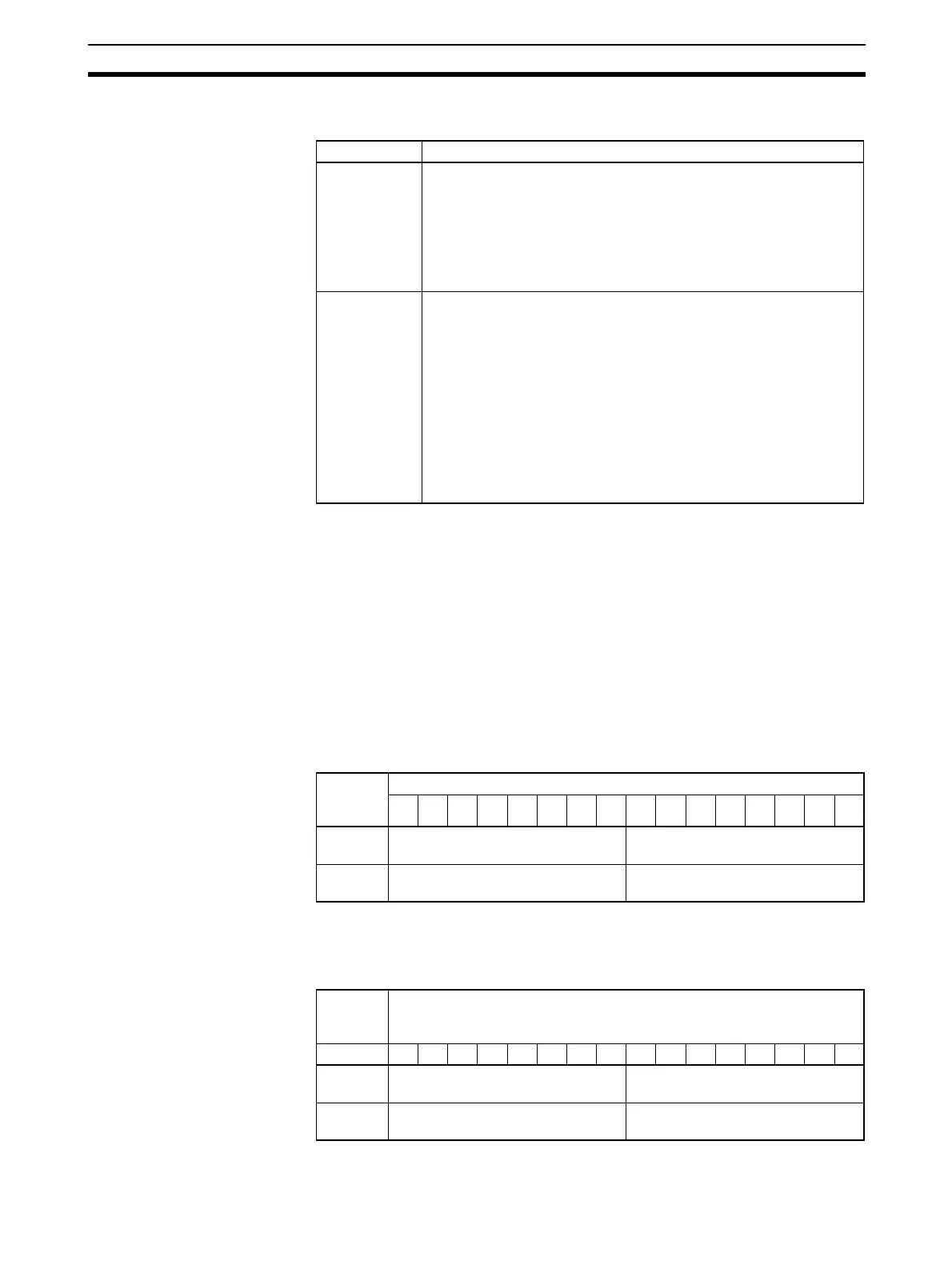
Communications Mode 0
Note Word +0 is assumed to be the first word of the memory allocated to Special
I/O Units, i.e., CIO 2000 + (10 × unit number).
Communications Mode 1
Flag name Contents
Participation
Flag
ON: The applicable Slave Unit has participated in the network. (See
note 3.)
OFF: Power has been interrupted or a restart has been executed.
Note After the system has started, this flag turns ON once the
applicable Slave Unit has participated in the network. (It stays
ON even if the Slave Unit stops participating because of a
communications error.) (See note 3.)
Communica-
tions Error
Flag
ON: A communications error occurred at the applicable Slave Unit
participating in the network. (See note 3.)
OFF: A communications error has not occurred at the applicable
Slave Unit participating in the network. (See note 3.)
Note 1: A Communications Error Flag turns ON if the applicable
Slave Unit cannot communicate with the Master Unit for any reason
after the Slave Unit has joined the network (i.e., if the Participation
Flag is ON). It turns OFF when the error is removed.
Note 2: In Communications Error Communications Stop Mode,
(i.e., when ESTP is turned ON on the DIP switch on the front of the
Master Unit), all remote I/O communications will stop if a communi-
cations error occurs at any applicable Slave Units. (See note 3.)
Word
(See
note.)
Bits
15 14 13 12 11 10 09 08 07 06 05 04 03 02 01 00
+18 Output Slave Unit Communications
Error Flags (0 to 7)
Output Slave Unit Participation
Flags (0 to 7)
+19 Input Slave Unit Communications
Error Flags (0 to 7)
Input Slave Unit Participation Flags
(0 to 7)
Word
(See
note.)
Bits
15 14 13 12 11 10 09 08 07 06 05 04 03 02 01 00
+34 Output Slave Unit Communications
Error Flags (0 to 7)
Output Slave Unit Participation
Flags (0 to 7)
+35 Input Slave Unit Communications
Error Flags (0 to 7)
Input Slave Unit Participation Flags
(0 to 7)












 To Next Page