-22-
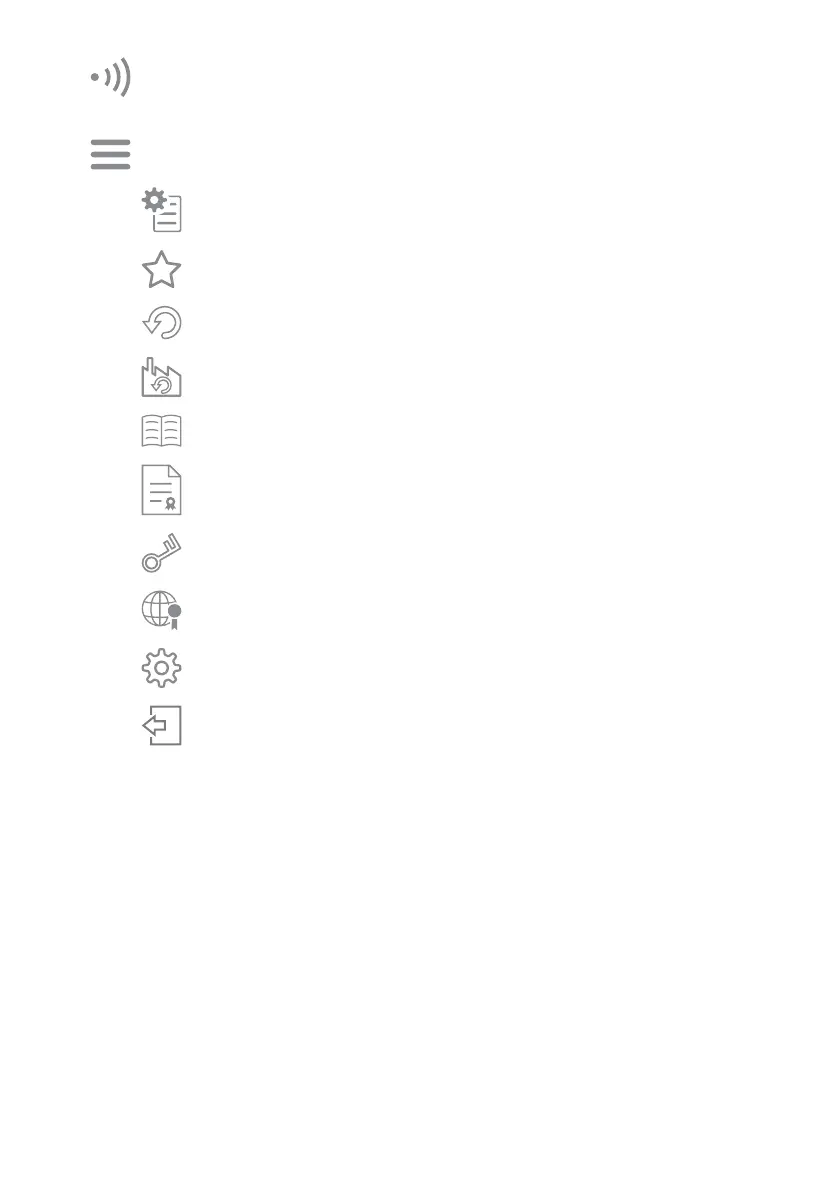
Menu : The items shown below are displayed.
Signal strength : This indicates the strength of signals transmitted between the sensor
and the smartphone.
If the signal strength is low, approach the sensor and perform setting.
Save/Share setting : Current settings can be checked, saved and shared.
Favorite : This is used to check Favorites and reflect them to the settings.
Back to previous setting :
This returns changed settings (items displayed in red) to the previous settings.
Once a setting is transmitted to the sensor, it cannot be reverted.
Reset to factory settings :
This resets the settings to their factory defaults.
Be cautious when using this, as settings and information will be deleted.
Manual (web): This displays the instruction manual on the website.
(Telecommunication fees may be incurred.)
Terms and conditions : This displays the terms and conditions.
Privacy policy : This displays the privacy policy on the website.
(Telecommunication fees may be incurred.)
Copyright notice : This displays the copyright notice.
User info : User information and language can be changed.
Logout : This terminates the connection to the sensor unit.
If any items have not been sent to the sensor, be sure to tap the send
button and update the sensor settings before logging out.
After applying the settings, log out and terminate the connection.



 To Next Page