_______________________________________________________________________________________
ORVED S.P.A Rev.01 – 09/2019 – cod. 1500735-00EN – User Manual for
IDEA
vacuum packing machines
Pag. 54 a 76
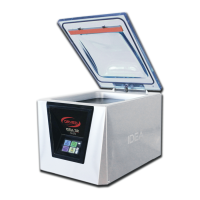
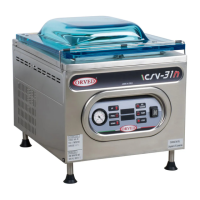
12.1 Idea 30 – 40 – idea 31 - 41
Phase
Description Image
1
Keep pressed for 5”, to turn the vacuum
packing machine on.
2
Select “H
2
OUT” program, using UP/DOWN
buttons.
3
Lower the lid using both hands, by pressing on
the corners.
The vacuum cycle starts automatically.
4
At the end of the cycle, the machine comes back to stand-by status and it is ready to start a new
working cycle, as per the selected program.
5
The dehumidification cycle, can be interrupted at any time, pressing STOP.
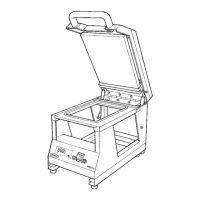
12.2 idea 32
Hi-Line
– 42
Hi-Line
Phase
Description Image
1
Activate the command panel by double
quick touch on the screen.
Press the STAND-BY button, to turn the
machine on.
_______________________________________________________________________________________
ORVED S.P.A Rev.01 – 09/2019 – cod. 1500735-00EN – User Manual for
IDEA
vacuum packing machines
Pag. 55 a 76
2
Select Technical Menu
3
Select User Menu
4
Select “H
2
OUT” program, pressing the
correspondent button
5
Lower the lid using both hands, by pressing on
the corners.
The vacuum cycle starts automatically.
6
1-
Allows the user to interrupt the cycle in
advance
2 – Allows the user to come back to the
previous screen
7
At the end of the cycle, the machine comes back to stand-by status and it is ready to start a new
working cycle, as per the selected program.
Technical Menu
USER MENU
SERVICE MENU
2
H
2
OUT Cycle
Pump dehumidification
cycle



 To Next Page