EasyManua.ls Logo

OSEE Lilmon 5 - Page 64

OSEE Lilmon 5
99 pages
Print Icon
To Next Page IconTo Next Page
To Previous Page IconTo Previous Page
Loading...
MySets and Tools
56
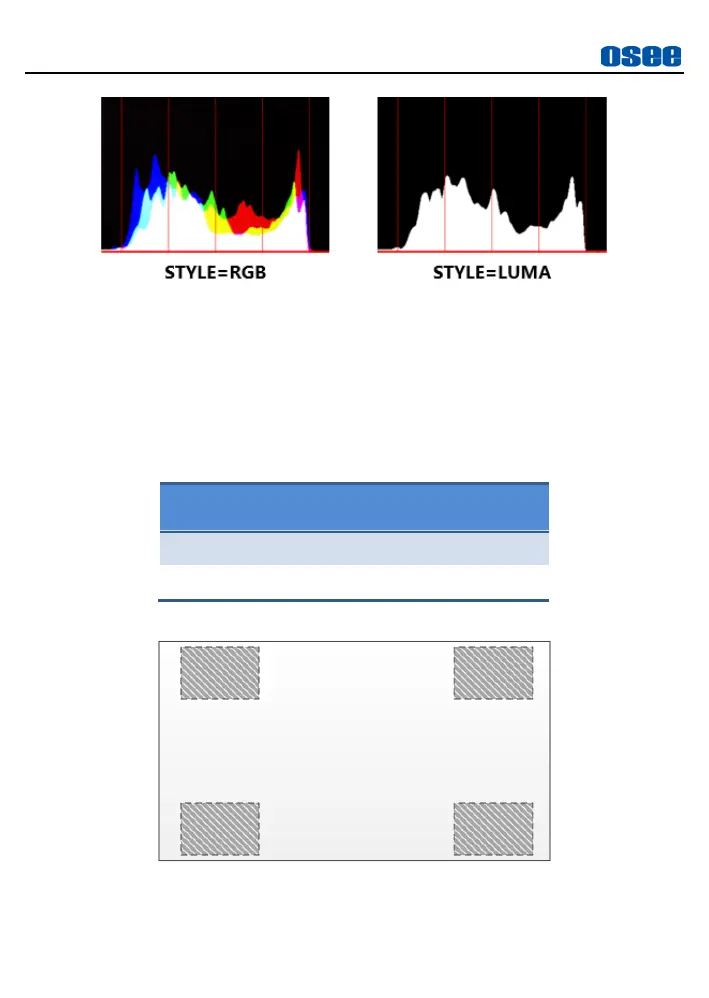
Figure 6.1-11 RGB and LUMA Histogram
6. Position
There are 4 positions for displaying the histogram, waveform and
vector scope on the screen, as shown in Table 6.1-5 and Figure
6.1-12. Move them through the
Position
item.
Table 6.1-5 Position Settings

Locations
Top Right
Top Left
Bottom Right
Bottom Left
Figure 6.1-12 Position of the Assistant Elements

Related product manuals