MX-5050 Operation and Maintenance Manual
May 1992
Section 4 Operation
4 - 13
4.5.6 Repeat Mode
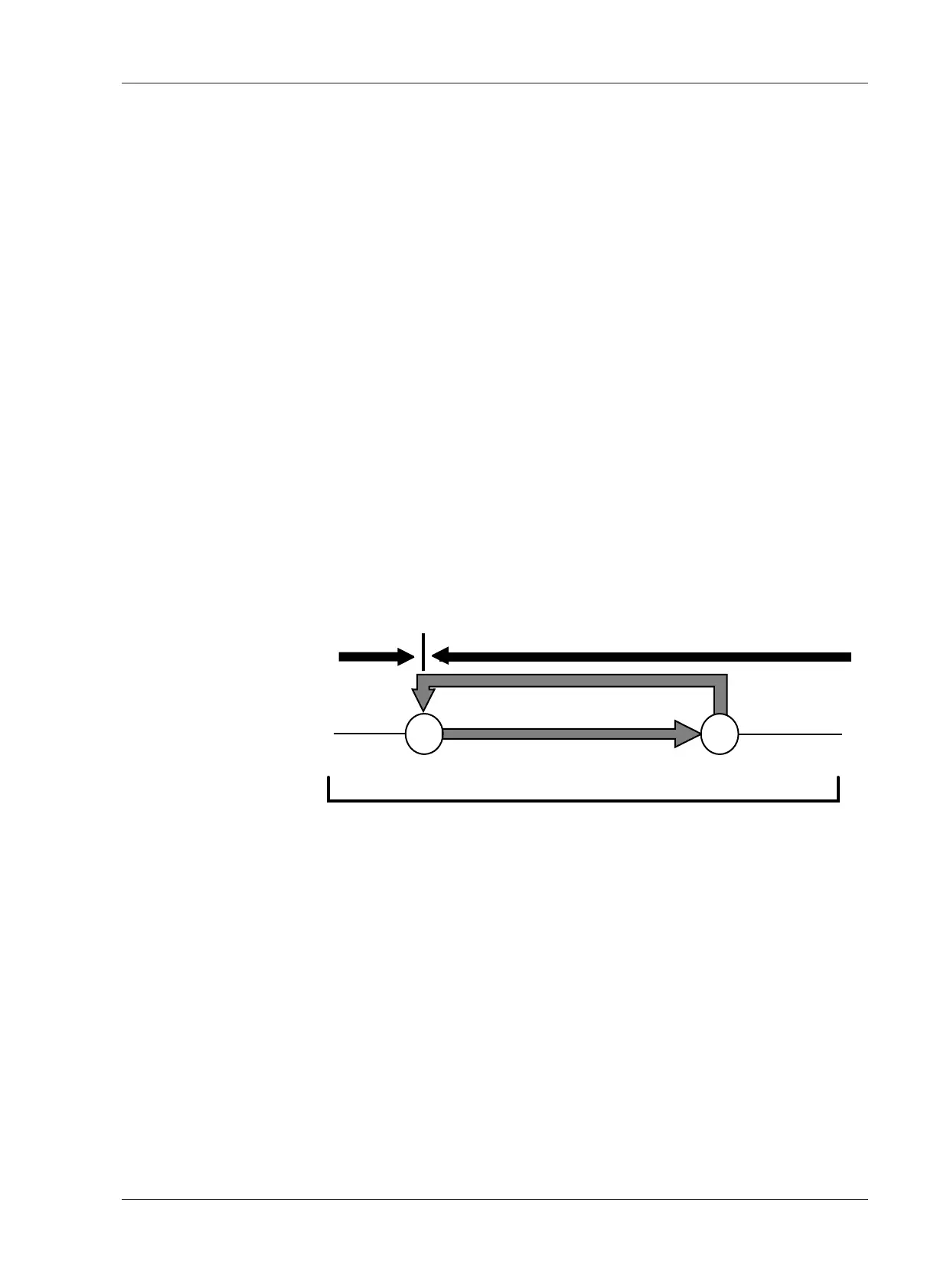
The Tape Timer has a REPEAT function which repeatedly plays back the tape
between two selected points. When the tape reaches the end of the repeat
loop, the machine rewinds to the beginning of the loop and starts playing
back again.
❏ To enter a Repeat Loop
1. Press the REPEAT key. (The LED on the key starts flashing.)
2. Press two SEARCH keys which have stored CUE points. (The REPEAT key
illuminates steadily. The SEARCH keys start to flash.)
3. If the tape is stopped between the two CUE points, pressing the PLAY button
starts Repeat mode. If the tape is stopped outside of the Repeat Loop, the
machine automatically enters Fast Forward or Rewind mode and moves to
the beginning of the Repeat Loop and stops.
4. To exit from the Repeat mode, press the REPEAT key while pressing the CLR
key.
NOTE: In REPEAT mode, the PLAY, RECORD, STOP, RWD, F.FWD and
REHEARSE buttons still function. The beginning and end points are used as
Guard points beyond which the tape cannot go.
Pressing the REPEAT key again while in Repeat mode causes the REPEAT key
indicator to flash, and new CUE points can be selected for the beginning and
ending points of the Repeat Loop.
4.6 Test Oscillator
The MX-5050 includes a two-frequency Test Oscillator for use when
recording reference tones for level matching or alignment purposes.
1. Press the desired Oscillator Frequency button (1kHz or 10kHz) to activate the
internal Test Oscillator.
2. The test signal output from the oscillator is supplied to all channel inputs
simultaneously. The signal input level can be adjusted by using the input level
knob.










 To Next Page