Section 5 Maintenance
5 - 4
May 1992
MX-5050 Operation and Maintenance Manual
5.4 Lubrication
The Capstan Motor in MX-5050 machines utilizes an Oilite bearing at the
front end, which requires lubrication.
Use only Otari oil P/N PZ9E003.
To lubricate the Capstan Motor bearing, follow these steps:
1. Remove the pinch roller cap by removing the screw on it.
2. Remove the pinch roller from the pinch roller shaft.
3. Remove two hex socket head screws on the head housing cover.
4. Remove the Tape Guide at the take up side. Remove the two screws holding
the Rear Head Escutcheon.
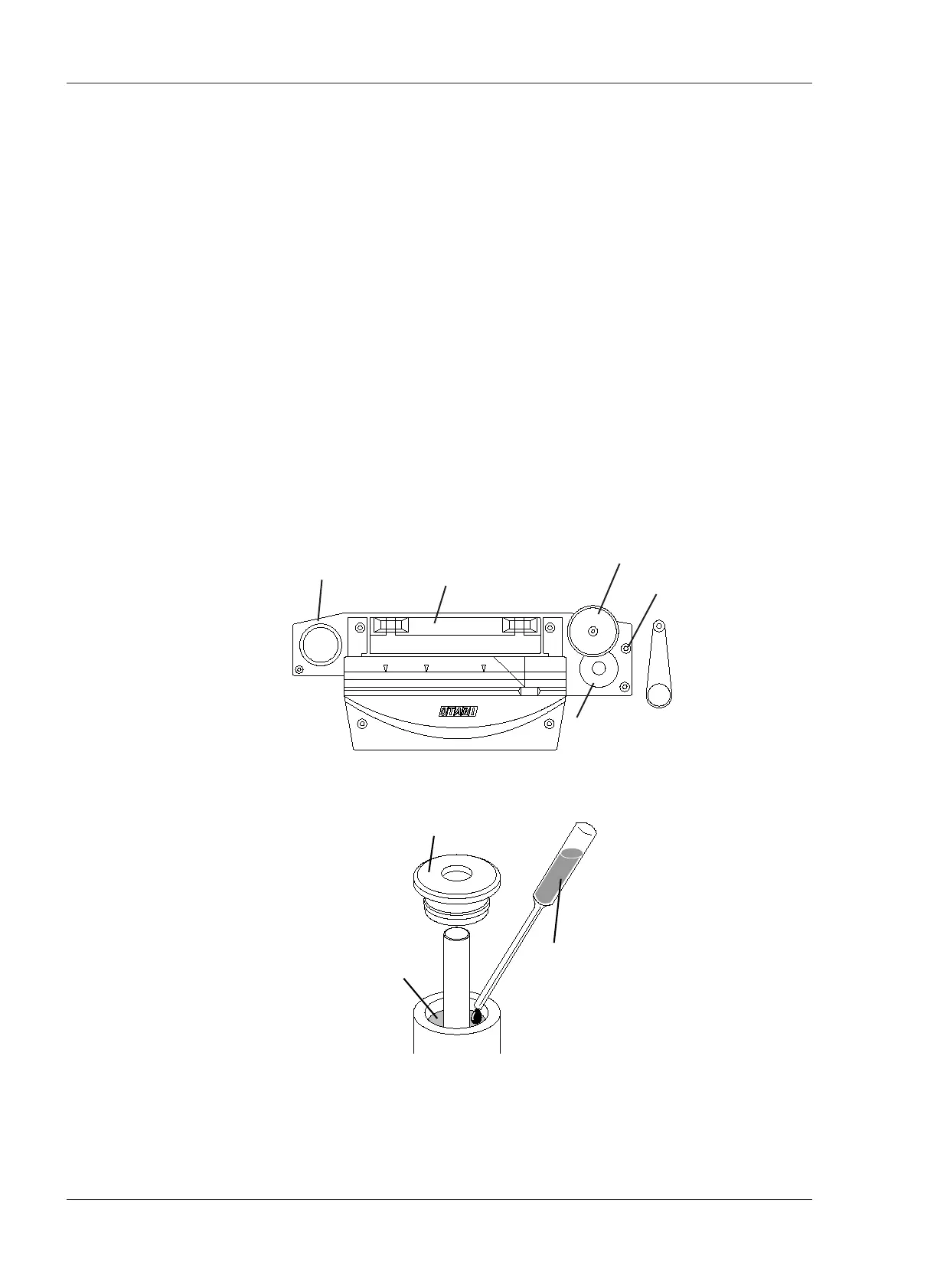
5. Remove the dust cap on the Capstan Motor with a pair of tweezers. Refer to
Figure 5-3.
6. Apply 2 or 3 drops of oil to this felt collar. Do not over lubricate.
7. Wipe off any excess oil and install the dust cap, Rear Head Escutcheon, head
housing cover, pinch roller and pinch roller cap in that order.










 To Next Page