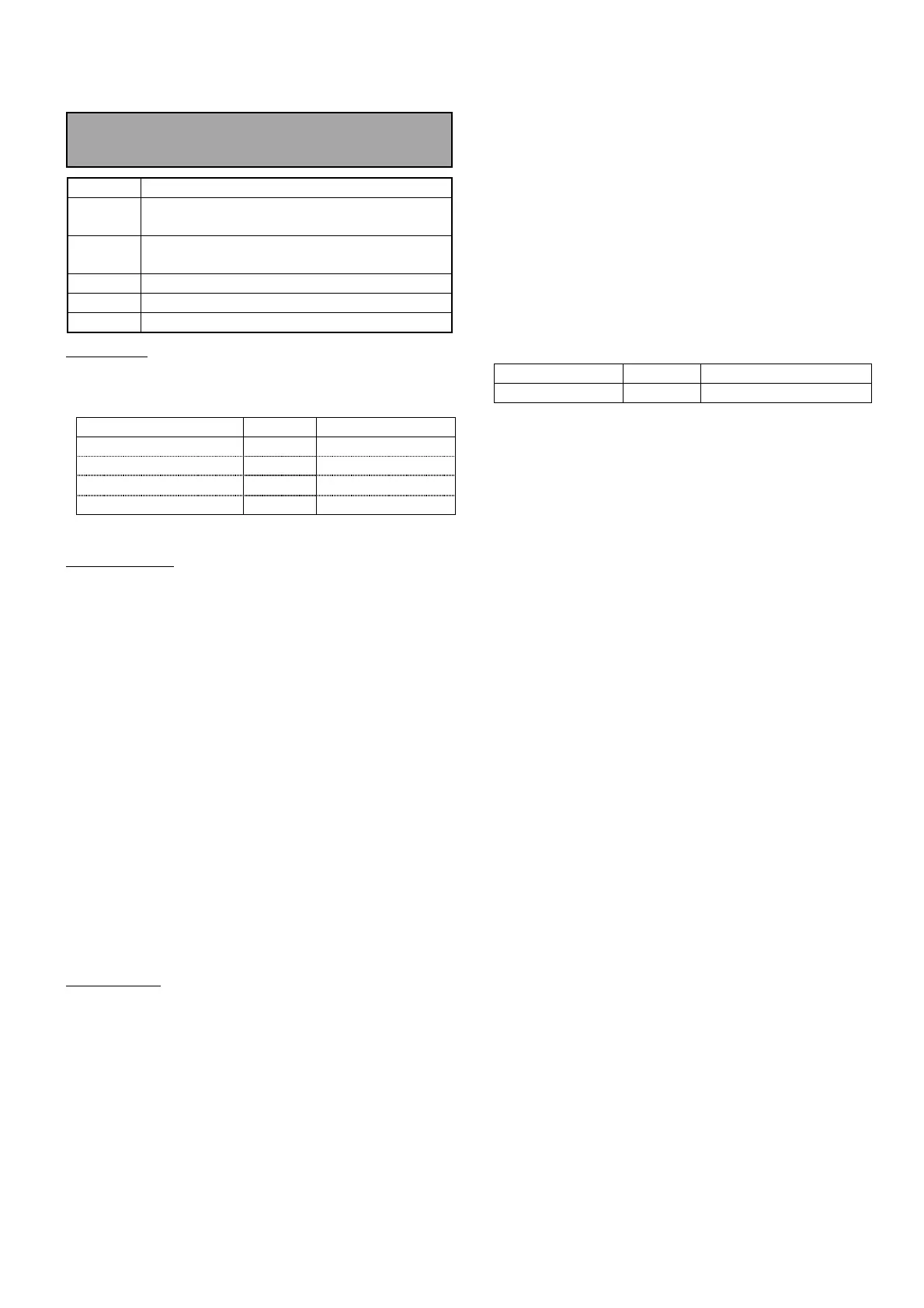
Electrical Adjustment for AJ-BS900HP & CA900HP
ELE-9
4-10. INCOM Level Adjustment
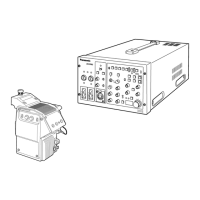
CA900H
→
→→
→
BS900H
BOARD
CAM POWER, CAM INCOM
TP
AJ-BS900H COMMUNICATION TERMINAL
6pin, 7pin
ADJ.
VR2 [ENG GAIN] : CAM POWER
VR1 [MIC LVL] : CAM INCOM
INPUT
AJ-CA900H INCOM connector
M. EQ
Audio Analyzer
SPEC.
0 +/- 1dBm
SW Setting
1. Set switches on the BS AUDIO BOARD and CAM
INCOM BOARD as follows.
SW Setting BOARD
SW1 [ENG] 4W BS AUDIO
SW2 [ENG RTS LOAD] ON BS AUDIO
SW1 [DM/CM] CM CAM INCOM
MIC SW ON CA900H Side panel
Output Setting
2. Connect INCOM connector 4 pin [INCOM
RECEIVE (H)] and 5pin [PGM/RECEIVE (C)] of
AJ-CA900H to OUTPUT A connector of audio
analyzer.
3. Set Output parameters of audio analyzer as
shown below.
FUNCTION : OSC
FREQUENCY RANGE : X100
OUTPUT MODE : A
OUTPUT LEVEL : -10dB
FREQUENCY : 1000Hz
LEVEL METER : 0dBm
LOAD : OFF
Input Setting
4. Connect communication terminal 6 pin [ENG TO L
(H)] and 7pin [ENG TO L (C)] of AJ-BS900H to
INPUT A connector of audio analyzer.
5. Set input parameters of audio analyzer as shown
below.
FUNCTION : LM
INPUT IMPEDANCE : 600Ω
FILTER : FLAT
LM/DM RANGE : AUTO
6. Adjust VR2 so that the audio level is within the
specification.
7. Set SW1 on the CAM INCOM BOARD as follows.
SW Setting BOARD
SW1 [DM/CM] DM CAM INCOM
8. Set output parameter of audio analyzer as shown
below.
OUTPUT LEVEL : -55dB
9. Adjust VR1 so that the audio level is within the
specification.



 To Next Page