7.3. Wireless Surround
7.3.1. Wireless System Key Buttons Operations (SE-FX65)
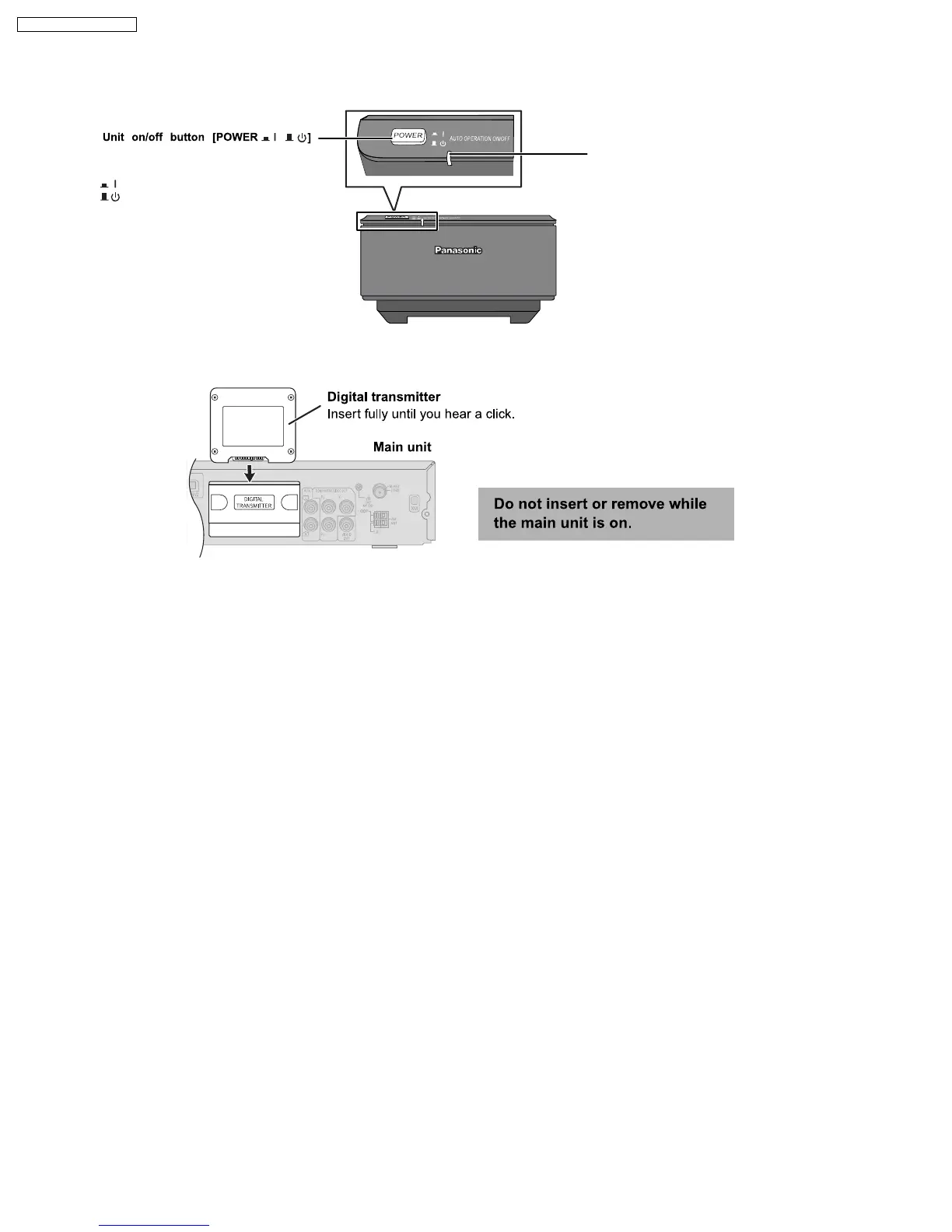
AUTO OPERATION ON/OFF INDICATOR
The indicator lights red when the wireless
system is turned on and lights green when the
wireless link is activated.
When the wireless link is inactive for a long
time, it turns red.
Use this button to turn the wireless system
on and off.
: The unit is on.
: The unit is off.
,
7.3.2. Digital Transmitter Connection (SH-FX65T)
16
SA-PT750P / SA-PT750PC













 To Next Page