PCAN-Ethernet Gateway FD DR – User Manual
13
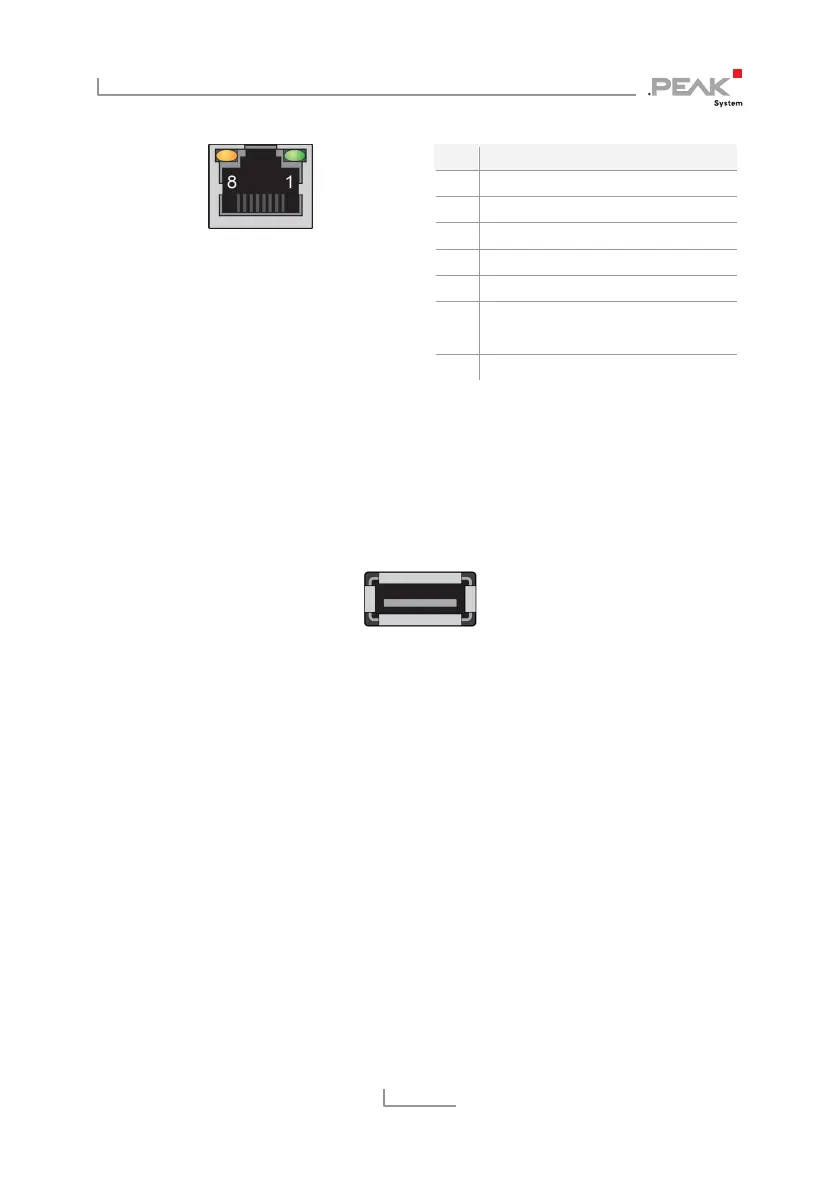
Figure 9: Pin assignment
RJ-45 connector
Pin Function
1 TxD
2 TxD
3 RxD
4 not connected
5 not connected
6 RxD
7 not connected
8 not connected
2.5 USB
The USB downstream port is used to connect additional USB
devices to the PCAN-Ethernet Gateway FD DR.
Figure 10: USB port
2.6 Reset Button
The PCAN-Ethernet Gateway FD DR can be restarted or reset with
the Reset button. You can find more information in chapter 4.2
Reboot and Restore
on page 23.
2.7 LEDs
The PCAN-Ethernet Gateway FD DR has LEDs for the device status
and power supply, two LAN LEDs, and LED 1 to 3. For more
information, see section 4.1
Status LEDs
on page 22.



 To Next Page