PCAN-Ethernet Gateway FD DR – User Manual
62
6 Application Examples
The PCAN-Ethernet Gateway FD DR allows the connection of
different CAN buses over IP networks. CAN frames are wrapped in
TCP or UDP message packets and then forwarded via the IP network
from one device to the other. This makes it possible for CAN
networks to connect to each other over large distances.
6.1 Unidirectional Data Transmission
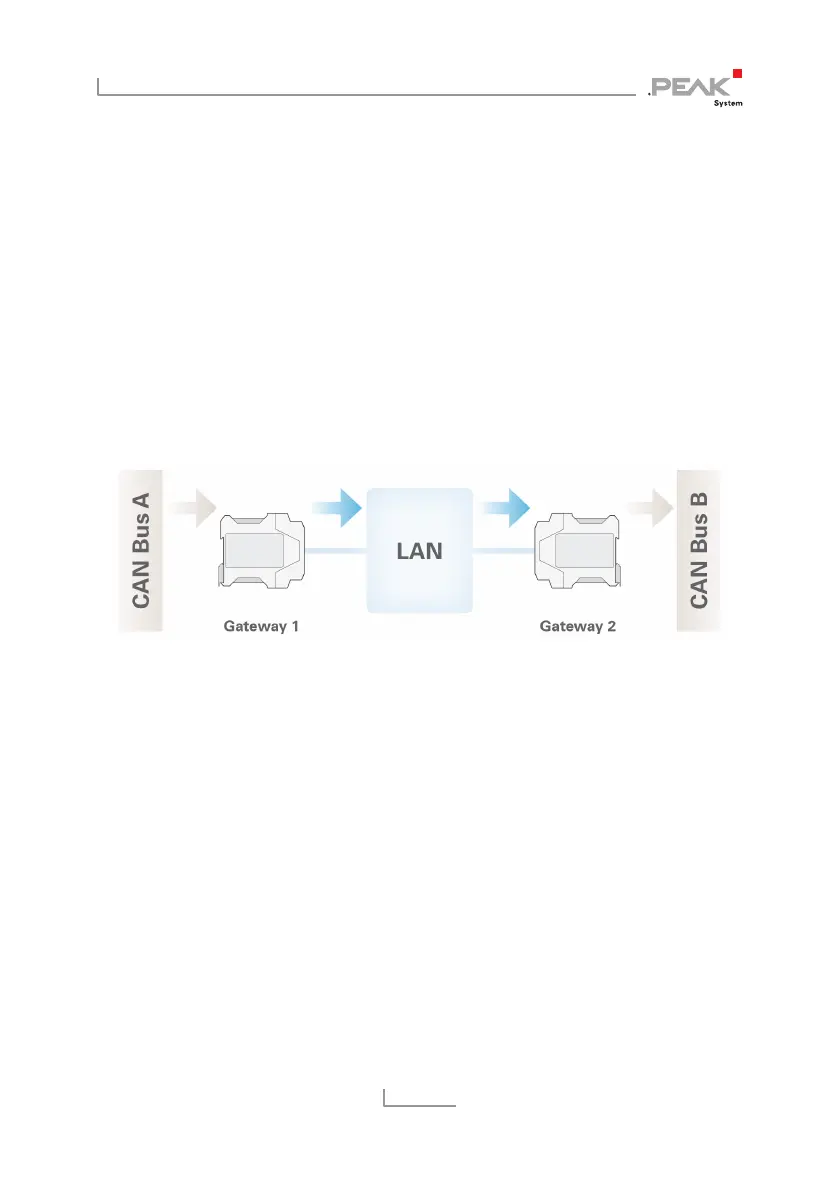
For unidirectional data transmission the message traffic from CAN
bus A is to be forwarded to CAN bus B via a LAN network.
Necessary for this are two PCAN-Ethernet Gateways DR and the
creation of a route on each device.
In this example Gateway 1’s IP address is 192.168.1.201 and it is
connected to CAN bus A via CAN channel 1. Gateway 2’s IP address
is 192.168.1.202 and it is connected to CAN bus B via CAN channel
2.
Creating a Send Route:
Incoming messages from Gateway 1 are to be transferred into the
LAN network. For this, a Send route with the following values must
be created.



 To Next Page