PCAN-Ethernet Gateway FD DR – User Manual
20
3.3 Installing the PCAN-Gateway
Do the following to connect the device to an IP network
(Ethernet):
1. Mount the PCAN-Ethernet Gateway FD DR at the
appropriate position on the DIN rail by placing it at the top
of the rail and snapping it to the bottom.
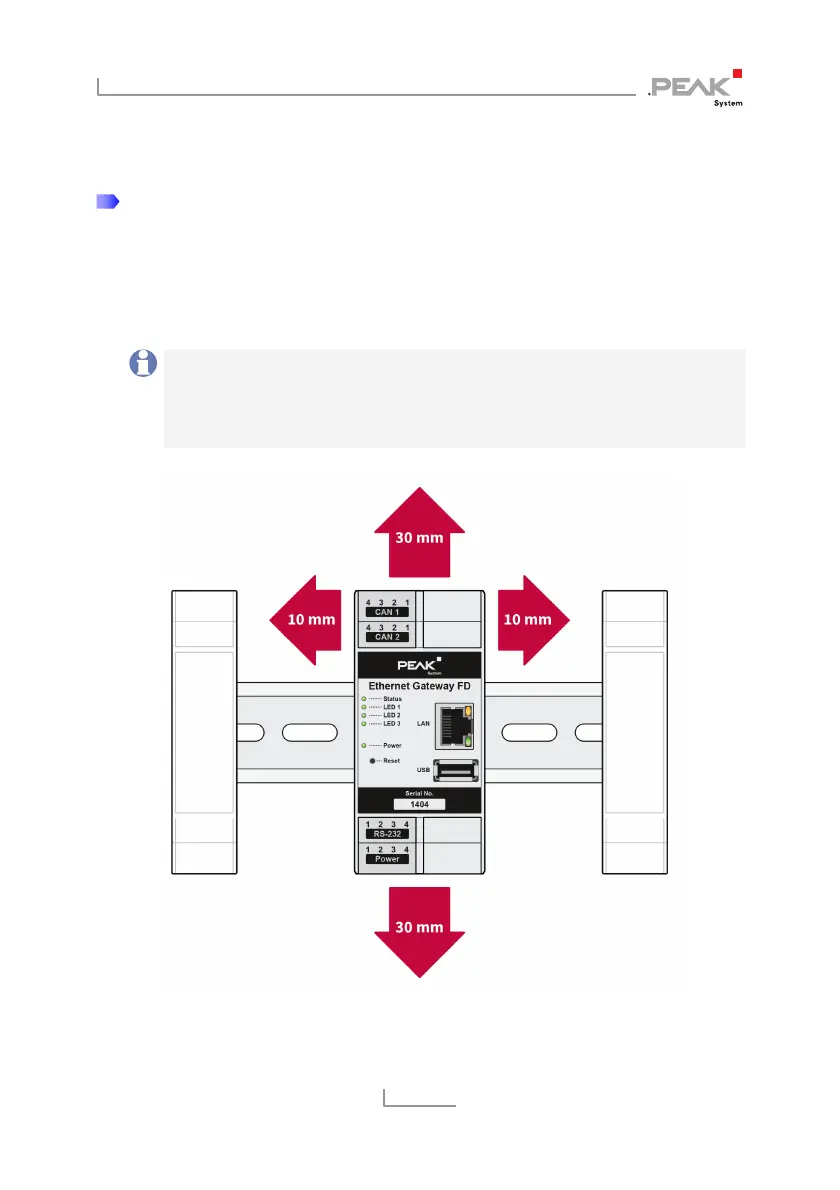
Note: Please consider the recommended installation
distances to ensure a suitable air flow for cooling. When a
temperature limit is exceeded, the device is actively cooled
with a fan.
Figure 13: Recommended installation distances



 To Next Page