PCAN-Ethernet Gateway FD DR – User Manual
27
5 Configuration
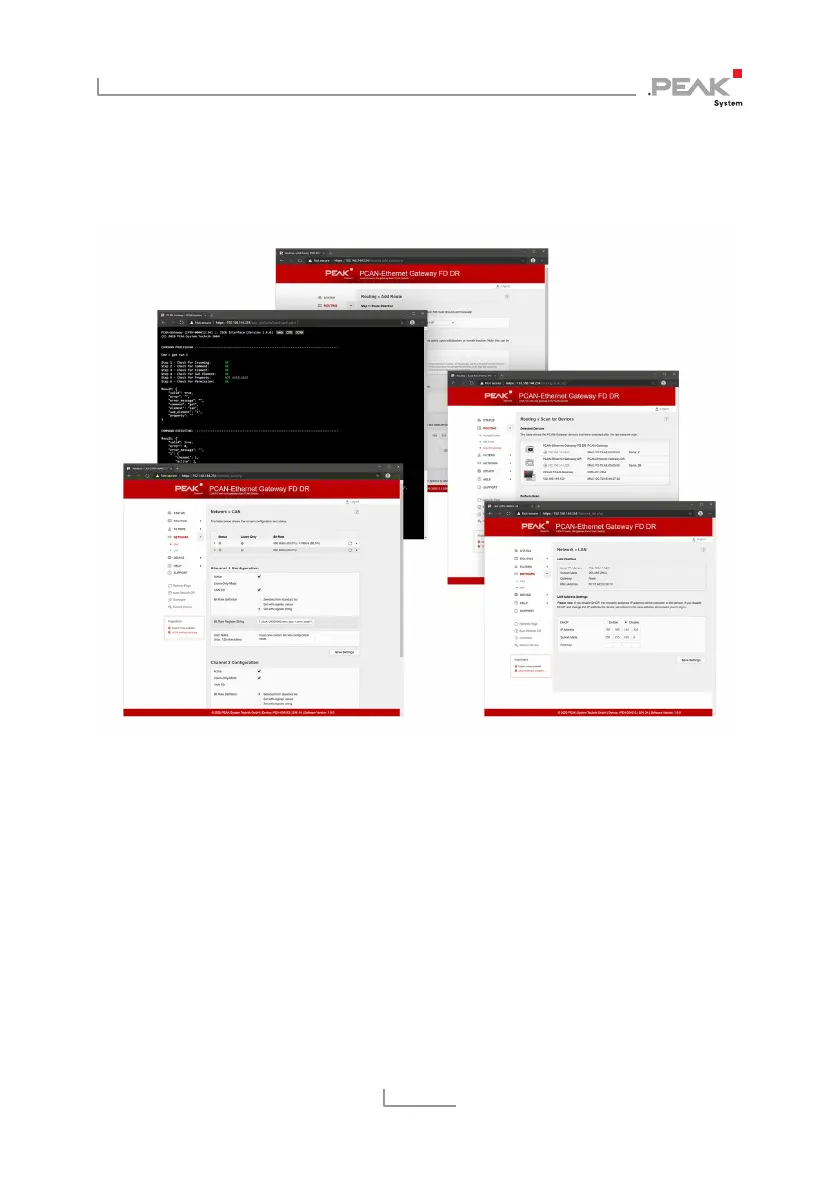
Figure 15: Configuration Website
The configuration of the device can be done via a comfortable web
interface. Enter the IP address of your PCAN-Gateway into the
address bar of your browser.
Afterwards, the configuration website opens. Besides providing a
variety of status information, the website can be used to manage
settings for the device, communication interfaces, message routing,
and filters.



 To Next Page