PCAN-Ethernet Gateway FD DR – User Manual
41
Name: While creation a name can be assign to a filter. It can be
used for identification while managing the filters or attaching them
to routes.
Type: This column displays the filter type (
Range
or
Mask
) and the
used CAN ID mode (11 or 29 Bit). Detailed information can be found
in chapter
5.4.2 Add / Edit Filter
.
Mode: The filter mode (
Blacklist
or
Whitelist
) indicates if the defined
filter is inverted or not.
Control Elements:
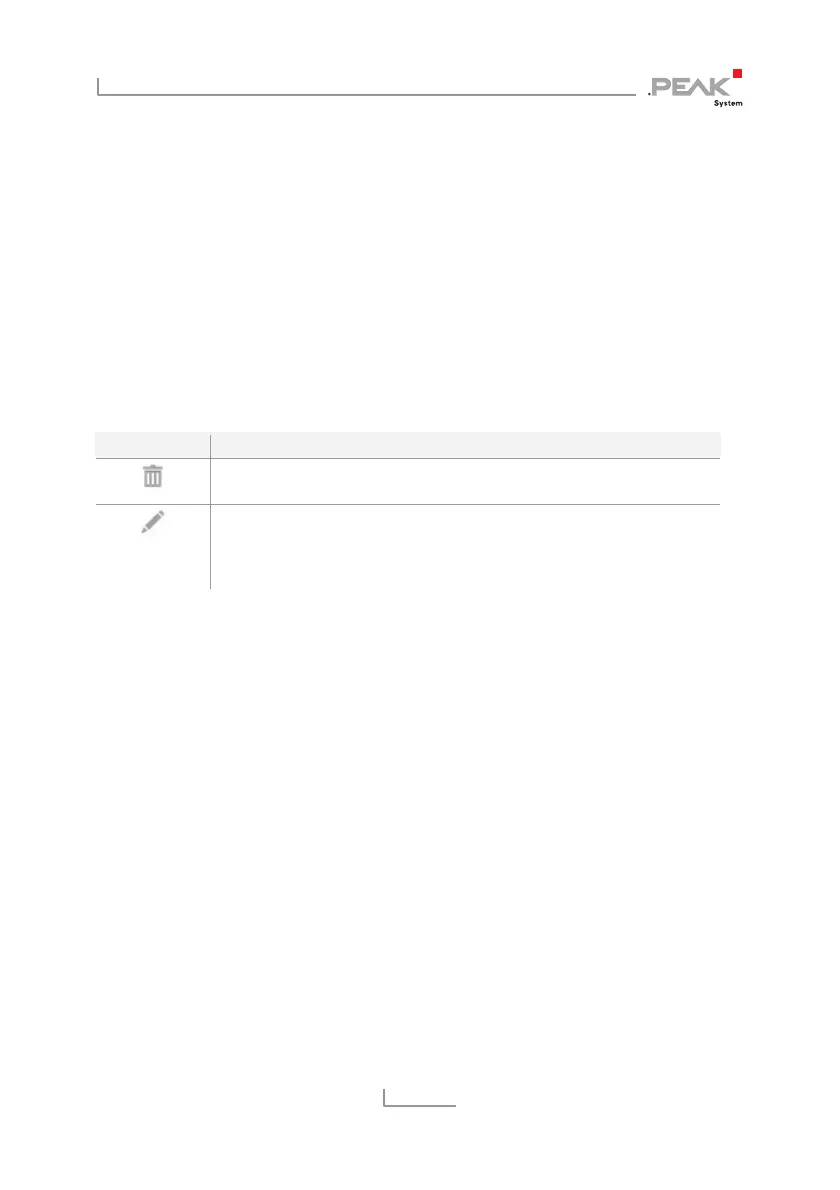
Symbol Meaning
Delete: Click the trash icon to remove the filter. If it is attached to
one or more routes, it will be automatically detached
Edit: Click on the pencil icon to edit the filter. The filter is loaded
into the forms of the page
Filters > Add Filter
. The same input and
configuration options are available there. Detailed information
can be found in chapter
5.4.2 Add / Edit Filter
Add Filter: The button below the information table opens the
Filters
> Add Filter
page on which you can set up a new filter. It is not
available if the limit of 32 filters is reached.
Detailed Information:
The filters are provided with detailed information. This additional
information can be viewed by clicking on the triangle icon located
on the right edge of the filter.
5.4.2 Add / Edit Filter
O
n this page you can set up a new filter. Similarly, an existing one
can be edited via the form displayed. For this, the current settings
are loaded into the form fields. Editing a filter is done via the page
Filters > Manage Filters
.



 To Next Page