PCAN-Ethernet Gateway FD DR – User Manual
30
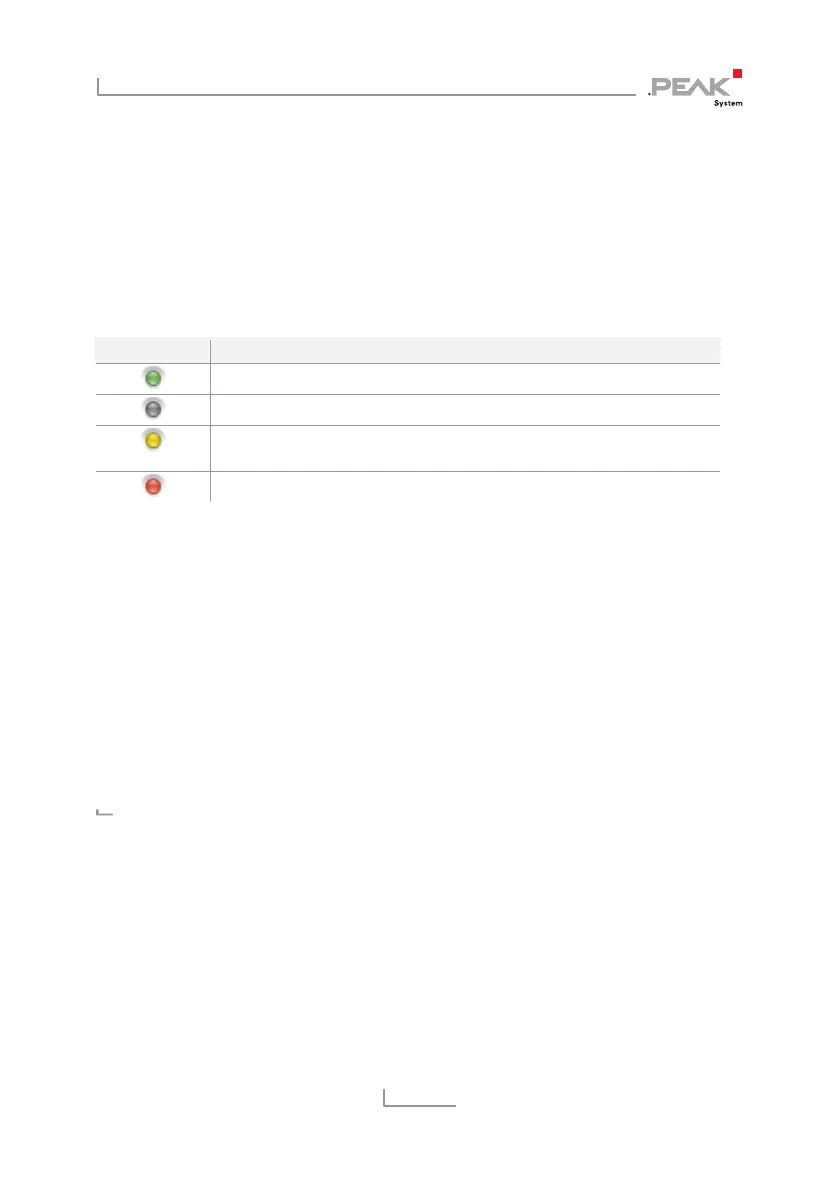
5.1.3 General Symbols
The configuration website uses a variety of different symbols and
icons to convey general information that is valid for many
situations.
In some cases, additional information is displayed as a tooltip when
you hover the mouse cursor over the icon.
LED Symbol Meaning
ON / active
OFF / inactive
Warning! The execution / function is prevented. The problem is
well known and can be eliminated.
Attention! An error prevents the execution / function.
5.2 Status
On the
Status
page the current device configuration is displayed.
Device Information:
In this box the product name, the order number, and the serial
number of the device are displayed. This information can be used to
uniquely identify the device.
On the
Device
page you will find detailed information about the
device
CAN Interfaces:
For each CAN channel the status, bit rates, and the setting of the
Listen-Only-Mode are displayed.



 To Next Page