PCAN-Ethernet Gateway FD DR – User Manual
16
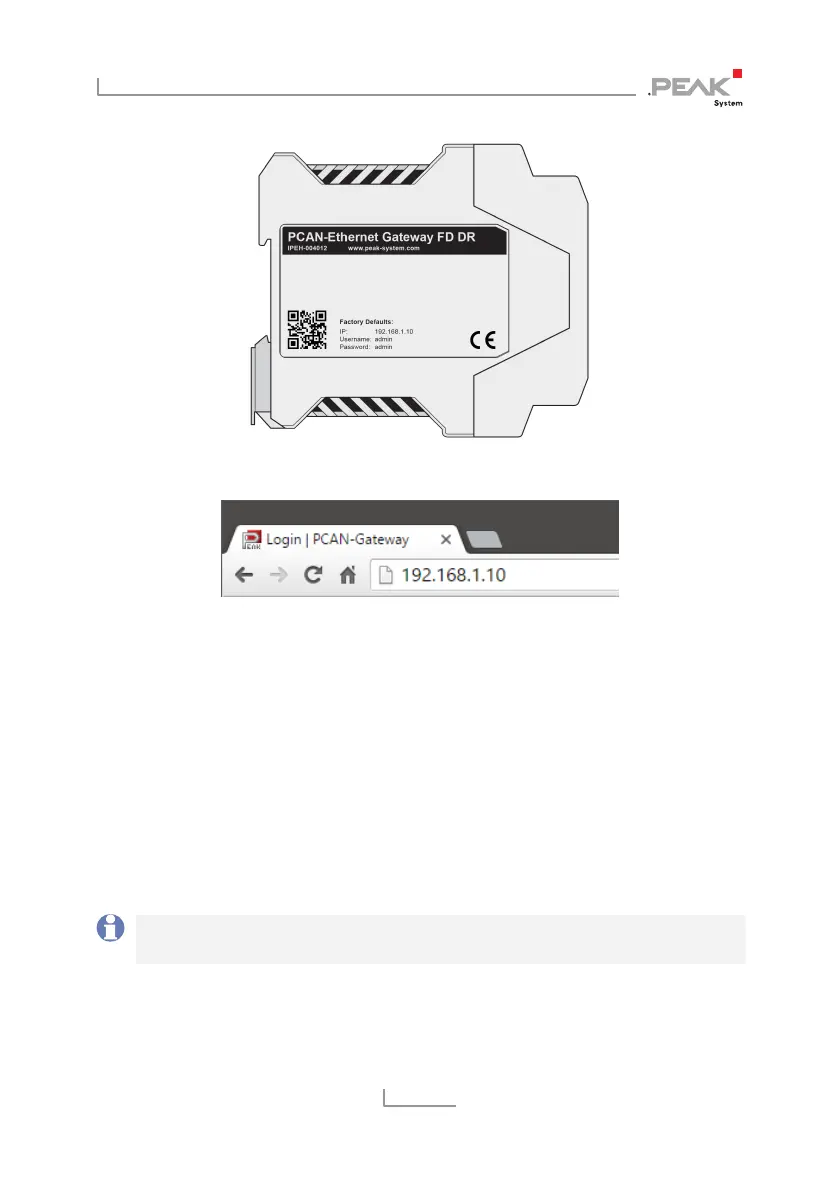
Figure 11: IP and access information on the left side of the device
Figure 12: Address bar of the web browser
This opens the configuration website.
6. In the upper right area of the configuration website you can
find the login.
7. Enter “admin“ for each the username and the password and
confirm with Enter.
The restricted area appears and you can start setting up the
PCAN-Ethernet Gateway FD DR. You can find a description
of the basic configurations in the following section 3.2.
Note: Afterwards, reset the computers IP address to the
previously noted address.



 To Next Page