PCAN-Ethernet Gateway FD DR – User Manual
34
With a Receive route the PCAN-Gateway receives data via the IP
interface and forwards it to a CAN channel. The IP address is
displayed in this case as "Local IP".
With a Send route the data of a CAN channel is forwarded over the
IP interface. By left-clicking the IP address of the receiver, its
configuration website can be opened.
Protocol: Routes can use TCP or UDP as transmission protocol in
the IP network.
TCP (Transmission Control Protocol) establishes a connection
between two participants and monitors their communication. If data
packets are lost for example, they are retransmitted.
UDP (User Datagram Protocol) sends the data packets directly into
the network without establishing a connection. With this protocol,
error free transmission is not guaranteed. The advantage UDP has
over TCP is the lower demand on performance.
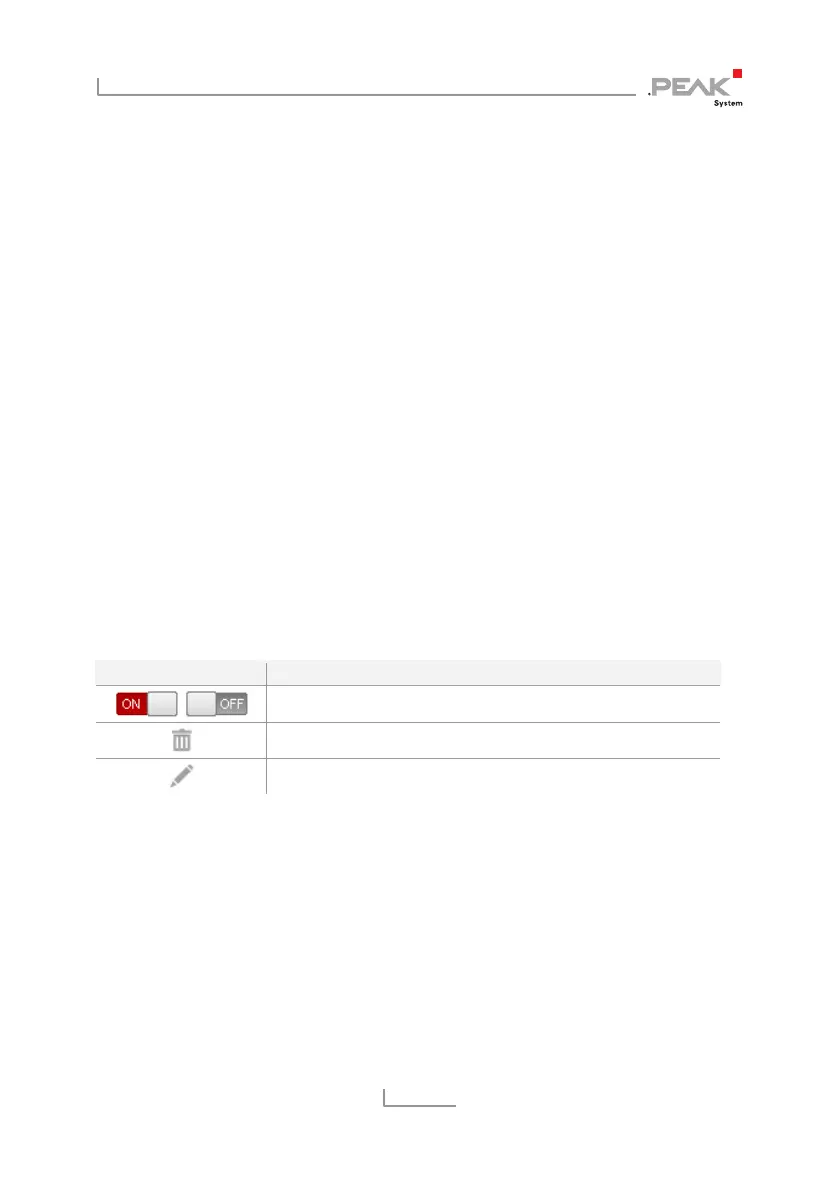
Control Elements:
Symbol Meaning
Switch ON / Switch OFF (depending on the current state)
Delete
Edit
ON/OFF: Use the "ON / OFF" switch to activate or deactivate a route.
Delete: Click on the trash can icon to remove the route.
Edit: Click on the pencil icon to edit the route. The route is loaded
into the forms of the page
Routing > Add Route
. The same input
and configuration options are available there. Detailed information
can be found in the following chapter 5.3.2.



 To Next Page