5
Sharing
95
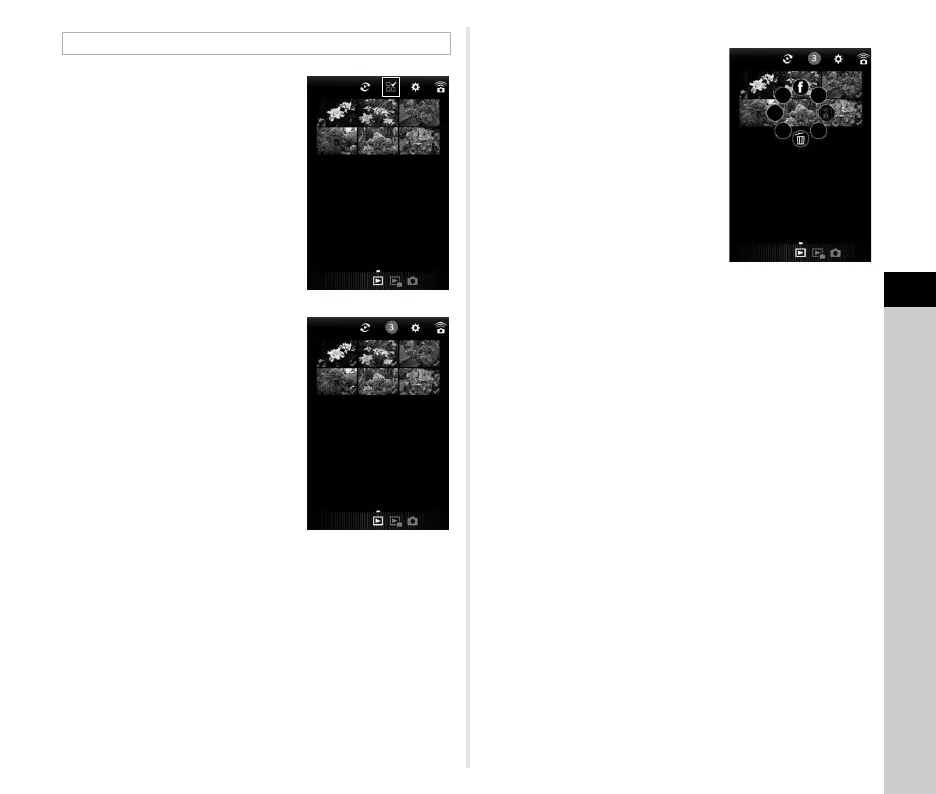
1 Tap 5.
2 Tap the images to select.
Blue check marks appear.
3 Touch and hold one of the selected images.
4 Select the desired action.
t Memo
• When you touch and hold the desired image on the image list
display screen or the shooting information display screen, the
same screen as Step 4 appears and you can select the action
to apply.
Selecting Multiple Images



 To Next Page