5
Settings
78
Sets the photographer and copyright information embedded in
Exif data.
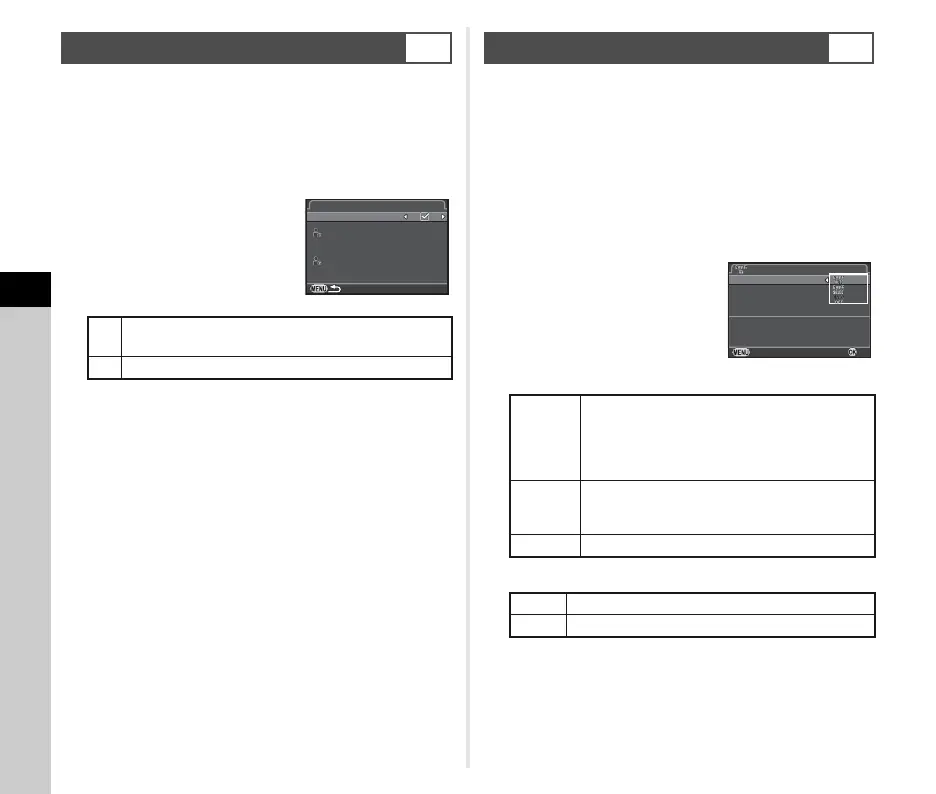
1 Select [Copyright Information] in D2 menu and
press D.
The [Copyright Information] screen appears.
2 Use CD to set [Embed
Copyright Data].
3 Select [Photographer] or [Copyright Holder],
and press D.
The text-entry screen appears.
4 Change the text.
Up to 32 single-byte alphanumeric characters and symbols
can be entered.
Refer to Steps 3 and 4 of “Editing a Setting Name” (p.73) for
how to enter text.
5 Press F twice.
t Memo
• The Exif information can be checked using the provided
software “Digital Camera Utility 5”.
A memory card with a built-in wireless LAN “Eye-Fi card” (Wi-Fi
transmission) or a “Flucard” compatible with this camera can be
used. By using these cards, images can be transferred from the
camera to a computer or other device via wireless LAN.
Select the camera action when using an Eye-Fi card or a
Flucard in [Wireless Memory Card] of the D 3 menu.
1 Select [Wireless Memory Card] in D3 menu and
press D.
The [Wireless Memory Card] screen appears.
2 Select [Action Mode].
Items that can be set are
displayed according to the type of
card inserted.
Eye-Fi card
Flucard
3 Specify [Auto Resize].
When set to T, JPEG images are saved to the Eye-Fi card
or Flucard at the size of r.
4 Press F twice.
Setting the Copyright Information
D2
S
Does not embed copyright information in the Exif.
(Default setting)
T
Embeds copyright information in the Exif.
Copyright Information
Embed Copyright Data
Photographer
Copyright Holder
Using a Wireless Memory Card
D3
AUTO
Transfers automatically when images are
taken, new images are saved, or images are
overwritten. (Default setting)
For movies, only files under 2 GB can be
transferred.
SELECT
Transfers images or folders that are selected in
[Eye-Fi Image Transfer] of the playback mode.
Only JPEG and RAW images can be transferred.
OFF Stops the communication function.
ON Enables wireless data transfer with Flucard.
OFF Disables wireless data transfer with Flucard.
Cancel
OK
Action Mode
Auto Resize
Communication Info
Firmware Info/Options
Wireless Memory Card
Automa ticall y trans fers
Automatically transfers
unsent image s from memory card
unsent images from memory card



 To Next Page