129
Shooting Functions
4
1
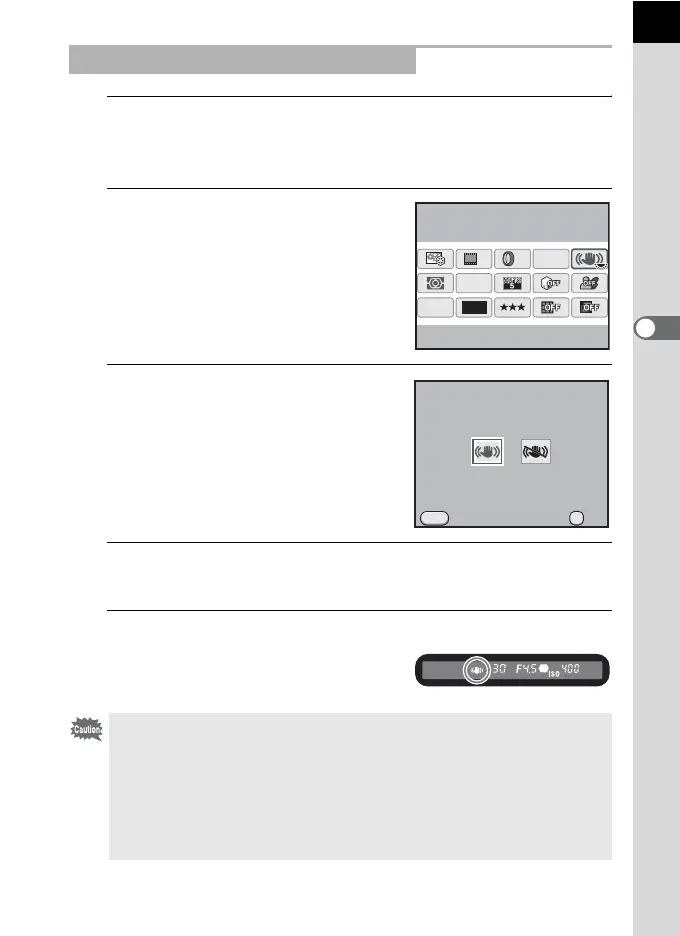
Press the M button in the status screen.
The control panel appears.
Press the M button when the status screen is not displayed.
2
Use the four-way controller
(2345) to select [Shake
Reduction] and press the 4
button.
The [Shake Reduction] screen appears.
3
Use the four-way controller (45)
to select k (On) or l (Off).
k: Uses Shake Reduction. (default
setting)
l: Does not use Shake Reduction.
4
Press the 4 button.
The camera returns to the control panel.
5
Press the shutter release button halfway.
k appears in the viewfinder and the
Shake Reduction function is activated.
Setting the Shake Reduction Function
• Be sure to turn the Shake Reduction function off when using the camera with
a tripod.
•
The Shake Reduction function automatically turns off in the following situations.
-Self-timer
- Remote control shooting
- Bulb shooting
- HDR Capture
- Using the external flash in the wireless mode
12M
[
37
]
10:30AM
JPEG
HDR
OFF
OFF
AF.A
OFF
10/10/’09
Shake Reduction
On
OK
MENU
Shake Reduction
Cancel OK
On



 To Next Page