87
Shooting Functions
4
Use the exposure modes to change the sensitivity, shutter speed and
aperture and take pictures according to your own photographic vision.
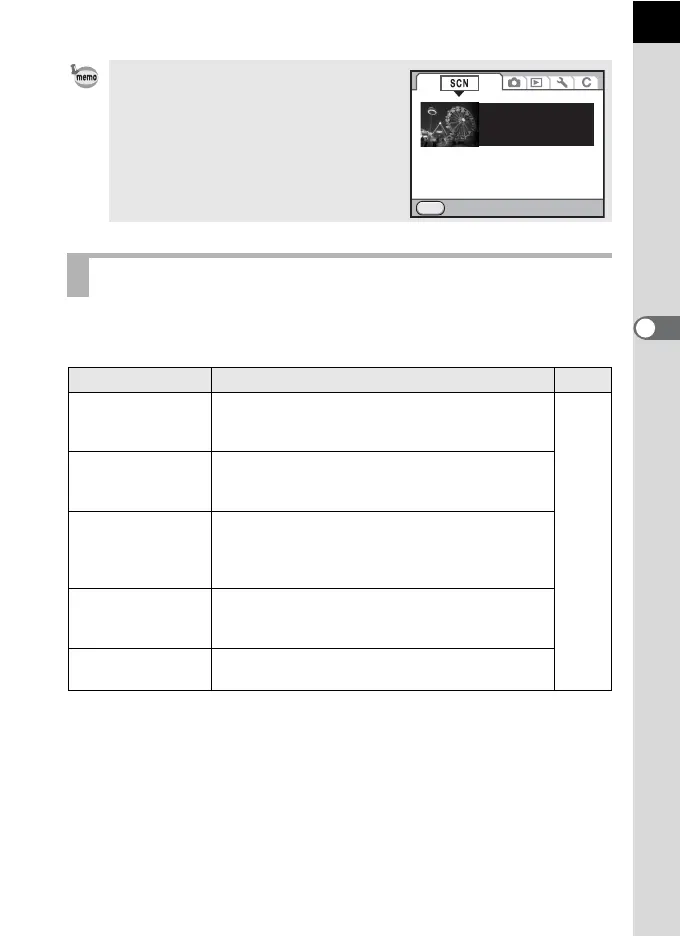
When the 3 button is pressed while
the mode dial is set to H (Scene), the [H
Scene] menu appears. The scene mode can
also be selected from the [H Scene]
menu.
Exposure Mode
Mode Characteristics
Page
e Program
Automatically sets the shutter speed and aperture
value to obtain the proper exposure according to
Program line when taking pictures.
p.93
K
Sensitivity
Priority
Automatically sets the shutter speed and aperture
value to obtain the proper exposure according to
the set sensitivity.
b
Shutter Priority
Lets you set the desired shutter speed to freeze or
emphasize subject movement. Take pictures of
fast moving subjects that look still or subjects that
give a sense of movement.
c
Aperture
Priority
Lets you set the desired aperture value for
controlling the depth of field. Use it to obtain a
blurred or sharp background.
a Manual
Lets you set the shutter speed and aperture value
to capture the picture with creative intent.
MENU
Exit
Used for night scenes.
Use a tripod, etc. to
prevent shaking
Night Scene



 To Next Page