211
Playback Functions
7
4
Press the four-way controller (5)
and use the four-way controller
(23) to change the setting.
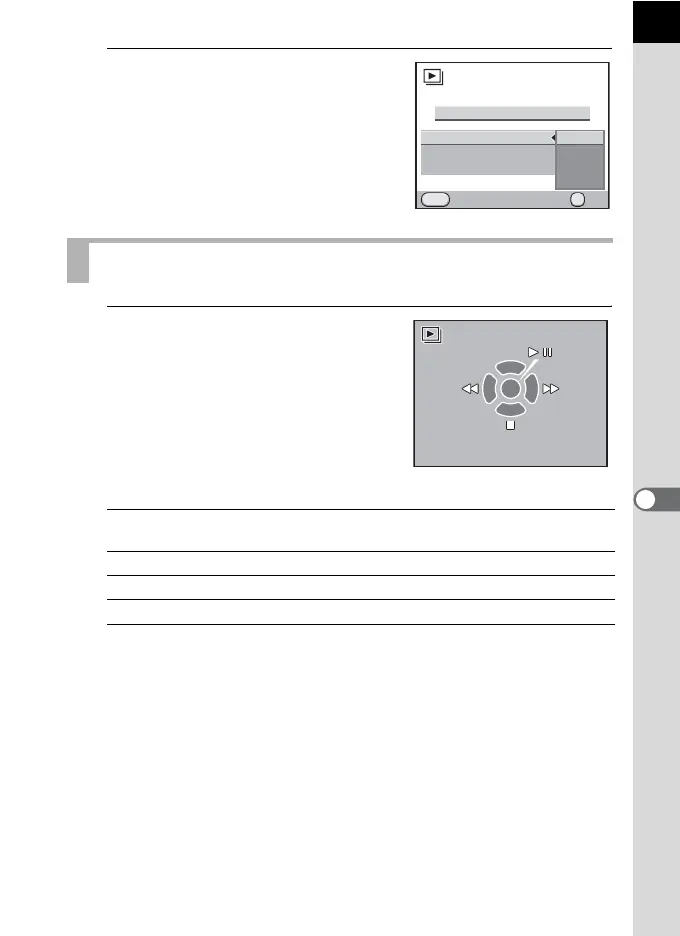
1
Select [Start] in Step 3 on p.210
and press the 4 button.
Or, select u (Slideshow) in the
playback mode palette and press
the 4 button.
The start screen is displayed and the
slideshow begins.
Available operations
Starting the Slideshow
4 button Pauses playback. Press again to resume
playback.
Four-way controller (4) Shows the previous image.
Four-way controller (5) Shows the next image.
Four-way controller (3) Stops playback.
Interval
Screen Effect
Repeat Playback
Start
Cancel
MENU
OK
OK
3sec.
5sec.
10sec.
30sec.
OK
Start



 To Next Page