253
Changing Additional Settings
9
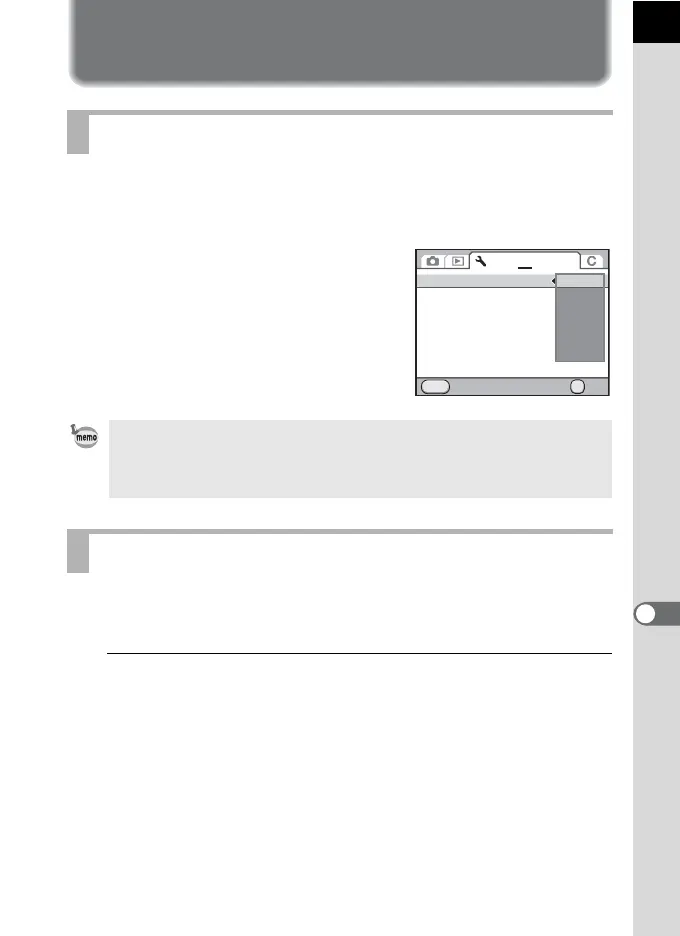
Selecting the Power Settings
You can set the camera to turn off automatically if unused after a certain
length of time. Select from [1 min.] (default setting), [3 min.], [5 min.],
[10 min.], [30 min.] or [Off].
Set in [Auto Power Off] of the [R Set-up 3]
menu (p.241).
Sets the type of batteries used in the camera. The default setting is [Auto-
detect].
1
Select [Select Battery] in the [R Set-up 3] menu and press
the four-way controller (5).
The [Select Battery] screen appears.
Setting Auto Power Off
The Auto Power Off function does not work in the following situations.
- When the Live View is displayed
- When the slideshow is played back
- When the camera is connected to a computer with the USB cable
Setting the Battery Type
MENU
123 4
OK
OK
Auto Power Off
Select Battery
Reset
Cancel
1min.
3min.
5min.
10min.
30min.
Off



 To Next Page